
API and AI
Your archive, wherever you work
Ask EMA a question in an AI chat, build it into your own systems, or see the history of a customer right inside your business application.
AI Integration
All you have to do is ask
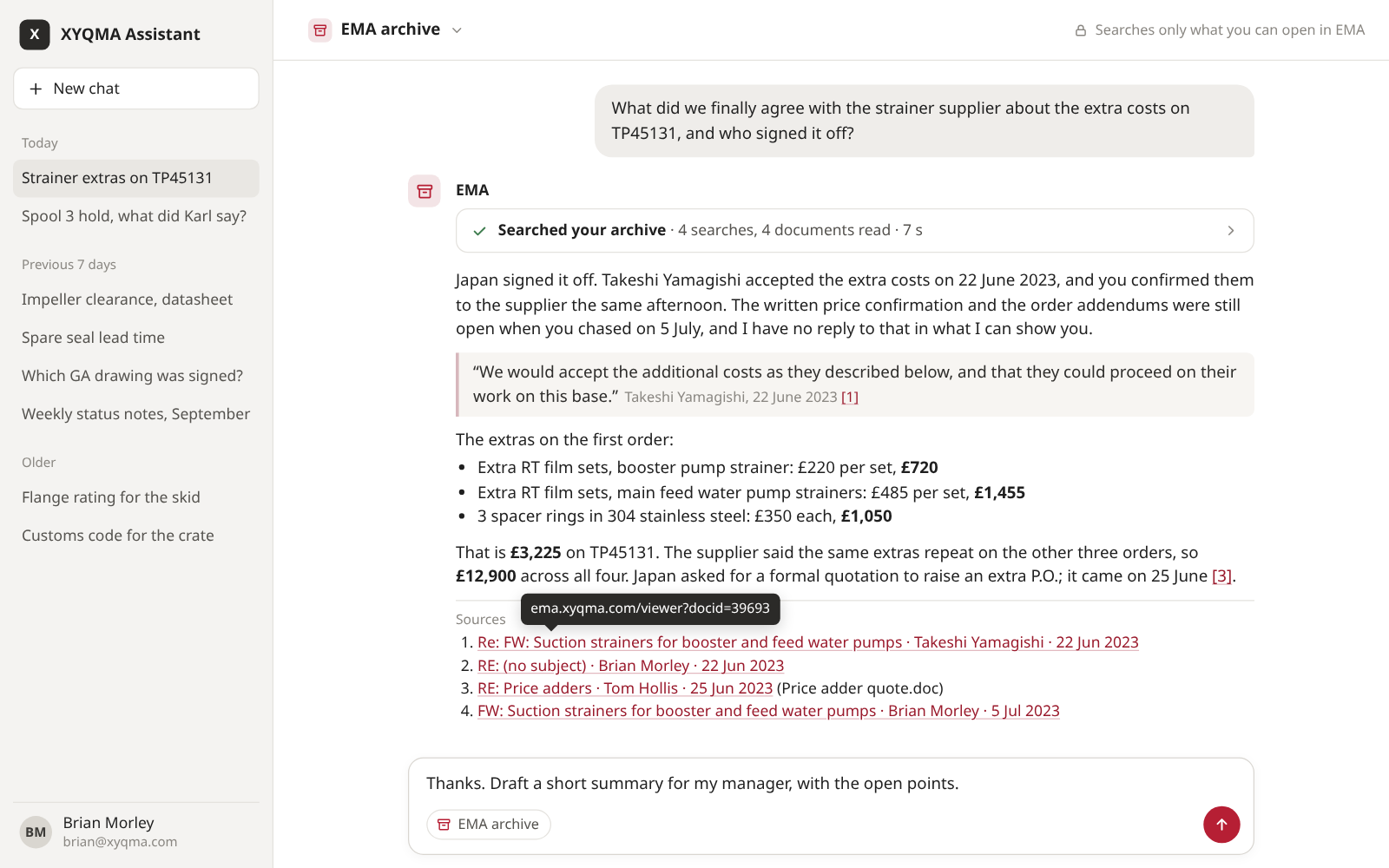
An AI assistant signs in as the person asking, tries search after search, reads what it finds and answers with links to the documents. It sees only what that person may see.
Chat with your archive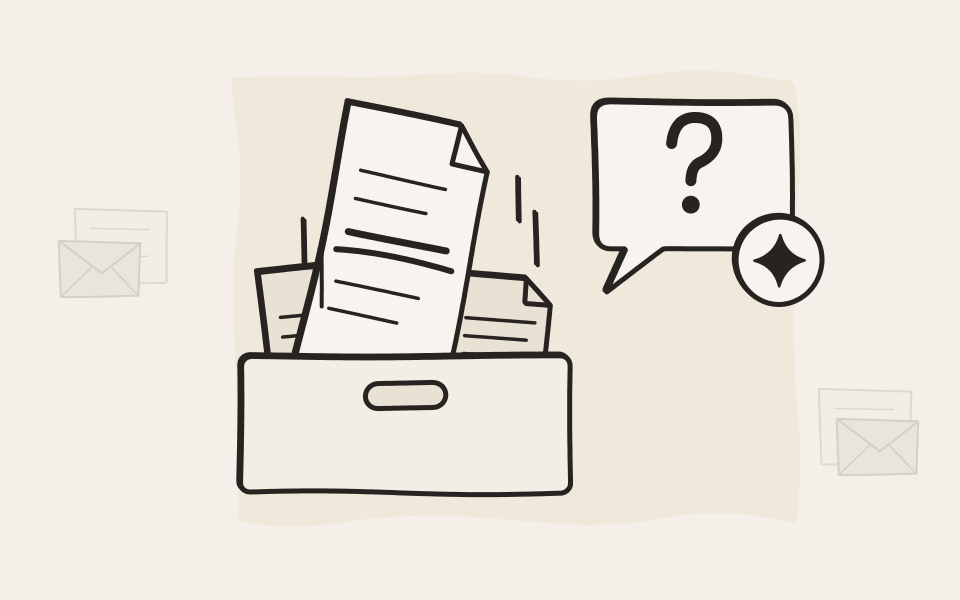
User and System API
Build on your archive
The User API works as one person, with exactly their permissions. The System API works for your organization, for migrations, compliance and reports. We even built EMA Scan Client on the same API you get.
Explore the APIs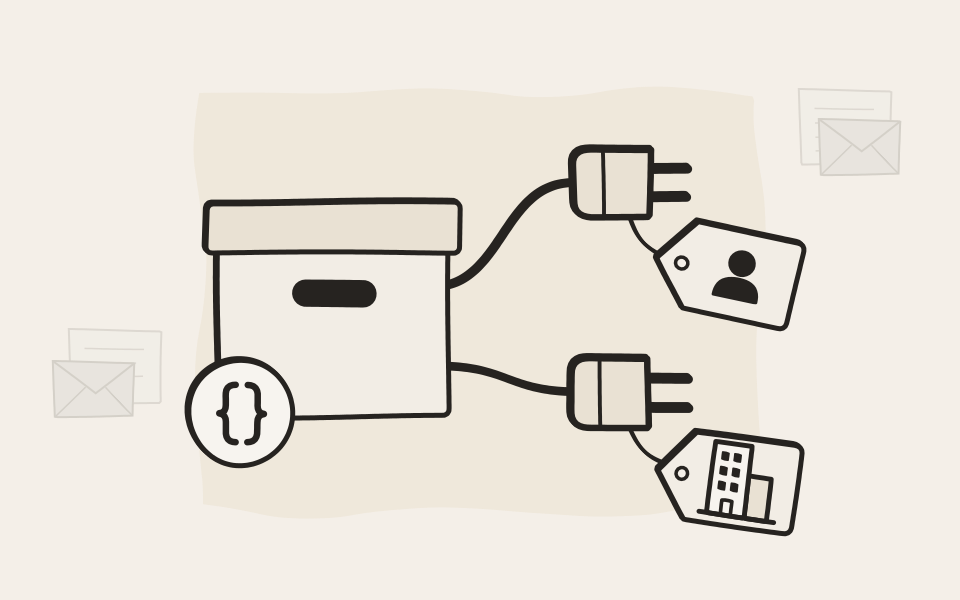
SMART Link
The history beside the record
Open a customer, an order or a ticket in your own application, and every archived email and every archived document about it is right there. Single sign-on, and everyone sees only what they may.
See SMART Link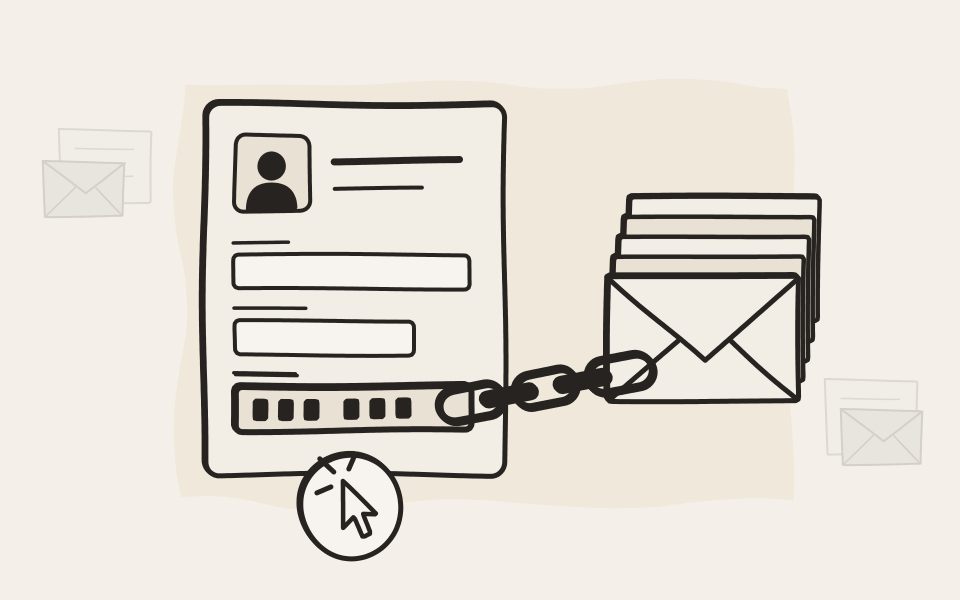
How it connects
Three ways in, one archive
Your admin switches on each way in. Every document stays signed and under your retention rules, whichever way it is reached.
A diagram: AI assistants and your own apps reach EMA through the User API, as one person. Back-end systems use the System API, for the organization. Business applications open EMA through SMART Link with single sign-on.
flowchart LR
  A["`**AI assistant**
asks for one person`"]:::mid --> U["`**User API**
as that person`"]
  B["`**Your apps**
portals, scanners`"]:::mid --> U
  C["`**Back-end systems**
migration, reports`"]:::mid --> S["`**System API**
for the organisation`"]
  D["`**Business application**
customer, order, ticket`"]:::mid --> L["`**SMART Link**
with single sign-on`"]
  U --> E[EMA]:::ema
  S --> E
  L --> E
Swipe sideways to see the whole diagram.
Freedom of choice
Your AI, or none at all
EMA doesn't bundle an AI and never pushes you toward one. Connect the assistant and the model you trust, whenever you are ready, or leave AI out entirely. Your archive works just as well either way.


Tell us what you want to connect
An AI assistant, your ERP, a ticket system. Describe it in a few lines and we'll show you the quickest way there.