
APIs
Build on your archive
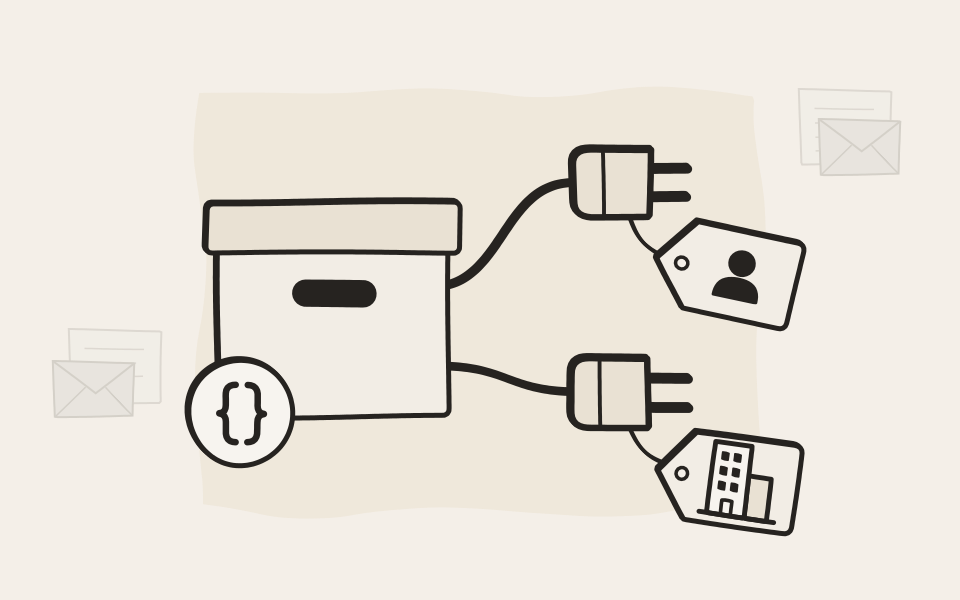
Two REST APIs. The User API works as one person, with exactly their permissions. The System API works for your organization. We built our own apps on them, so you know they hold up.
User API
Your app, one person's archive
For apps and AI assistants that work on someone's behalf. They see what that person sees, and nothing more.
Works as one person
Every call runs with the permissions of the person who signed in, checked by the same rules as the web interface: delegations, private documents, department archives, attribute rights. A document someone may not see simply isn't there for the app. Admin accounts can't sign in to it at all.
Standard OAuth 2.0, done properly
Apps sign in with the authorization code flow and PKCE, so desktop and mobile apps need no secret. Point your OAuth library at one discovery address and it sets itself up. Access tokens last fifteen minutes, and no key ever goes into a link.

We built EMA Scan Client on it
Our own scanning app signs in and archives through the very same User API you get. It runs every day at customer sites. If we can build a real product on it, so can you.
Discover EMA Scan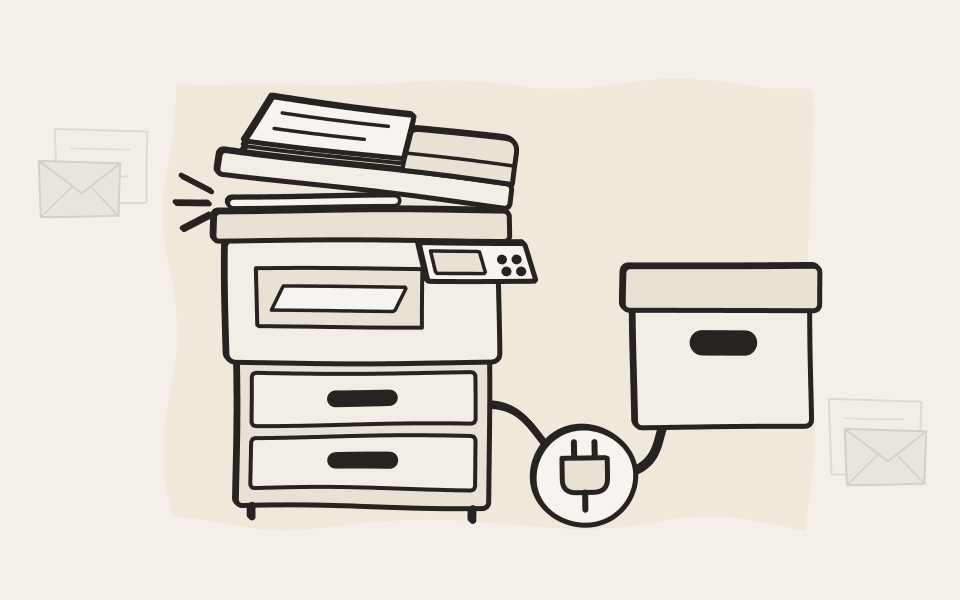
Search and read
Search like the web interface, use saved searches, and read the text of every document the person may see.
Download originals
Fetch a document as archived, or find an email by its Message-ID.
Archive from your app
Upload files, archive messages and file scans into the person's own archive.
Read and write attributes
Fill in invoice numbers, projects or tags, under the rules you set for each attribute.
Only what the app needs
Grant each app only the permissions it needs. Search and read alone means it can't download, archive or change anything.
For whom you choose
Limit an app to certain people or directory groups, checked again at every sign-in.
Withdrawn in one click
Switch an app off or invalidate all its tokens, and access ends on the next call.
On record
Every app registration and attribute change goes into the Audit Log. Log every API request too, if you want.
How an app gets in
Register the app
An admin adds the app in EMA, picks its permissions and the address it may return to.
Sign in once
The person signs in with their usual EMA account, with single sign-on where you have it.
Work as that person
The app searches, reads or archives with exactly that person's permissions.
Withdraw any time
Switch the app off, or take away a permission, and it applies on the next call.
System API
Your organization's back end
For migrations, compliance workflows, reports and the systems that keep your archive in step with the rest of your IT.
Off until you switch it on
Each capability, from search to deletion, has a key of its own and stays off until an admin sets its password. A key for one capability opens nothing else, and a new password retires the old one at once.
Reach across the whole organization
A System API key works across every archive in your organization, beyond any single user's permissions. That is what migrations and compliance tools need, and why it belongs in your back end, never in front of users. For people, there is the User API.

Deletion that still follows your rules
Delete up to a thousand documents per call, and EMA still checks every one against minimum retention, legal holds, write-once storage and open cases. Every deletion goes into the Audit Log.
Search and download
Find and fetch documents across the whole archive, for audits, discovery and your own processes.
Archive mail and files
Archived mail takes the same path as live email. It is signed, indexed and kept under your retention rules. Journal reports go straight in.
Attributes at scale
Set invoice numbers, projects or case tags on thousands of documents from your own systems.
Delegations and domains
Keep delegations, local domains and archiving rules in step with your directory.
Reports and analytics
Usage reports of any size and counts across many searches in one pass.
Call recording
Let your phone system start and stop recording through EMA Voice.
Certificates
Roll out new certificates from your own PKI, without a visit to the web interface.
Clean shutdown
Your UPS can shut EMA down cleanly when the power fails.
User API or System API?
Swipe sideways to see the whole table.
| Capability |
User API
As one person
|
System API
For the organization
|
|---|---|---|
| Who it works for | ||
| Works as | One signed-in person | Your organization |
| Sees | What that person may see | Everything in its capability |
| Best for | Apps, portals, AI assistants | Migrations, compliance, reports |
| Access | ||
| Sign-in | OAuth 2.0 with PKCE | Key and password |
| Switched on | Per app | Per capability |
| Withdrawn | One click | A new password |
| What it can do | ||
| Search and read | ||
| Download originals | ||
| Archive files and mail | ||
| Read and write attributes | ||
| Delete documents | ||
| Delegations, domains, certificates | ||
| Reports and analytics | ||
For developers
Everything you need is in the box
Documentation, an SDK and examples come with EMA. No portal to sign up for.
.NET SDK
Typed clients for both APIs with sign-in, paging, retries and certificate pinning built in. Download it from your EMA.
Documentation inside EMA
Every endpoint with request examples in curl and C#, opened right from the web interface.
No rate limits
Your integration runs as fast as your archive answers.
Stable by promise
Within a major version, updates don't remove a field, change a type or add a required parameter. What you build keeps working.
Your say before a save
A webhook lets your own service approve, reject or correct attribute changes before EMA saves them.
PowerShell for imports
EMA Mail Import Tools bring in Microsoft 365, Exchange, IMAP, PST and more, scripted your way.
A certificate you can pin
API calls use a port with its own certificate, so your app knows it is talking to your EMA.
Events on the way
Scripts that react the moment a document is archived are coming.
Questions about the APIs
Are the APIs free?
Yes. There's no charge for the APIs or for the SDK.
Which EMA editions include them?
The User API comes with every edition. The System API and the SDK come with every edition from Business Professional up. The smallest edition is a compact archive for small offices and leaves out the System API and the SDK.
What kind of apps can I build?
Anything that should find things in your archive or add to it. Typical examples: a portal where people see their own documents, a capture or scanning app, an ERP or CRM that archives what it sends and fills in attributes, a migration from another system, compliance reports, deletion jobs that follow your retention rules, and AI assistants. We built EMA Scan Client on the User API ourselves.
What's the difference between the User API and the System API?
The User API works as one person. An app signs in on someone's behalf, and EMA applies that person's permissions to every call, so the app never sees more than they would. The System API works for your organization. Back-end jobs such as migrations, reports and deletion reach across all mailboxes, one capability at a time, each switched on with its own password. As a rule of thumb, a person in front of a screen means User API, and a job running in the background means System API.
How do apps sign in?
User API apps sign in with OAuth 2.0. An admin registers the app, and each person signs in once with their own EMA account, so the app never stores a password. System API calls use an API key and a password for each capability. To lock an app out, an admin deactivates its registration or a password is changed, and either takes effect at once.
Can the System API delete too much?
No. It deletes only the documents you name by their document IDs, up to 1,000 per call. There's no "delete everything older than" job. Minimum retention, legal holds, deletion locks and WORM storage still apply, and every deletion is recorded in the Audit Log.
Is there documentation, sample code or a test system?
Yes. The full API reference comes with EMA, with request examples. A .NET SDK with typed clients takes care of sign-in, paging and retries. If you'd like a test system to build against, we can arrange one.
Can you build an app for us?
We don't build custom apps ourselves, but our partners do, and we'll put you in touch with the right one. Our developer support helps whoever writes the code, your own team or a partner.
Can I suggest a new API?
Please do. Tell us what you need and what for. If it fits our roadmap, we'll add it.
Do the APIs work with EMA Cloud as well as EMA on-premise?
Yes, and they work exactly the same. An app written for one runs against the other without changes.
Will the APIs stay stable when EMA updates?
Yes. Within a major version we don't remove or rename error codes, remove response fields, change a field's type, make an optional parameter required or reject values we used to accept. New fields, endpoints and optional parameters can appear, so code that ignores what it doesn't know keeps working. Only a security flaw or a serious bug could force an exception, and then we keep the change as small as possible and announce it in the release notes.

Tell us what you want to build
An AI assistant, a migration, a link from your ERP. Describe it in a few lines and our developers tell you which API fits and how to start.