
Security
Every document stays exactly as it arrived
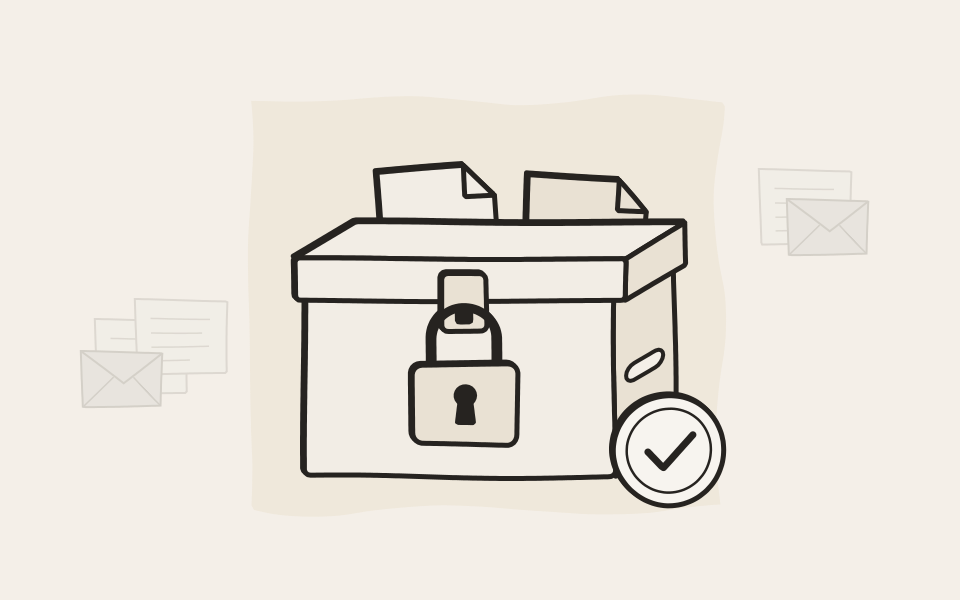
EMA signs and encrypts each document the moment it arrives, checks on a schedule that nothing has changed, and lets in only the people you allow. Ten years from now you can still prove it.
Signatures
Proof that nothing has changed
EMA signs every document when it arrives. Years later you can still show that it is the one that was archived.
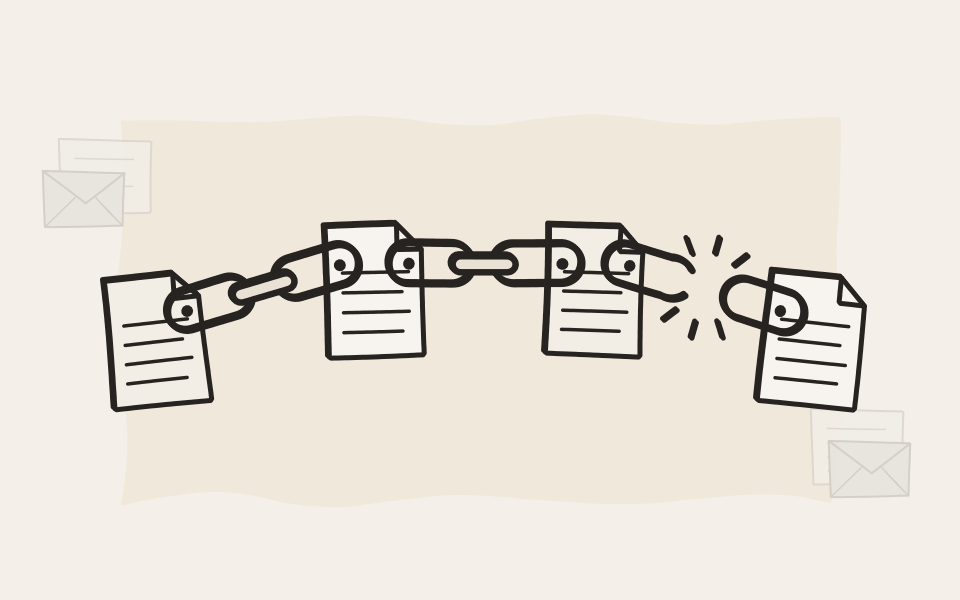
Each signature holds the one before
Every signature includes a fingerprint of the signature before it. Change a single document and its signature no longer matches. Take one away and the chain shows a gap. Nobody can quietly rewrite a document from five years ago.
Only a fingerprint leaves your network
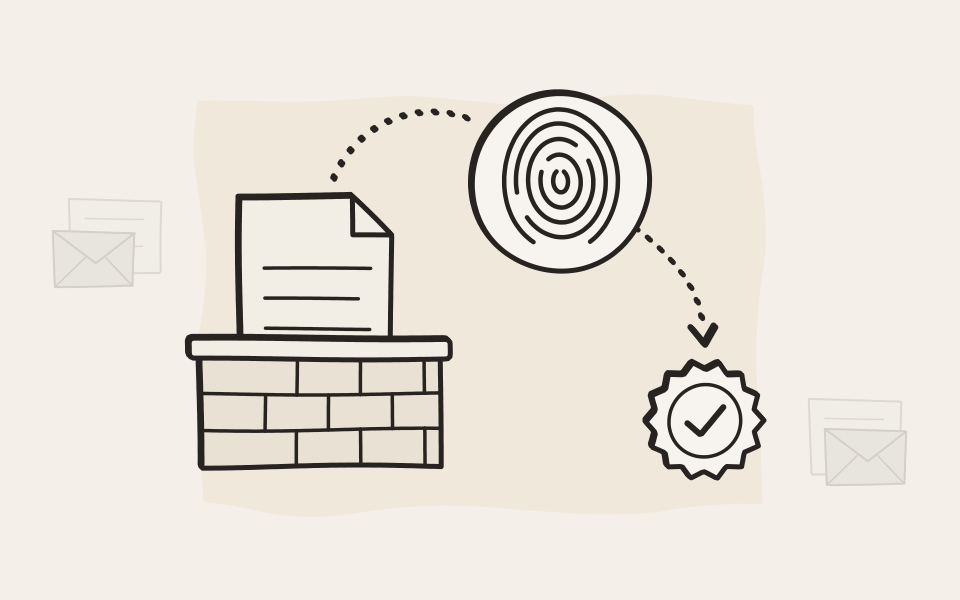
To sign a document, EMA sends a fingerprint of it to our digital signature service, never the document itself. Open the signature of any search result and you see at once whether the document is still the one that was archived.
Check a signature yourself
One click on the signature icon of any search result.
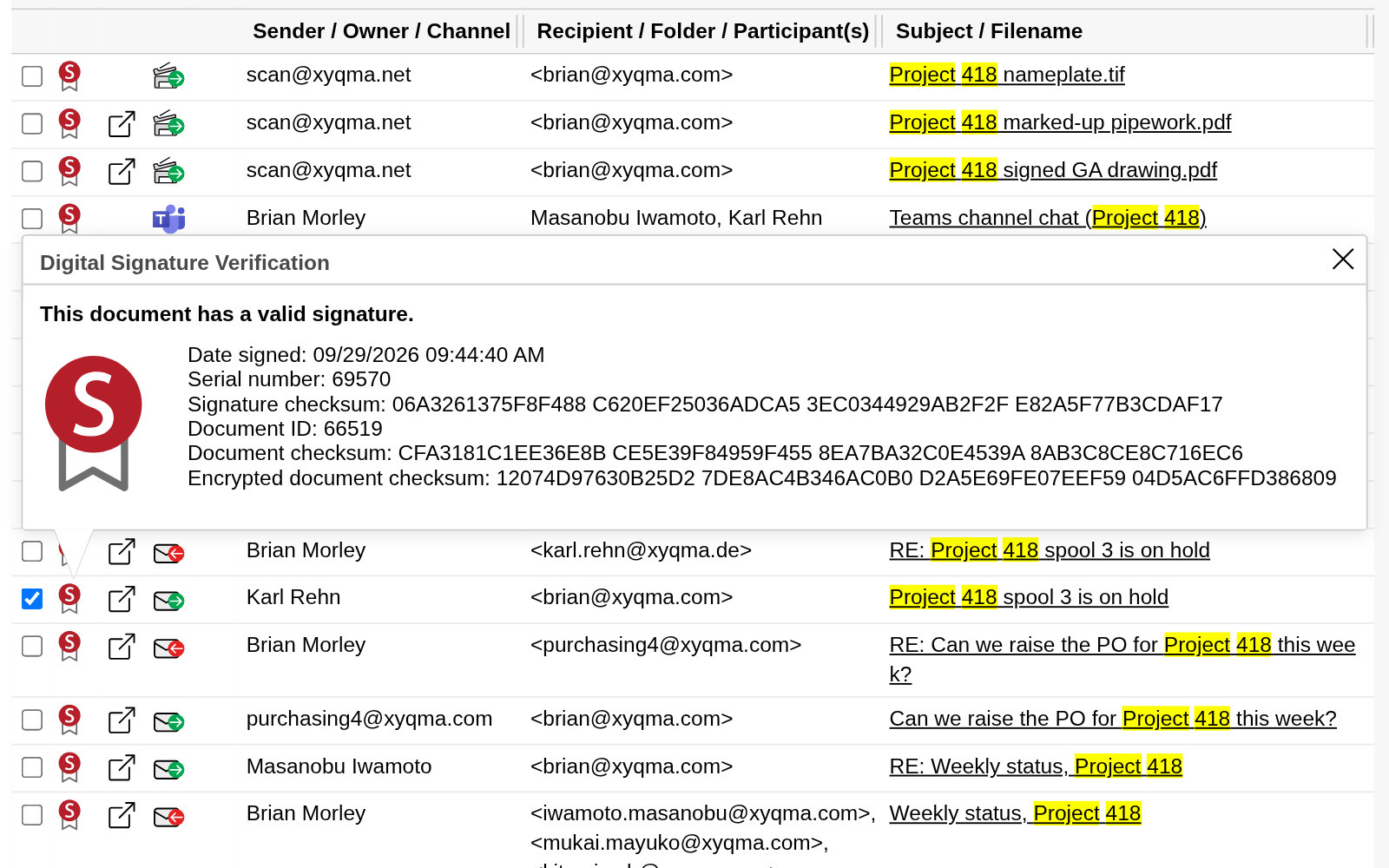
Click the signature icon
EMA checks the document against the fingerprint it signed when the document arrived, and tells you whether the signature is still valid.
- The archive checks the signature: still valid.
- The fingerprint of the document as it was archived.
Storage
Encrypted, checked and backed up
Every document is kept as three plain files: the document, its details and its signature. That makes it simple to encrypt, to check and to restore.
A key for each archive
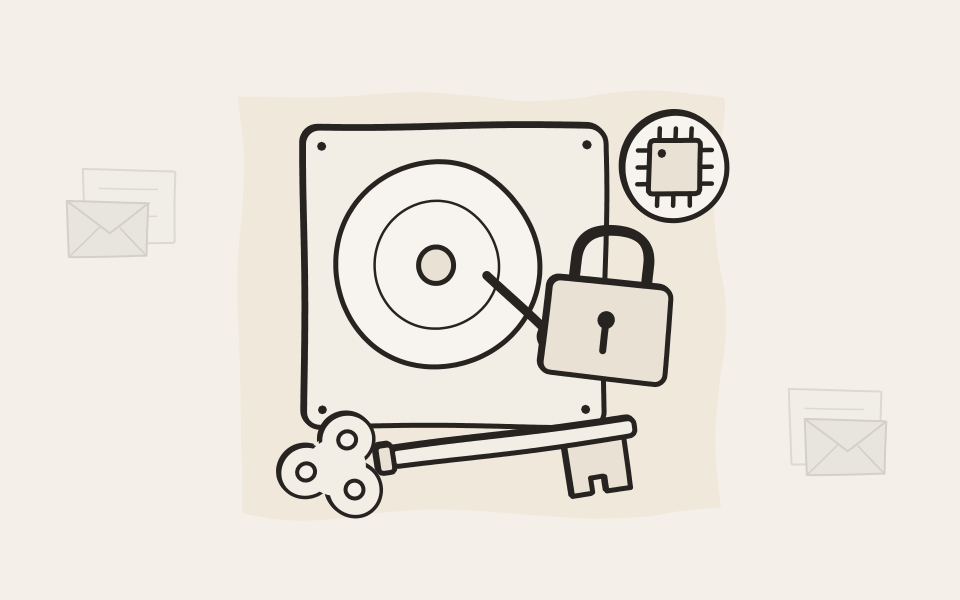
Archive files are encrypted with AES-256, with a key of their own for each archive. On EMA On-Premise the key is guarded by the archiver's Trusted Platform Module, inside a chain of trust that starts when you press the power button. Backups are encrypted as well.
Checked, on a schedule you choose
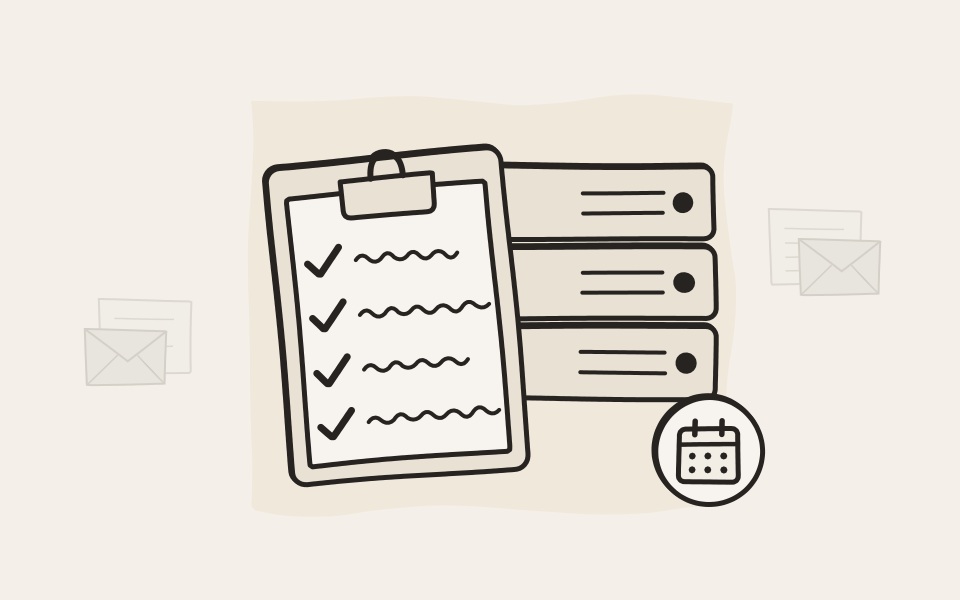
The Integrity Check reads back every document, its details and its signature, on demand or on a schedule from daily to yearly. It checks your backup storage too, so you know the copy is sound before you need it.
Backed up where you want
Back up on a schedule, or have EMA copy each document to the backup storage the moment it is archived, so your backup keeps pace with the archive. Write it to a Windows share or NFS, to block storage such as USB, iSCSI, DAS or Fibre Channel disks, or to a second EMA at another site with storage of its own. Restoring is copying files back.
Keep backups out of reach with VSTOR Vault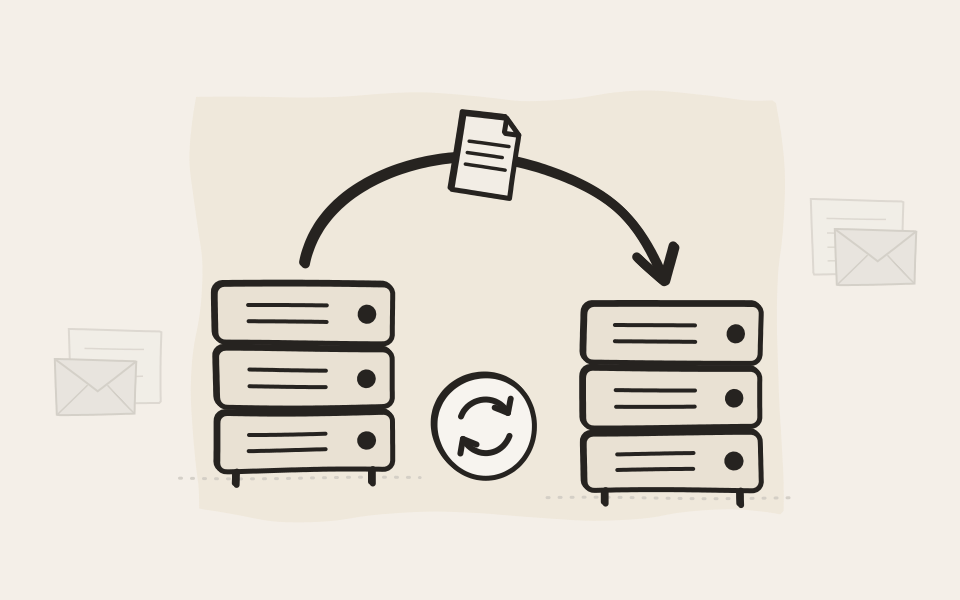
EMA Cloud
One customer, one EMA
No tenants sharing one archive. Every customer gets an EMA of their own, with their own keys. EMA Cloud stores your archive only in US data centers.
Only you hold the key
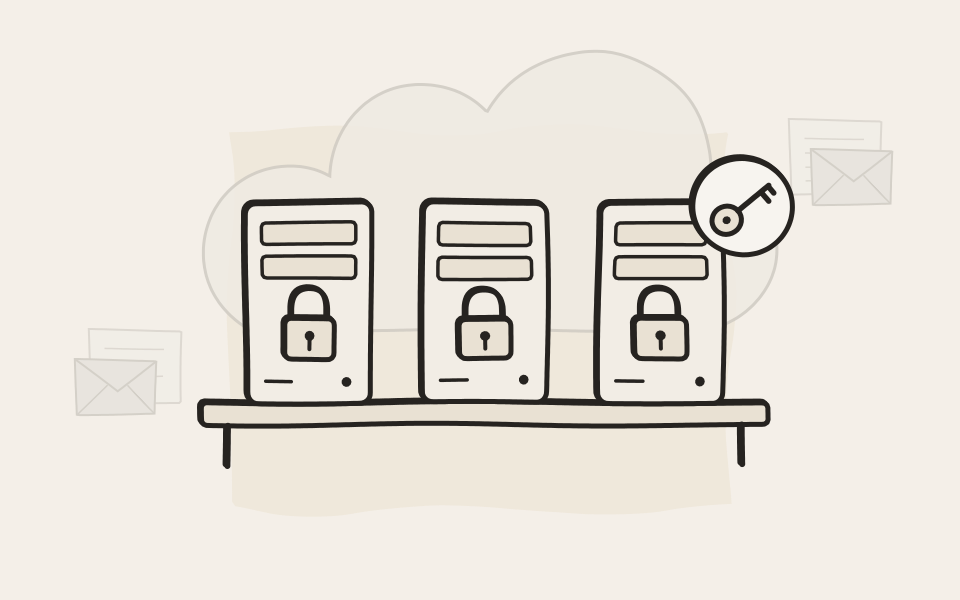
Your EMA Cloud is separated from every other customer's and encrypted with keys of its own. Encryption is always on. Whenever your EMA restarts, it waits until you hand it its master key, so nobody can open it without you. EMA Cloud stores your archive only in US data centers. Your data is kept redundantly.
Support gets in when you open the door
Our support team reaches your EMA only after your admin explicitly lets them in, and only senior support engineers can connect. Every session is recorded in the Audit Log, and access closes on its own after 36 hours, or as soon as your admin ends it. The same holds for EMA On-Premise.
Contact support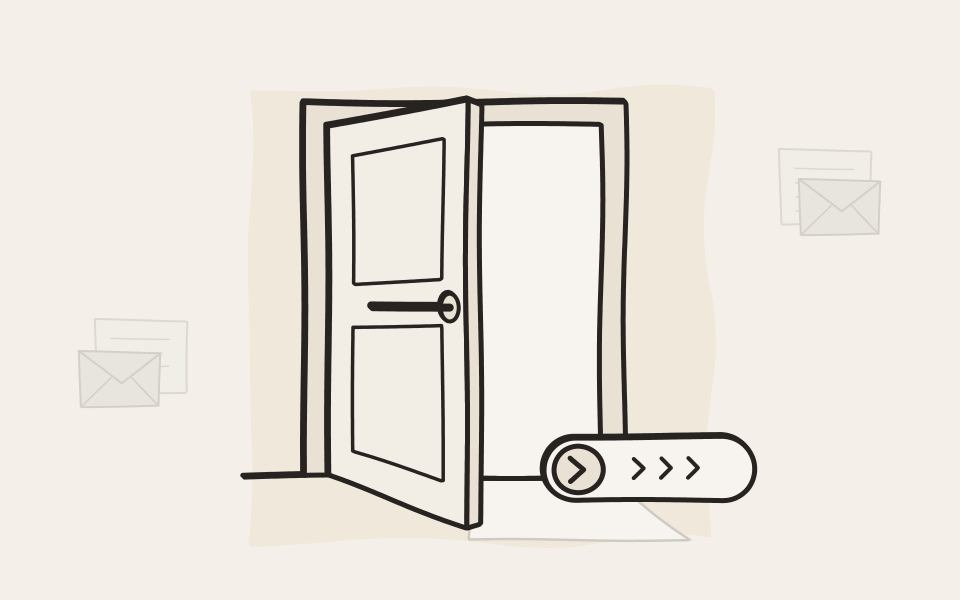
Access
Who gets in, and who sees what
You decide who signs in, what they may see, and what needs a second pair of eyes.
Sign in the way you already do
Microsoft Entra ID, LDAP, Kerberos, OAuth 2.0 or client certificates. Run several directories side by side, for example while you migrate.
Sign-ins that hold
Your own password rules and a lockout after failed attempts. Admins confirm with an authenticator app, users with two-factor from your identity provider.
A lost phone stays harmless
EMA's own mobile device management registers every phone with the EMA app. Block a lost one with a click, or let new phones in only after an admin approves them.
Everyone sees their own
Users see their own archive. Assistants and teams get more through delegate access, Active Directory groups or the permissions they already have in Exchange.
No admin acts alone
Exports, deletions, searches and settings changes can each need two admins from two groups. Only both together can switch the two-admin rule off again.
Nothing goes by accident
You decide what may be deleted, when and by whom: by policy from a saved search, or by archiving date. Minimum retention always wins.
Only genuine updates
Every firmware update is signed by us, and EMA installs only the ones it can verify. Nothing else can be installed on EMA, and there is no root user.
Audit Log
Proof of who did what
Signatures prove that the documents haven't changed. The Audit Log proves what everyone did with them, and it is signed the same way.
Check who did what
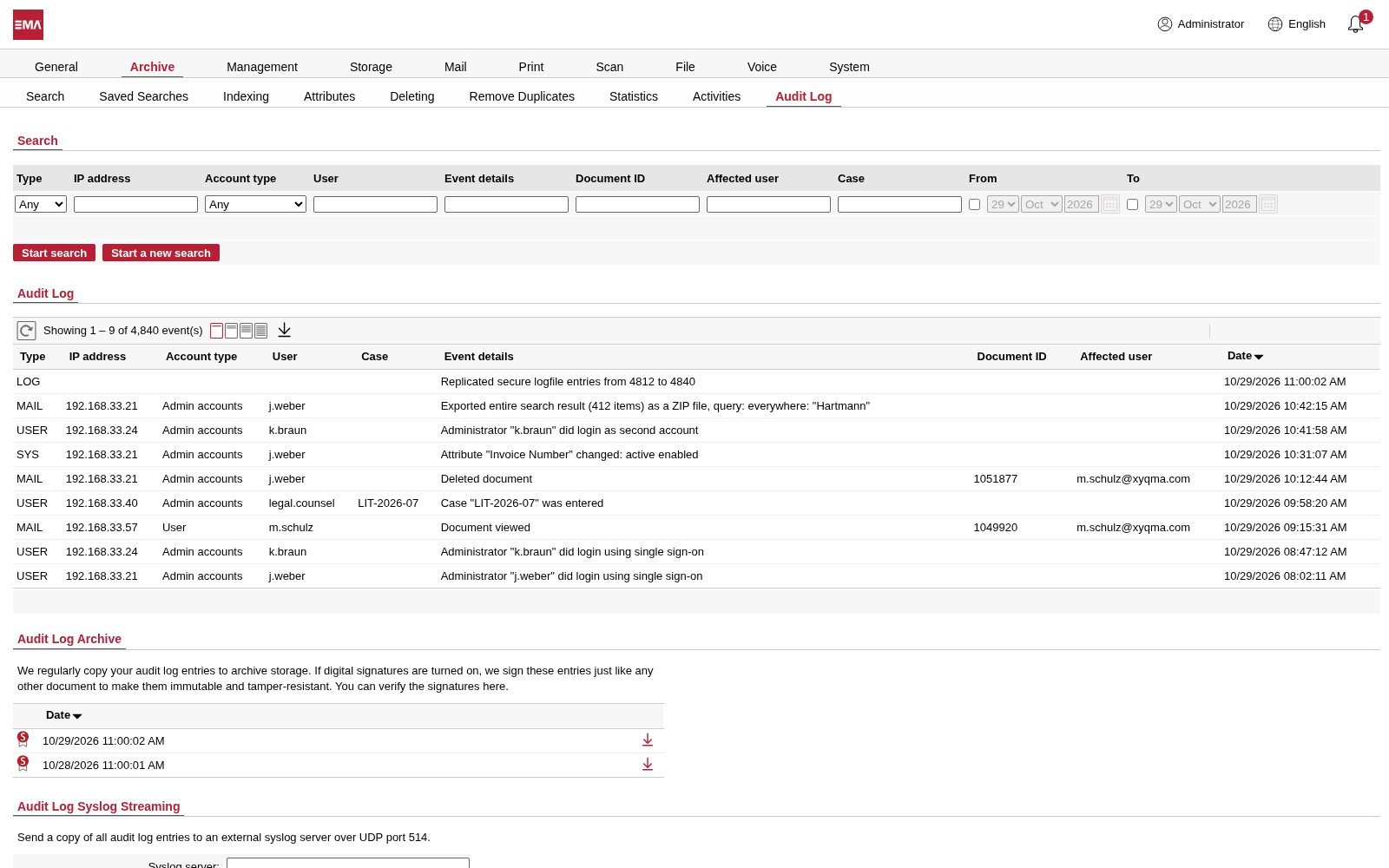
Filter the Audit Log by person, case, document or date.
Every step, with its name on it
Sign-ins, changed settings, exports, deletions and support sessions are written down with the account, the address and the time. Log what users open too, if you need to. The entries go to archive storage at regular intervals and are signed like your documents, so the log can't be quietly rewritten either. On EMA On-Premise you can stream it to your own syslog server as well.
- An export, with the search behind it.
- A second admin signed in to approve it.
- The log itself, archived and signed.

Send us your security questionnaire
Show us your spreadsheet and challenge us. You get honest, detailed answers and a demo that proves them. Ten minutes in, you will know whether we fit.