
Microsoft 365
An archive of your own for Microsoft 365
Mail from Exchange Online, documents from SharePoint and OneDrive, chats from Teams. EMA archives them outside your tenant, signs each one when it arrives, and your people find them again right in Outlook.
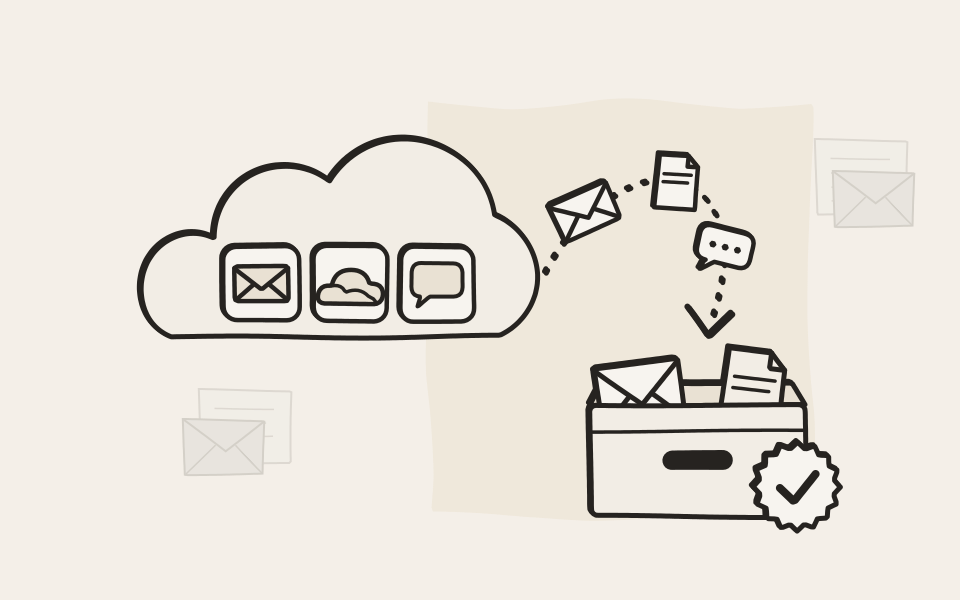
Deleted in the mailbox, still in the archive
EMA copies every message on its way in or out, before anyone can file it away or delete it. Delete an email, or the whole mailbox of someone who left, and the archive keeps every message.

Microsoft 365 and everything else, in one search
Mail and documents from Microsoft 365 sit in the same archive as your file server, your printouts and scans and your phone calls. One search finds all of it, and one set of rules decides how long it is kept.
See the modules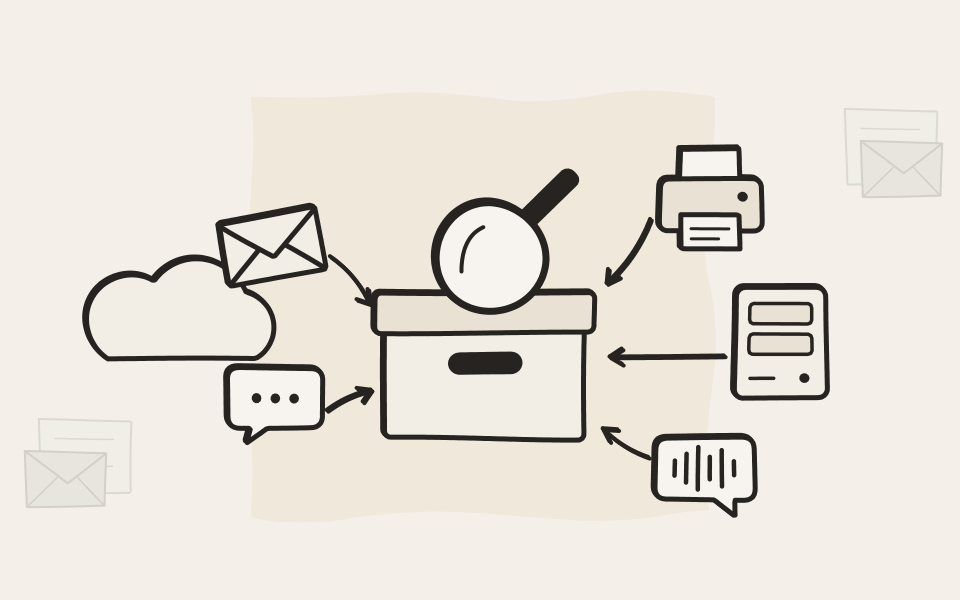
Your archive has keys of its own
EMA has its own admin accounts and signs every document when it arrives. Exports and deletions can need two admins, and nothing is deleted outside your retention rules. A wrong setting in your tenant, or a stolen admin account there, can't delete what EMA keeps.
How EMA keeps documents safe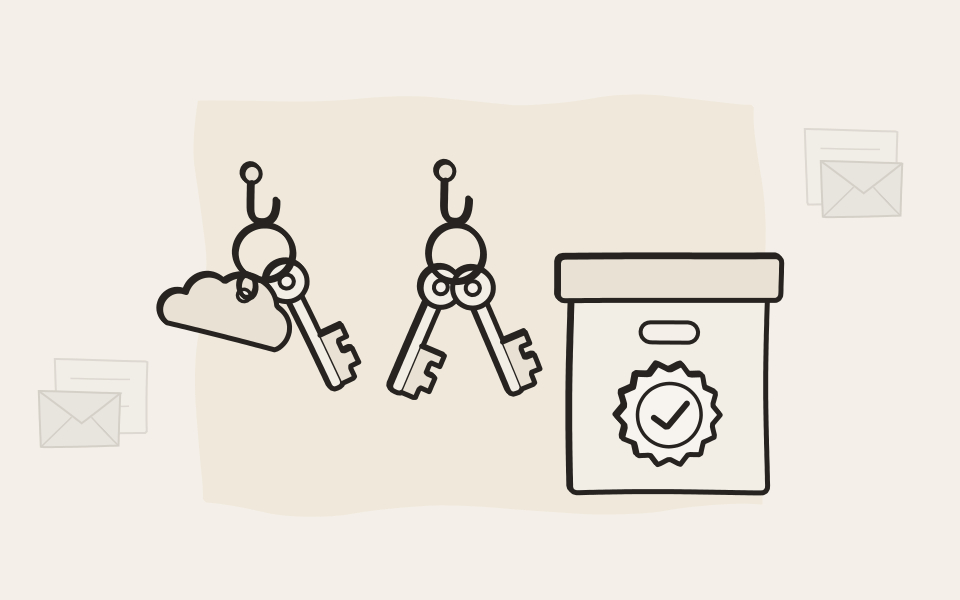
What EMA archives
Mail, documents and chats
Each source gets tasks and rules of its own, and all of it ends up in one archive.
Exchange Online
A journal rule sends a copy of every message in and out to your ARTEC Cloud Connector, with its complete envelope, including every recipient, BCC and the members of distribution lists. EMA collects it from there. Mailbox Sync adds the folder each email is filed in, so people find their mail the way they sorted it.
More about EMA Mail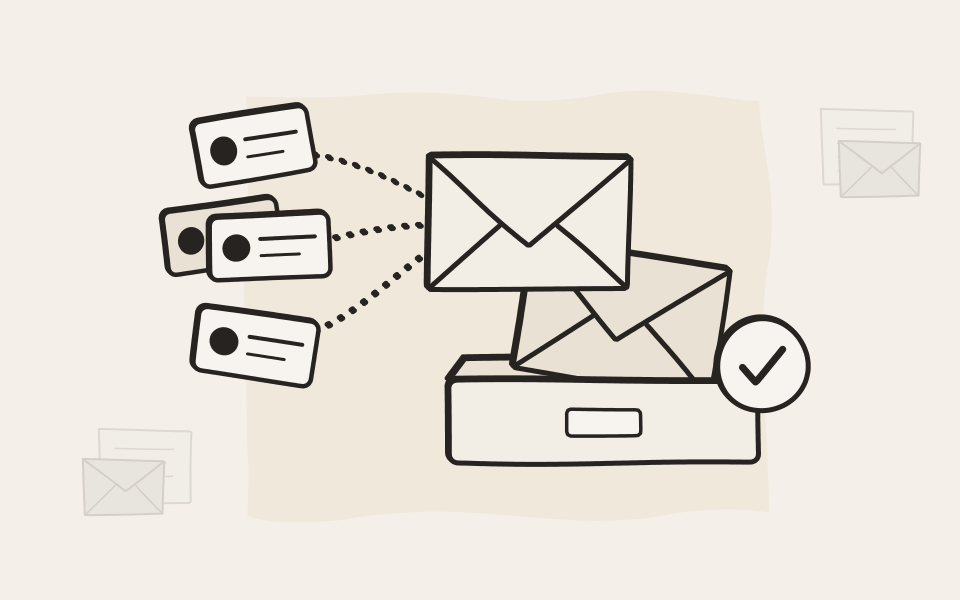
SharePoint document libraries
Choose the sites and libraries, and EMA archives their documents, then archives them again whenever they change. SharePoint columns become attributes you can search by, and the people a document is shared with can find it in the archive.
More about EMA File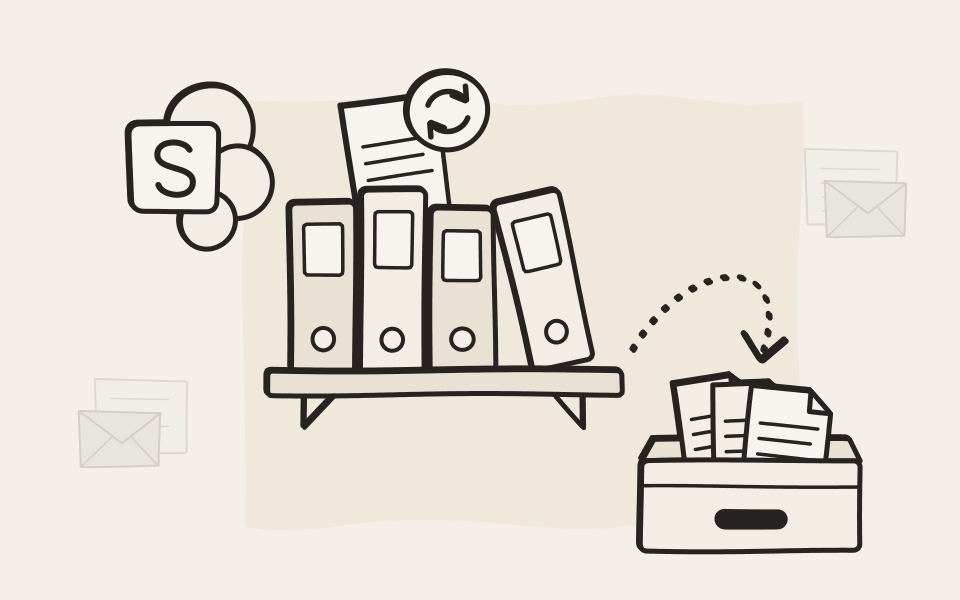
OneDrive for Business
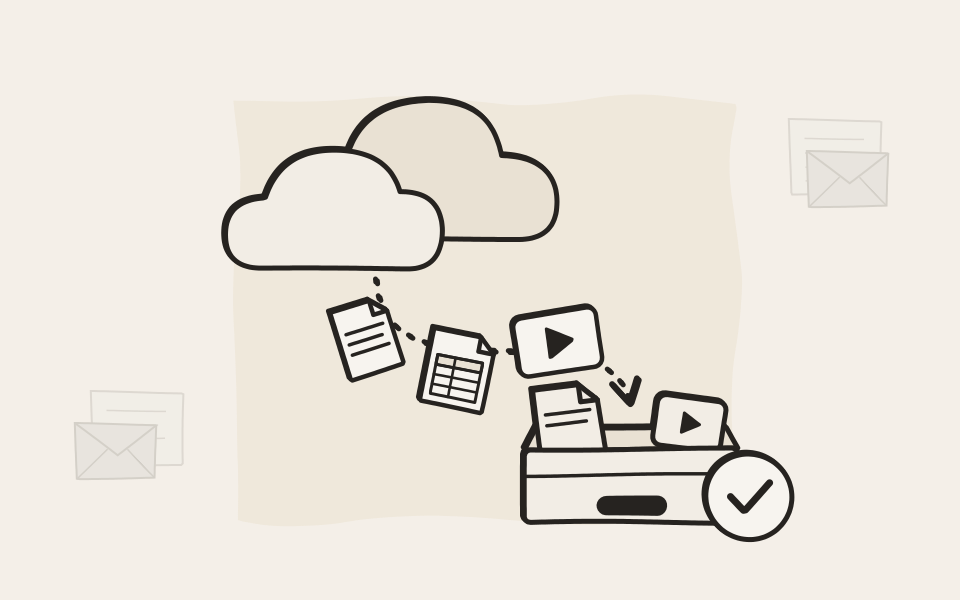
Archive every user's OneDrive, or the ones you list. Changed files are archived again, and when someone leaves, their files stay in the archive. Teams keeps meeting recordings in OneDrive too, so they are archived along with everything else.
Teams chats
One-to-one and group chats, and channel conversations with their replies, images and attachments. An edited or deleted message still shows what it said. Leave out a channel, or one person's messages, with a filter.
More about chats in EMA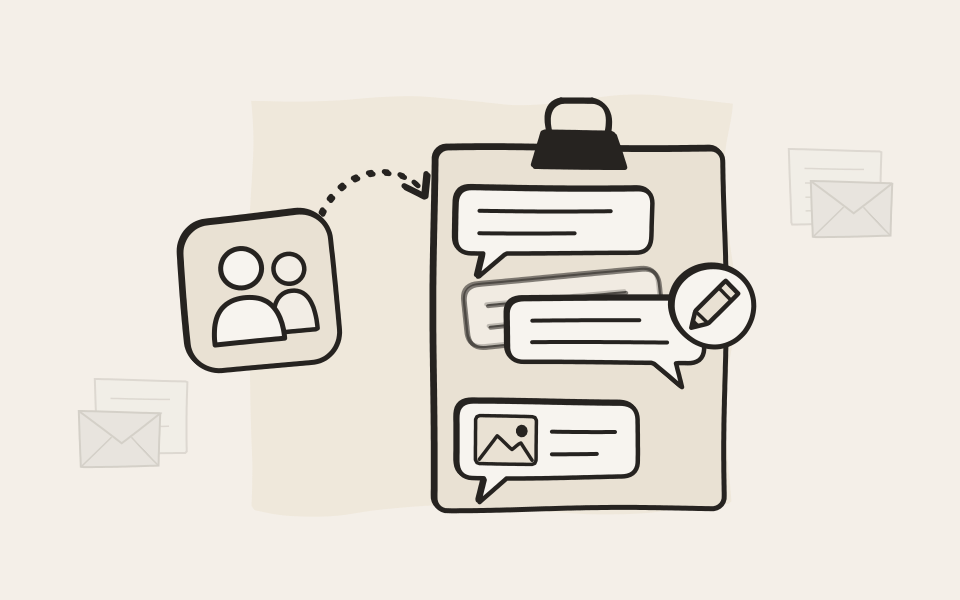
All of it in one search
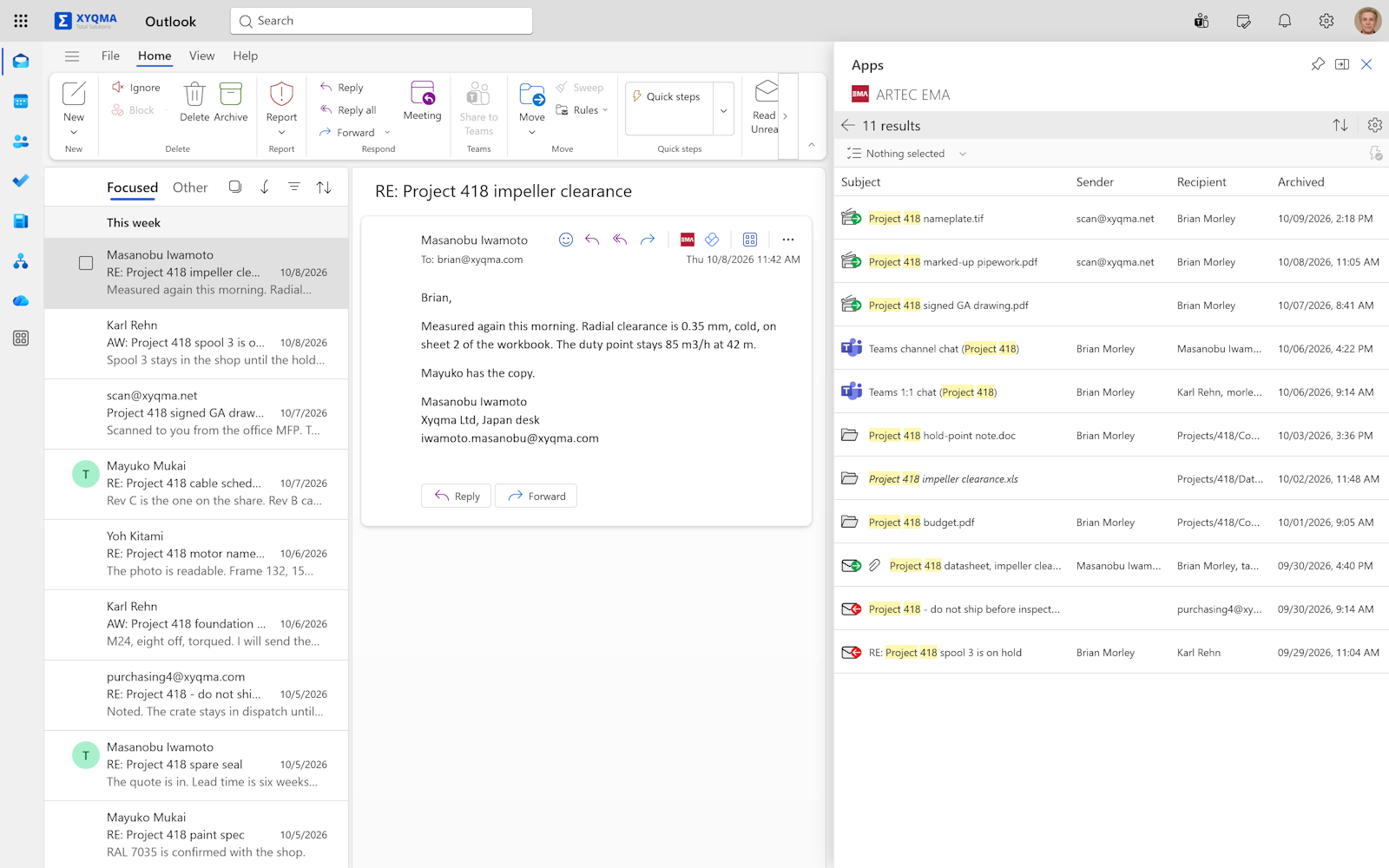
Email, documents and Teams chats in one result, right beside your mail in Outlook.
The archive beside your mail
EMA for Outlook runs in Outlook on the web, in classic and new Outlook for Windows and in Outlook for Mac. One search covers the whole archive, with the shared mailboxes people have access to.
- The EMA add-in, inside Outlook.
- Teams chats in the same results.
Every day
Find it, and put it back
Your people sign in with the account they already have, see what is theirs, and send things back where they came from.
One sign-in
Your people sign in to the archive with their Microsoft work account. Single sign-on comes with every EMA.
Their own, and shared
Everyone sees their own archive, plus the mailboxes they have full access to in Exchange Online.
Back to the inbox
Send one email, or a whole search result, back to the mailbox, straight from the archive.
Back to SharePoint or OneDrive
Copy documents back to where they were archived from, or to another site or someone else's OneDrive.
Thanks to the flexibility of the EMA archive, there was no need for us to even think about changing systems when we moved to the cloud. EMA covers our requirements very well in this new scenario too.
Questions about EMA and Microsoft 365
Microsoft 365 has retention of its own. Why add EMA?
Retention in Microsoft 365 keeps data inside your tenant, under the same admins and settings as everything else there. EMA adds a copy outside it, signed when it arrives, with its own admin accounts and deletion rules, and next to mail and files from outside Microsoft 365. Whatever happens in your tenant, your archive still has every message.
Microsoft Purview calls journaling an older feature. Is it safe to rely on?
Yes. That note is the classic mix of fear, uncertainty and doubt. Journaling is the gold standard of email archiving, because it is the only way to capture every message with its complete envelope, including every recipient, BCC and the members of distribution lists. Every archiving vendor relies on it, not just us. Switching it off would cut all of them off at once, and we don't expect Microsoft to do that.
Microsoft is retiring EWS. Does that affect EMA?
No. Nothing in EMA requires EWS. Journaling never used it, and Mailbox Sync and the EMA Mail Import Tools work through Microsoft Graph. If you still use EMA's older Folder Sync, the move to Mailbox Sync is built in, at no extra cost.
Is there a setup script, or do we configure everything by hand?
There is a script. Download it from the Downloads page of your EMA and run it in PowerShell. It registers EMA in Microsoft Entra ID and sets up everything it needs for you. It asks before every single step, and nothing in your tenant changes until you confirm it.
Do we need EMA Cloud to archive Microsoft 365?
No. The ARTEC Cloud Connector comes with every EMA: EMA Cloud, EMA On-Premise Flex and EMA On-Premise Classic. An EMA in your own server room fetches the mail from the Cloud Connector itself, so you don't open any port to the internet for it.
Does the Cloud Connector keep our mail?
Only until EMA collects it, usually within a minute. Every customer's Cloud Connector storage is partitioned off from all the others and encrypted separately, and each message is deleted once EMA confirms it has it. EMA Cloud stores your archive only in US data centers, and with EMA Cloud your Cloud Connector runs in US data centers too. An optional Journal Firewall accepts only genuine journal reports from Exchange Online.
What does EMA get access to in our tenant?
For mail, nothing. The journal rule sends EMA a copy, and no credentials change hands. For folders, documents, chats and sign-in, you register one EMA app with the permissions for the features you use, and you can see and revoke them in Entra ID at any time.
Do we have to keep the mailboxes of people who left?
No. Their mail is already in EMA. Delete the mailbox, free its license, and give whoever takes over access to the former employee's archive. No more shared mailboxes kept alive for years, just in case.
We already have years of mail in Microsoft 365. Can EMA take it?
Yes. The EMA Mail Import Tools read Exchange Online mailboxes, shared mailboxes, archive mailboxes and PST files, and send them to EMA, duplicates removed. They work through an app you create in your own tenant with read-only access. We never hold its key.
We are moving from Exchange Server and Active Directory to Microsoft 365. How can EMA help?
By making most of the migration unnecessary. Archive your mail servers and file servers in EMA, move only the last few months to Microsoft 365, and tell your people to search EMA for anything older. Your new tenant starts small, and nothing is left behind.
We are moving to a new tenant. What happens to the archive?
It stays as it is. Everything from the old tenant remains in EMA, searchable as before, so the new tenant can start fresh instead of carrying years of mail across. Add a journal rule and the EMA app in the new tenant, and EMA carries on.
We are moving from Microsoft 365 to Google Workspace. Can EMA help?
Yes, the same way. Your mail, documents and chats from Microsoft 365 stay in EMA, and Google Workspace starts fresh. EMA archives Gmail and Google Drive as well, so the old and the new end up in the same archive.
We are moving from Microsoft 365 back to our own servers. Can EMA help?
Yes. Everything EMA archived from Microsoft 365 stays searchable, and your own mail and file servers start fresh. EMA archives those too, so nothing changes for the people searching.
Can EMA archive SharePoint on our own servers too?
Yes. Besides SharePoint Online, EMA archives SharePoint on your own servers. A farm you are retiring and the sites you moved to Microsoft 365 end up in the same archive, side by side.

See EMA with your tenant
We'll show you the journal rule, the Cloud Connector and the archive in Outlook, and answer your questions about your own setup.