
EMA File
The records hiding in your files and chats.
EMA File archives documents from file servers, SharePoint, OneDrive and Google Drive, and chat messages from Teams and Google Chat. Every version is kept as it was, signed, and found with the same search.
Every version kept
When a file changes, the new version is archived too. The old one stays exactly as it was.
Chats are records
Teams and Google Chat messages are archived with sender, recipients and attachments.
You set the rules
Choose folders, file names and age. EMA can tag each document from its folder, its SharePoint columns or its Google Drive labels.
Search inside the files
Full-text search finds the words inside PDFs, Word, Excel, PowerPoint and many other formats, not just their names.
Use cases
Why a file archive is useful
Prove what you delivered
At every milestone, a custom software company archives the signed-off source code. In a dispute it can show the unmodified version, as shipped on that date.
The invoice folder
Invoices sit on a file server because they always have. In EMA each one is signed and searchable, and you can show it was never changed.
A folder that archives itself
Staff drop a file into a shared folder. EMA picks it up, archives it and clears it from the folder. Nobody has to learn anything new.
Chats are evidence
Decisions, promises and disputes happen in Teams and Google Chat. EMA archives the conversations, edits included, with sender, recipients and attachments.
Files
Wherever your files live
EMA covers file servers, SharePoint, OneDrive and Google Drive. Moving to the cloud, or back from it? Your archive moves with you, and everything is one search away.
Files belong to someone
Each file is filed under its owner, who sees it in their own archive. EMA can also follow the permissions you already have. It files the document for the users and Active Directory groups who may read it on the file share, and for the people it is shared with in SharePoint, OneDrive or Google Drive. Or assign files to an archive account and delegate access to the people who need them. Chats go to their senders and recipients.
Google Docs, archived as real files
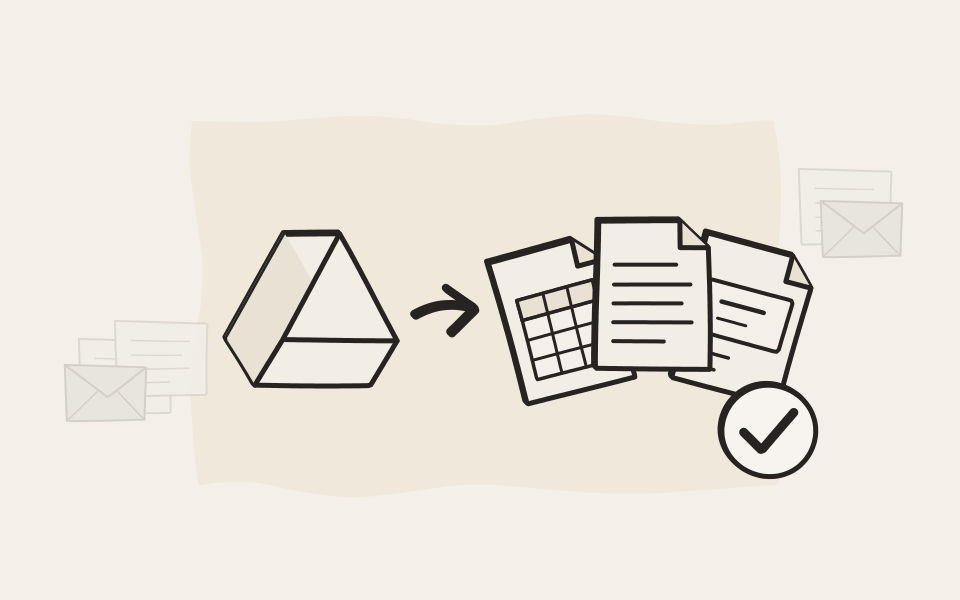
EMA archives every user's Google Drive and your shared drives. Google Docs, Sheets and Slides become Word, Excel and PowerPoint files, and drawings become images. They still open in ten years, with or without a Google account.
Filed and kept by folder
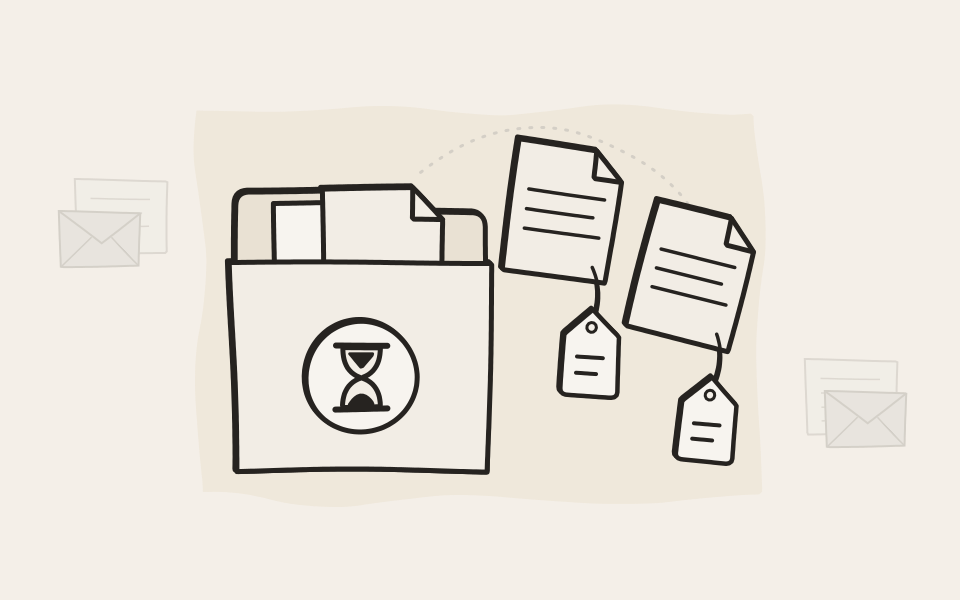
Rules read the folder path, SharePoint columns and Google Drive labels, and fill in attributes as each file is archived: the customer, the project, the type of document. A rule can also set how long a file must be kept, say ten years for everything in Contracts.
One folder, archived and searchable
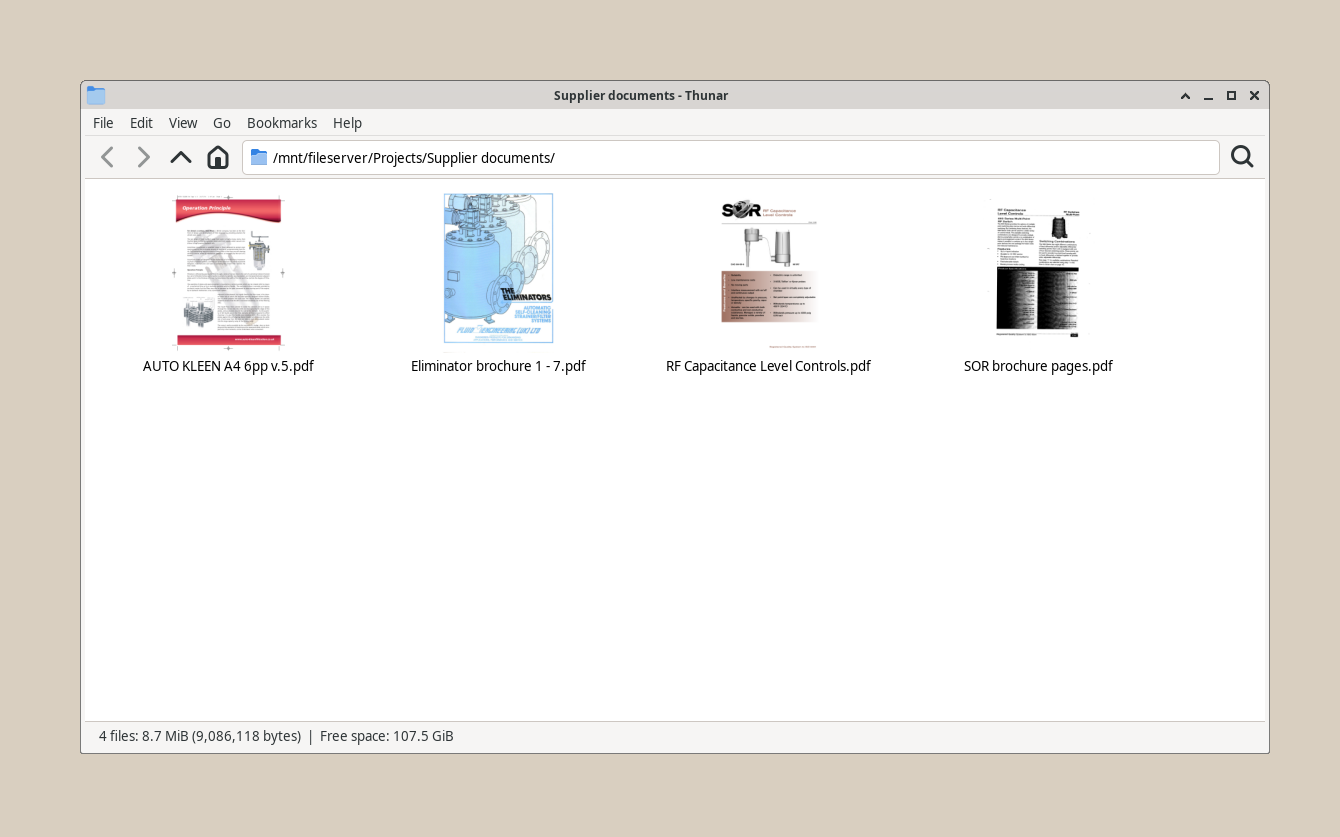
Files on the server
A supplier folder on a file server. EMA File checks it on the schedule you set.
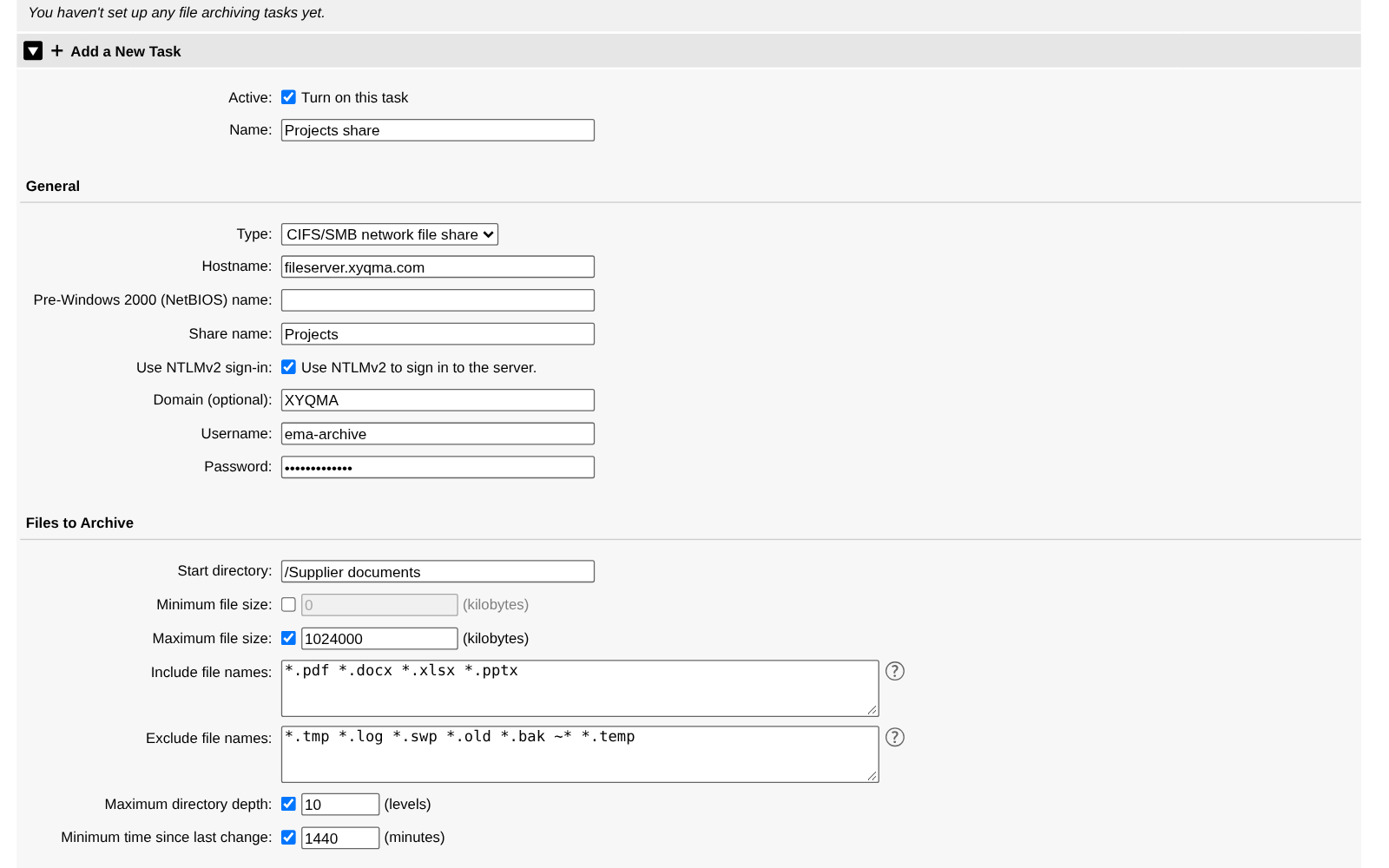
Tell EMA File where to look
Name the share, pick the folder and the file types, set a schedule. Every task has its own rules.
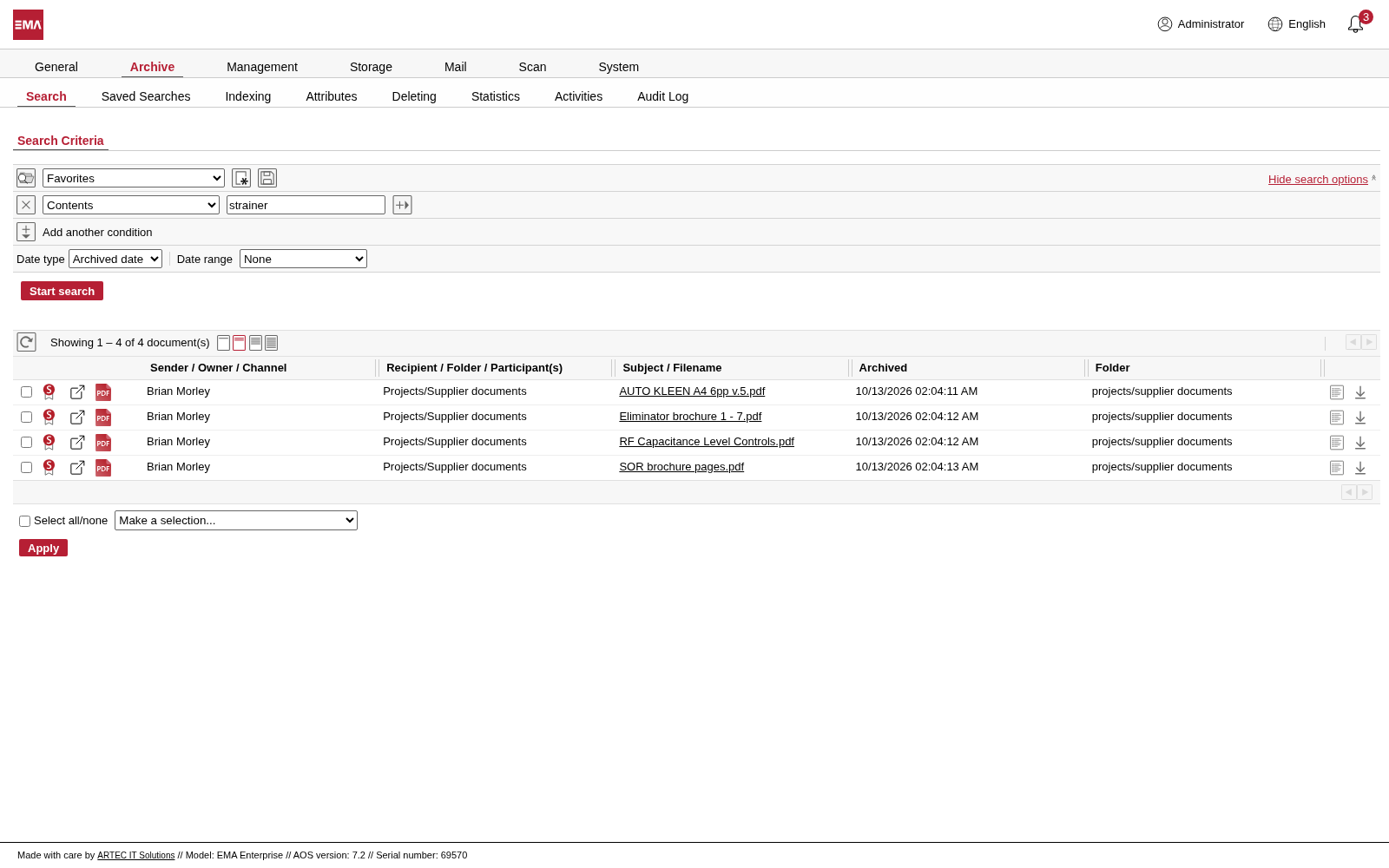
The same documents in EMA
Each file is archived and indexed. Search for words inside the documents.
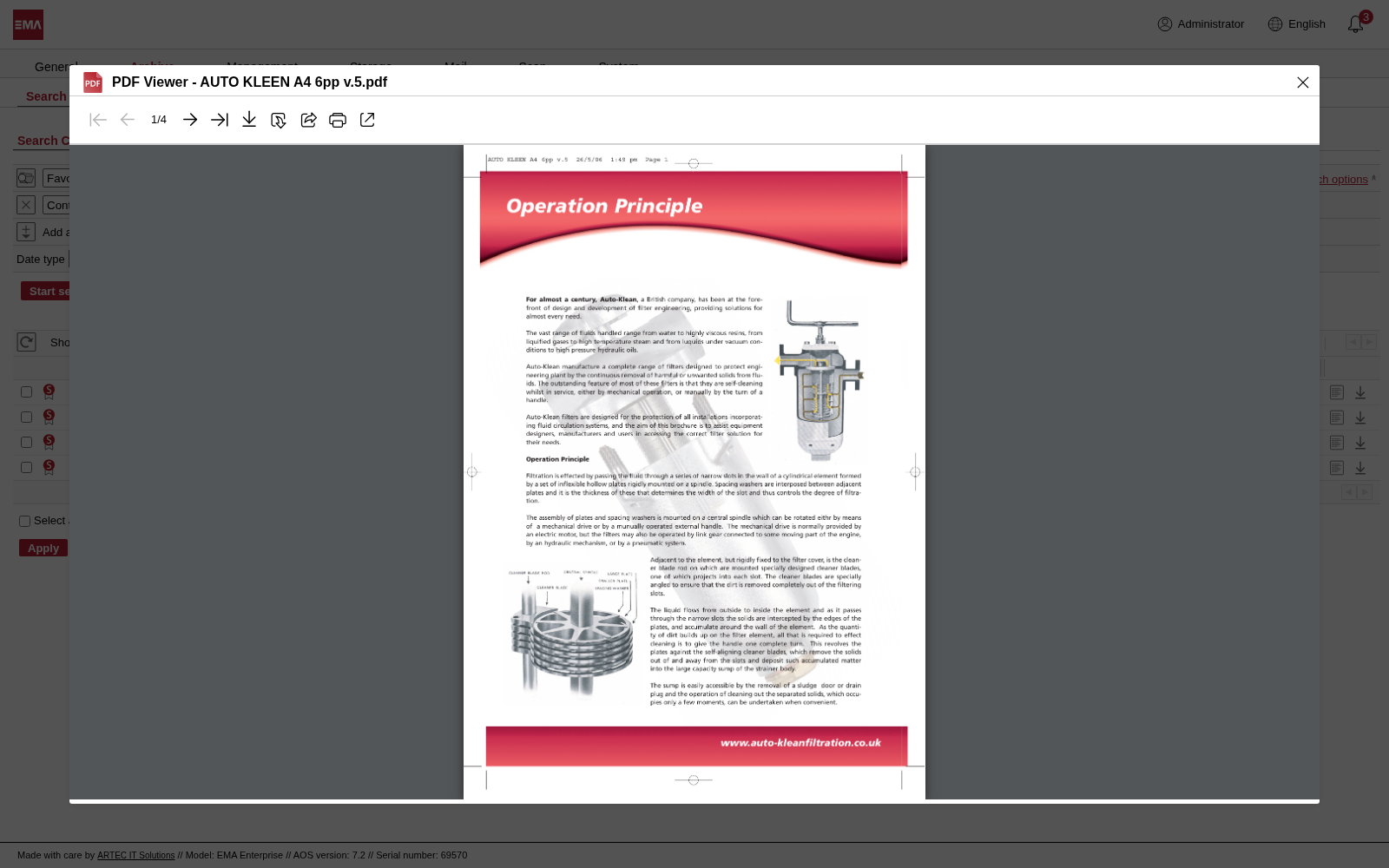
Open one in the viewer
The archived file opens in the viewer, exactly as it was archived.
Chats
The conversation is the record
EMA archives Teams chats and channels, Google Chat spaces, group chats and direct messages with every message, attachment and edit.
You decide whose chats are kept
A participant filter leaves out the people whose conversations must not be archived, employee representatives for example. In a channel they share with others, EMA drops their messages or skips the channel, whichever you choose. Screenshots, embedded content and files linked in a message can be archived with the chat.
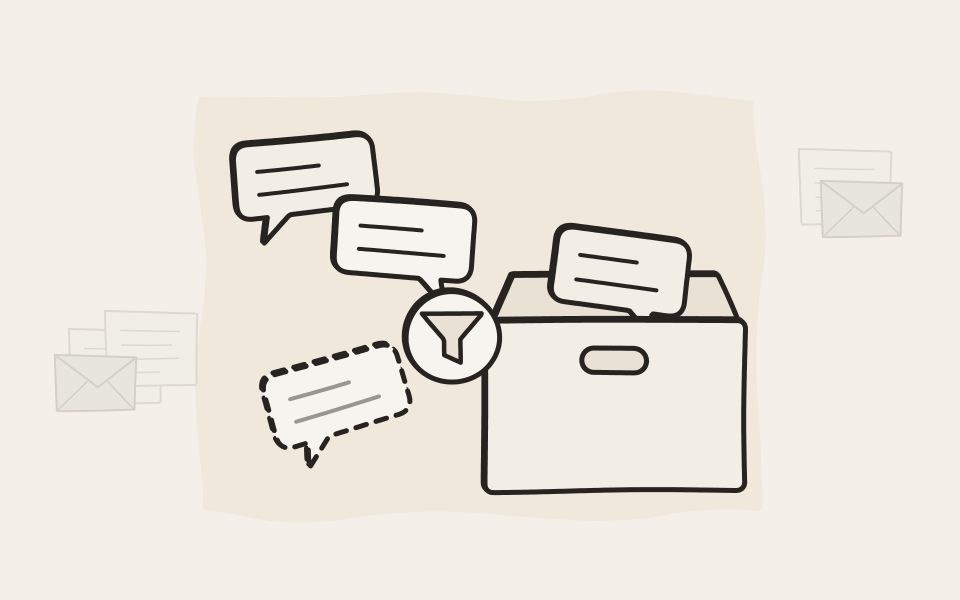
The decision was made in a chat. The record is in the archive.
Find the conversation
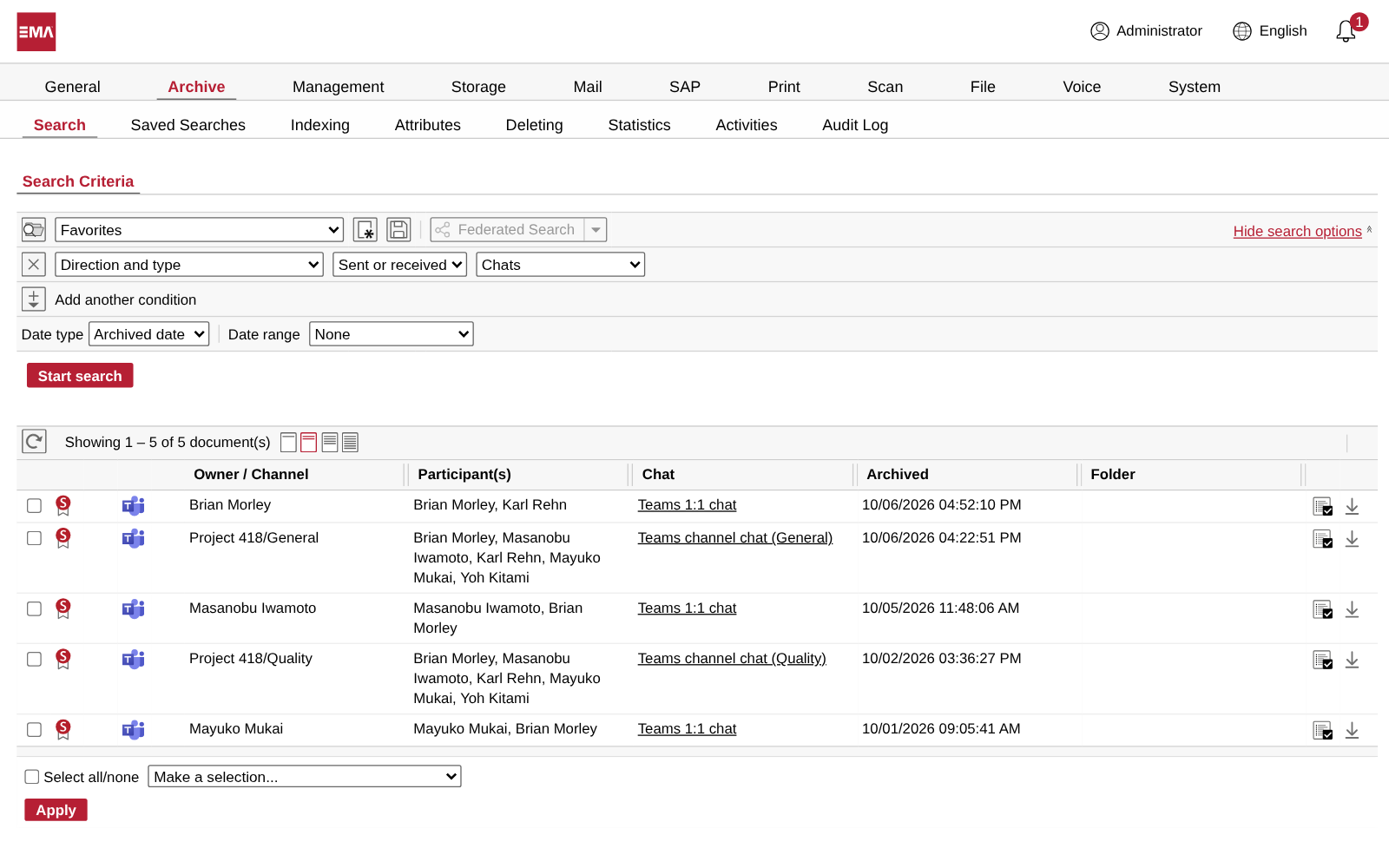
Teams chats and channel conversations sit in the archive as documents, with the owner or channel, everyone who took part, and when. Filter on chats to list them, or search for a word inside them.
Read it as it was written
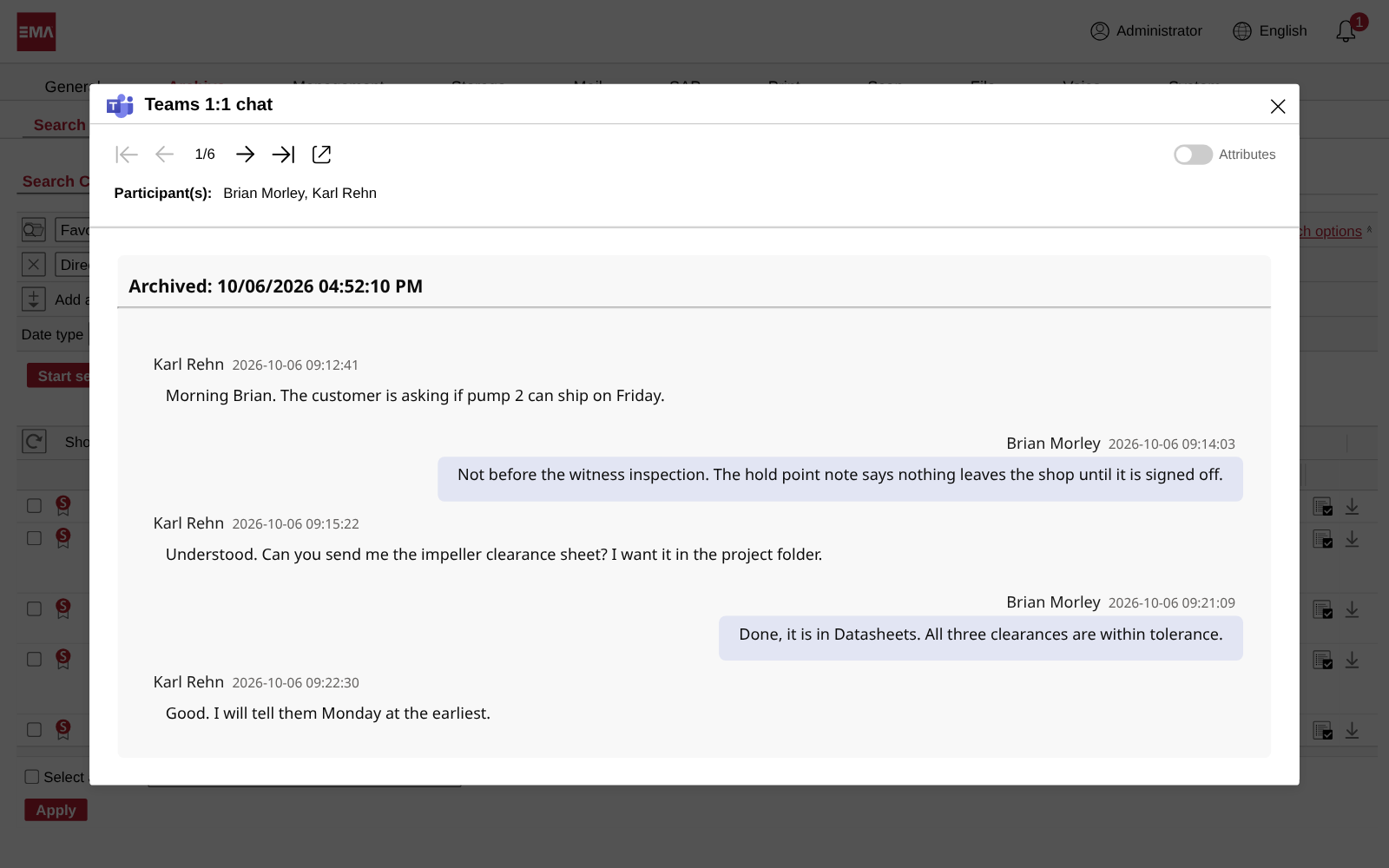
Open a chat and read it message by message, each with its sender and time. Like every archived document it is signed, so you can show it was never changed.
Microsoft 365
SharePoint, OneDrive and Teams, side by side
Connect EMA to your Microsoft 365 tenant, then add as many archiving tasks as you need. Cover SharePoint sites, OneDrive for Business and Teams chats, each with its own rules.
Choose what to archive, and how
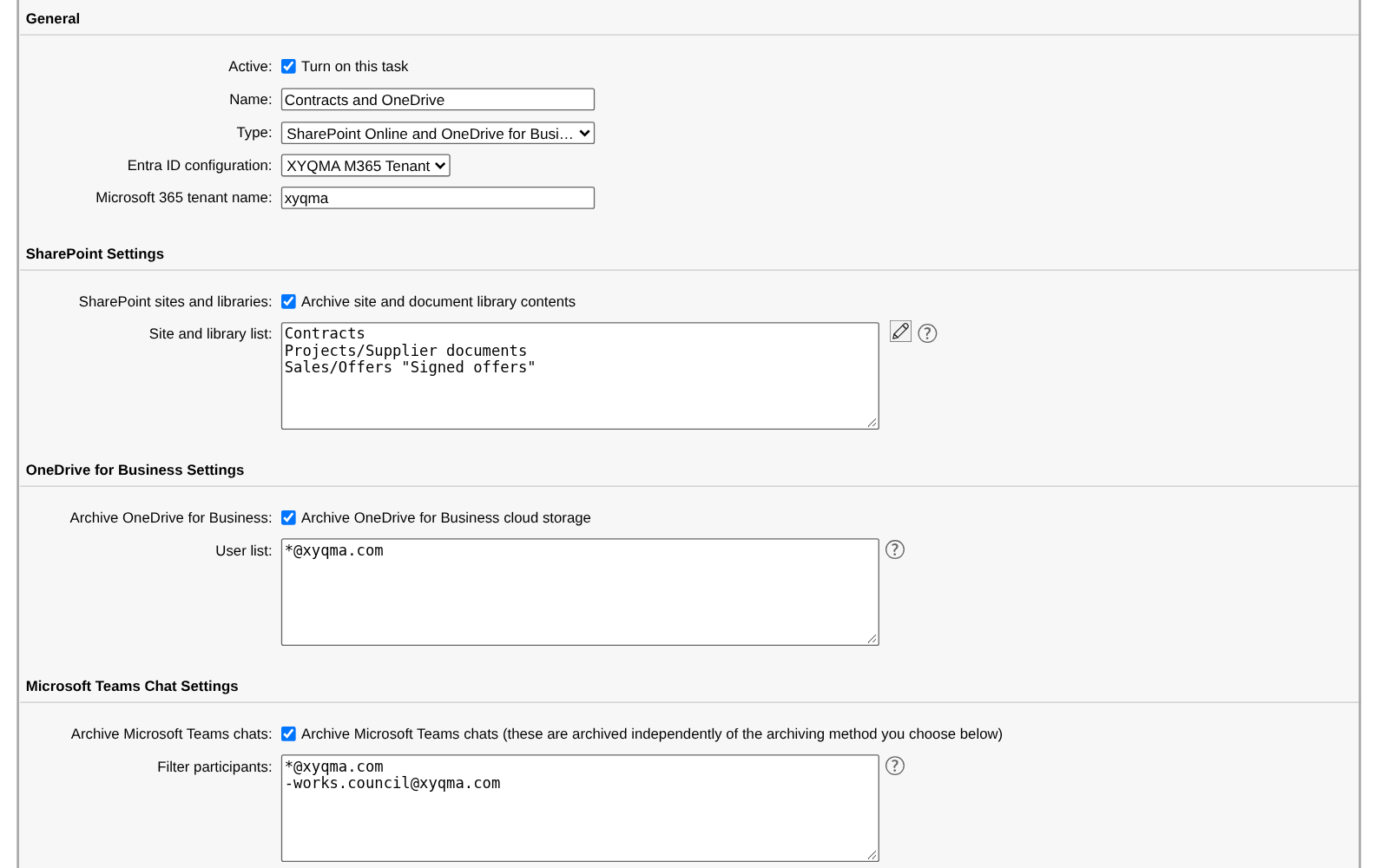
An archiving task for Microsoft 365, as you set it up in EMA.
What to archive
List the SharePoint sites and libraries, one per line, and the OneDrive accounts by address. A wildcard takes in the whole company. Teams chats are switched on in the same task.
- SharePoint sites and libraries, one per line.
- Every OneDrive in the company, with one line.
- Teams chats in the same task.
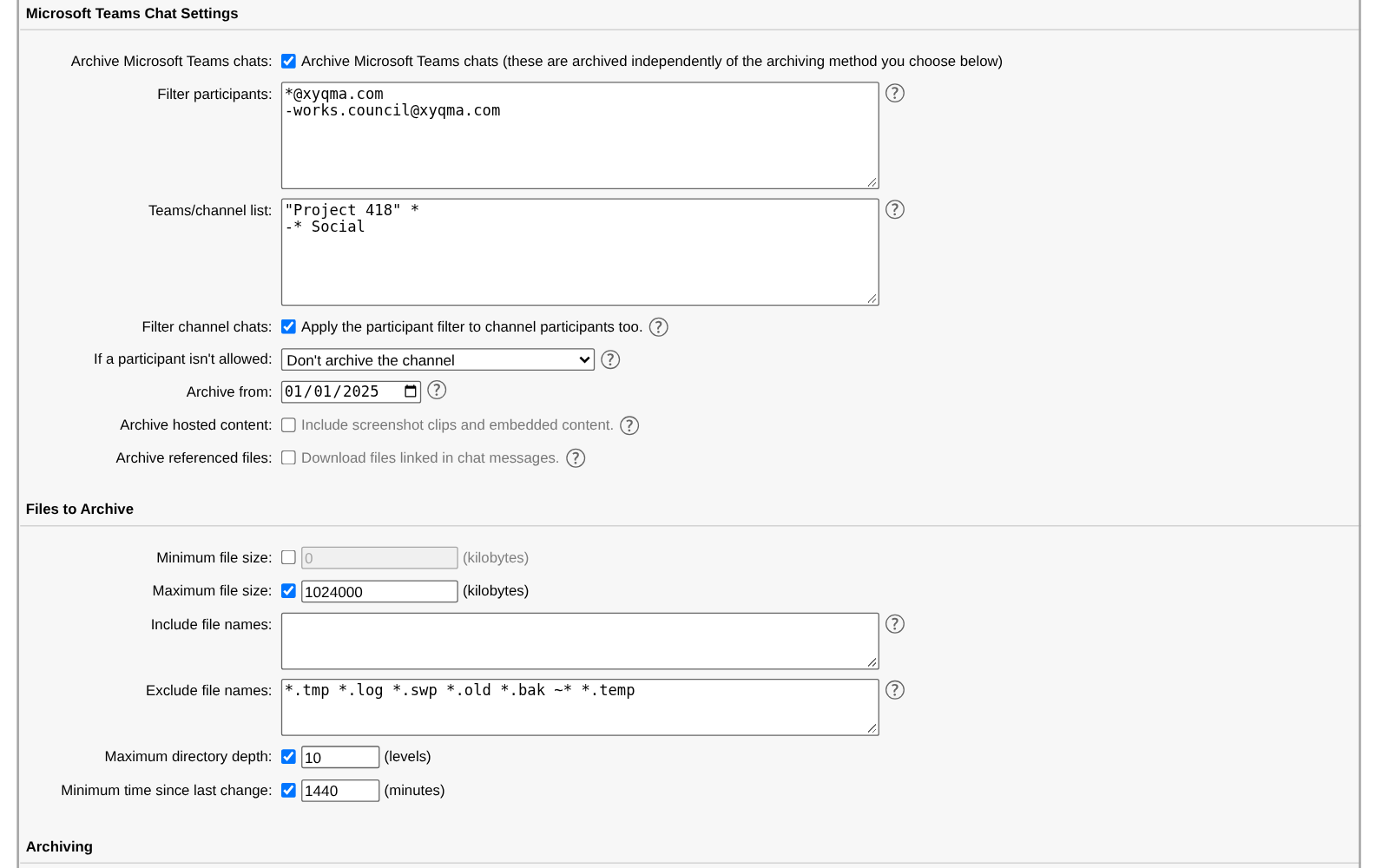
Whose chats, which channels
The participant filter decides whose chats are archived. A minus in front of an address leaves that person out. The channel list does the same for teams and channels.
- Everyone, except the employee representatives.
- One team, without its Social channels.
- Drop the filtered person's messages, or skip the whole channel.
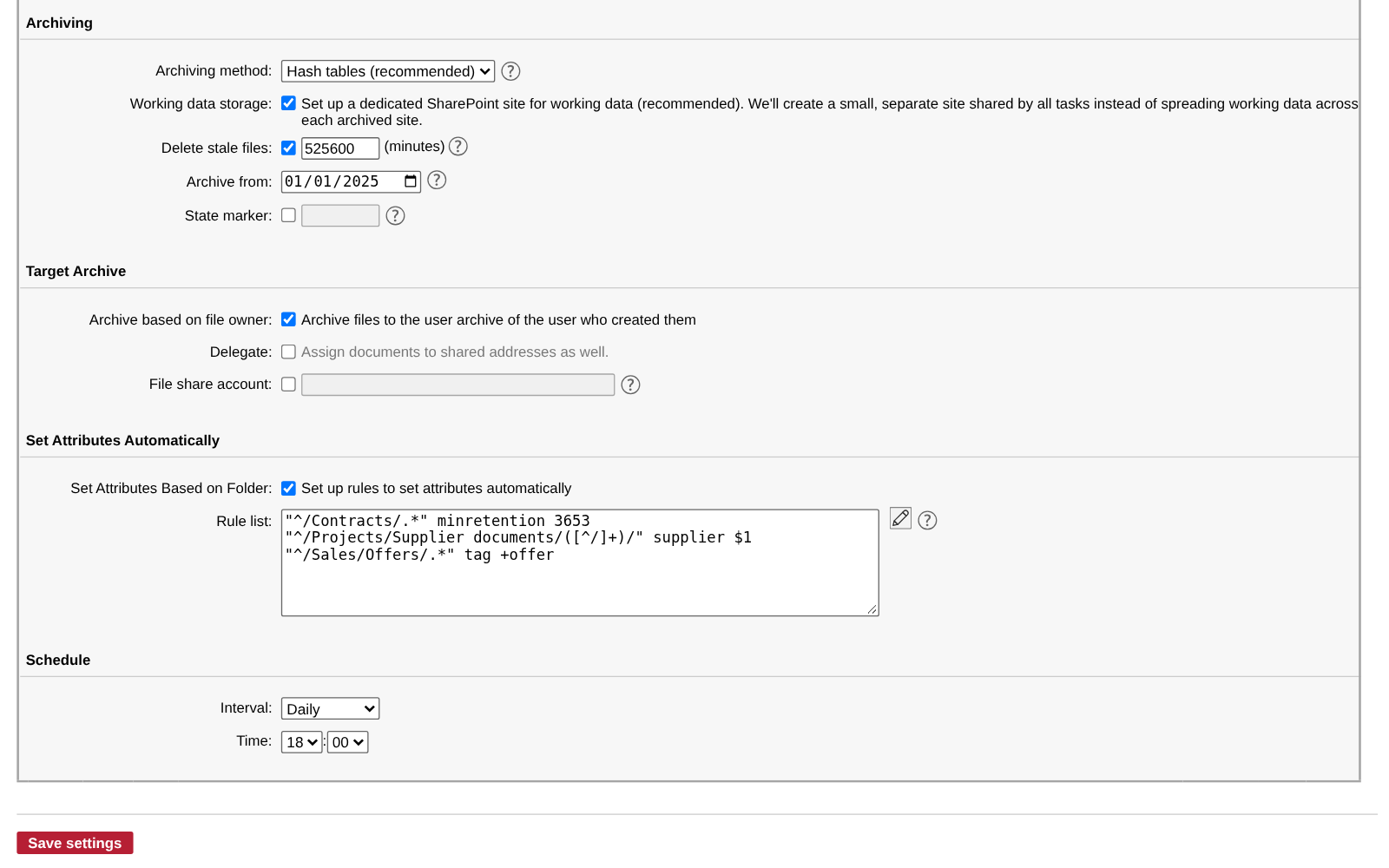
How it is kept
Choose whose archive each file goes to, clear out files nobody has touched for a while, and let rules fill in attributes and retention from the folder.
- Untouched for a year: deleted from SharePoint and OneDrive, kept in EMA.
- Each file goes to the archive of the person who created it.
- Rules: Contracts kept ten years, the supplier from the folder name, offers tagged.
After archiving
Out of the way, but back when you need it
EMA keeps every original, signed and searchable. Your file servers and cloud storage only need to hold what people still work on, and anything else comes back in a few clicks.
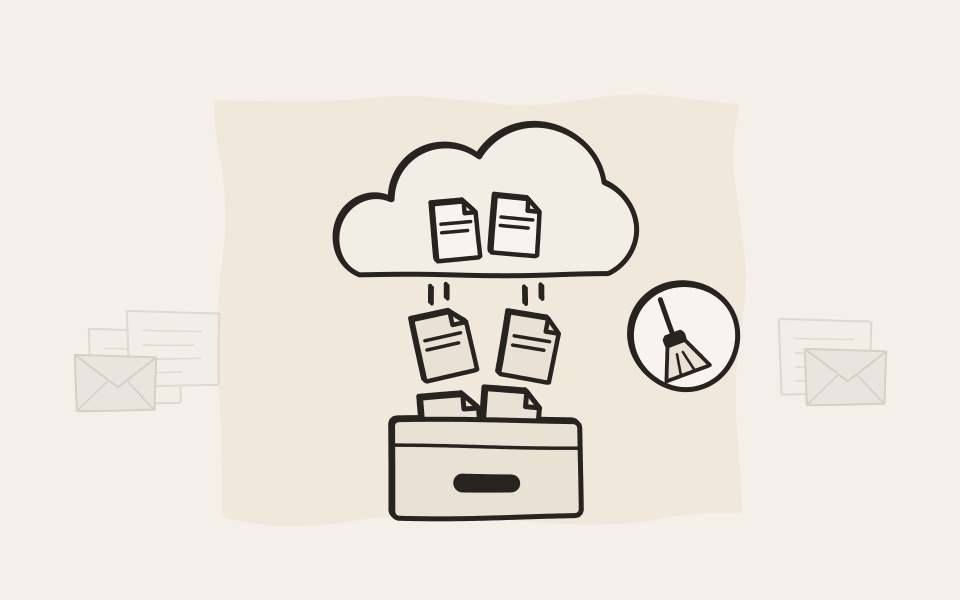
Clear out what's already archived
Once a file is archived and nobody has changed it for the time you set, EMA can delete it from SharePoint, OneDrive, Google Drive or the file share. The original stays in the archive, signed and searchable. Folders stay tidy, and you need less storage.
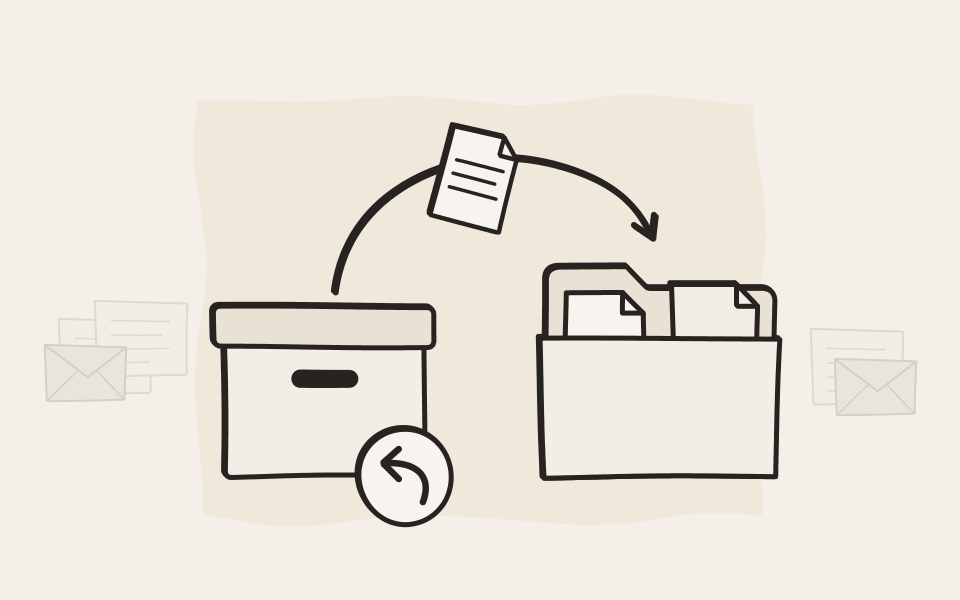
Put it back where it came from
Mark documents in the search results, or open one in the viewer, and copy them back: to the place they were archived from, to another SharePoint site or to someone's OneDrive. Choose whether existing files are skipped, overwritten or kept side by side, and the copy can keep its original dates.
The system adapted to our existing IT infrastructure, not the other way around.
Questions about EMA File
Which sources can EMA File archive?
Windows file shares, SharePoint Online and SharePoint on your own servers, OneDrive for Business, Google Drive with shared drives, Microsoft Teams chats and channels, and Google Chat. Each source gets as many tasks as you like, each with its own rules and schedule.
Do we have to install anything on our servers?
Not at all. EMA reads file shares over the network with an account you give it. For Microsoft 365 and Google Workspace you register EMA in your tenant once, and it connects from there.
Does EMA keep every version of a file?
Yes. When a file changes, EMA archives the new version and keeps the old one exactly as it was. In a dispute you can show what a document said on any given day.
What happens to Google Docs, Sheets and Slides?
EMA converts them as it archives them: Docs to Word, Sheets to Excel, Slides to PowerPoint, drawings to images. The archive holds files any office program can open, long after a Google account is gone.
Can we leave some people's chats out?
Yes. The participant filter leaves out the people whose conversations must not be archived, employee representatives for example, and you choose whether shared channels are archived without their messages or skipped.
We already migrated our old files. Does EMA start from scratch?
Only if you want it to. Give a task a start date and EMA archives files and chats from that day onward, so nothing is archived twice.
Can EMA free up space in SharePoint and OneDrive?
Yes. Set how long a file must stay unchanged, and EMA deletes it from the source once it is archived. Your users still find it with the same search, and you can copy it back at any time.
Can users get a file back themselves?
If you give them the permission, yes. They copy documents from their search results back to SharePoint, OneDrive, Google Drive or a file share. With a wider permission, a whole search result goes back in one step.
Who can see the archived files?
The owner of each file sees it in their own archive. If you switch it on, so does everyone who may read the file at its source: the users and groups with read access on the file share, and the people it is shared with in SharePoint, OneDrive or Google Drive. Files you file under an archive account are seen by the people you make its delegates. Chats are seen by the people who took part.

In 10 minutes, you'll know if we're a fit.
Request a demo. We start with the honest version of what EMA does and doesn't do, and whether it suits your company. If it does, we spend another twenty minutes on the details.