
AI Integration
Just ask your archive
Your archive is like the colleague who has been there forever and remembers every offer, every promise, every detail. Now you can ask it anything. An AI assistant signs in as you, puts EMA's search to work and answers in seconds, with links to the documents.
Chat
A whole new way to work with your archive
Archives were built to be searched. Now yours can answer, right in the AI chat your team already uses. The assistant reaches for EMA as it would for any other tool.
Hard questions, answered with proof
A question in plain words. EMA finds the documents, the assistant reads them and puts the answer together.
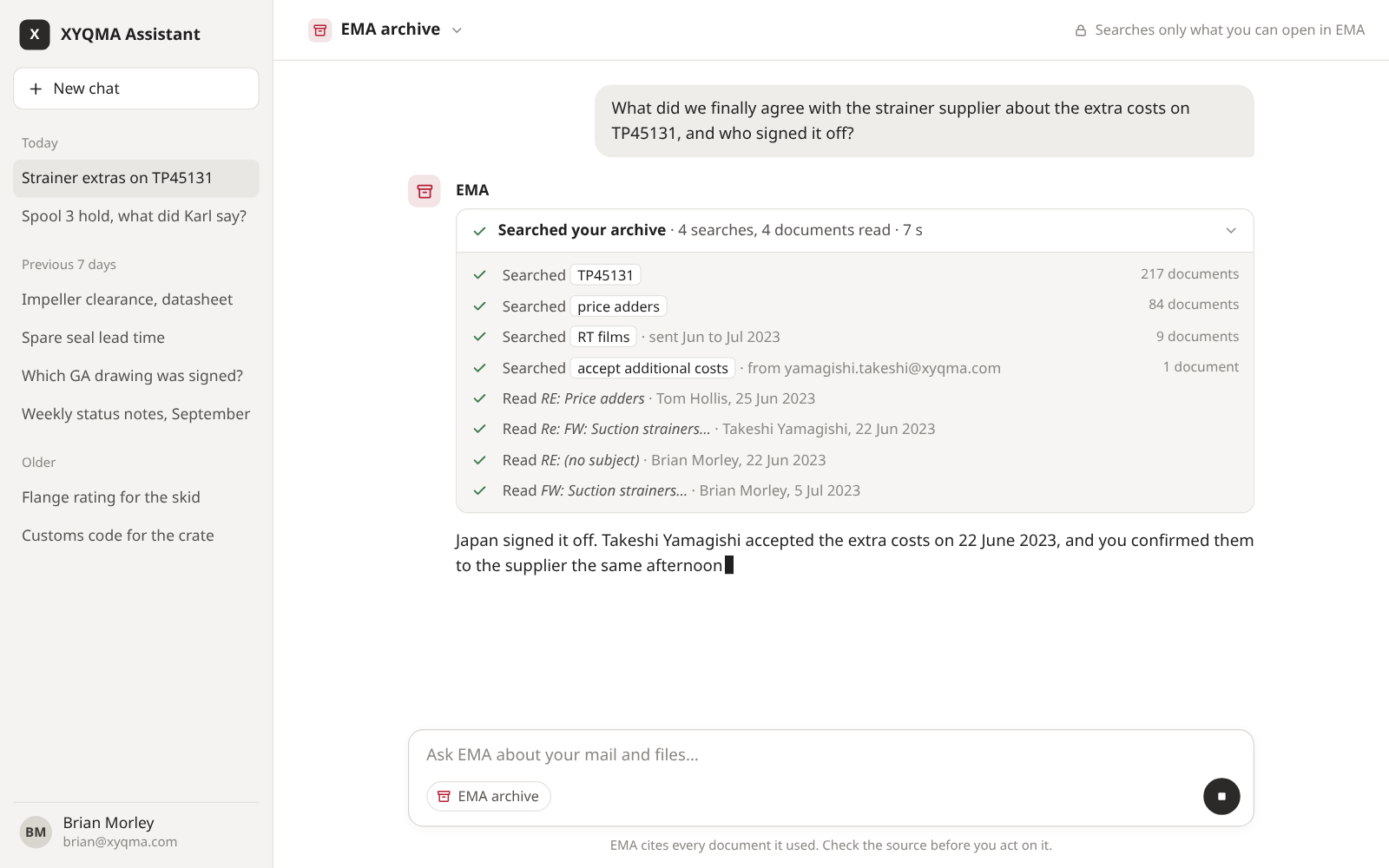
Ask in plain words
No search syntax, no filters to set. The assistant works out what to look for, tries several searches and narrows them by sender and date.
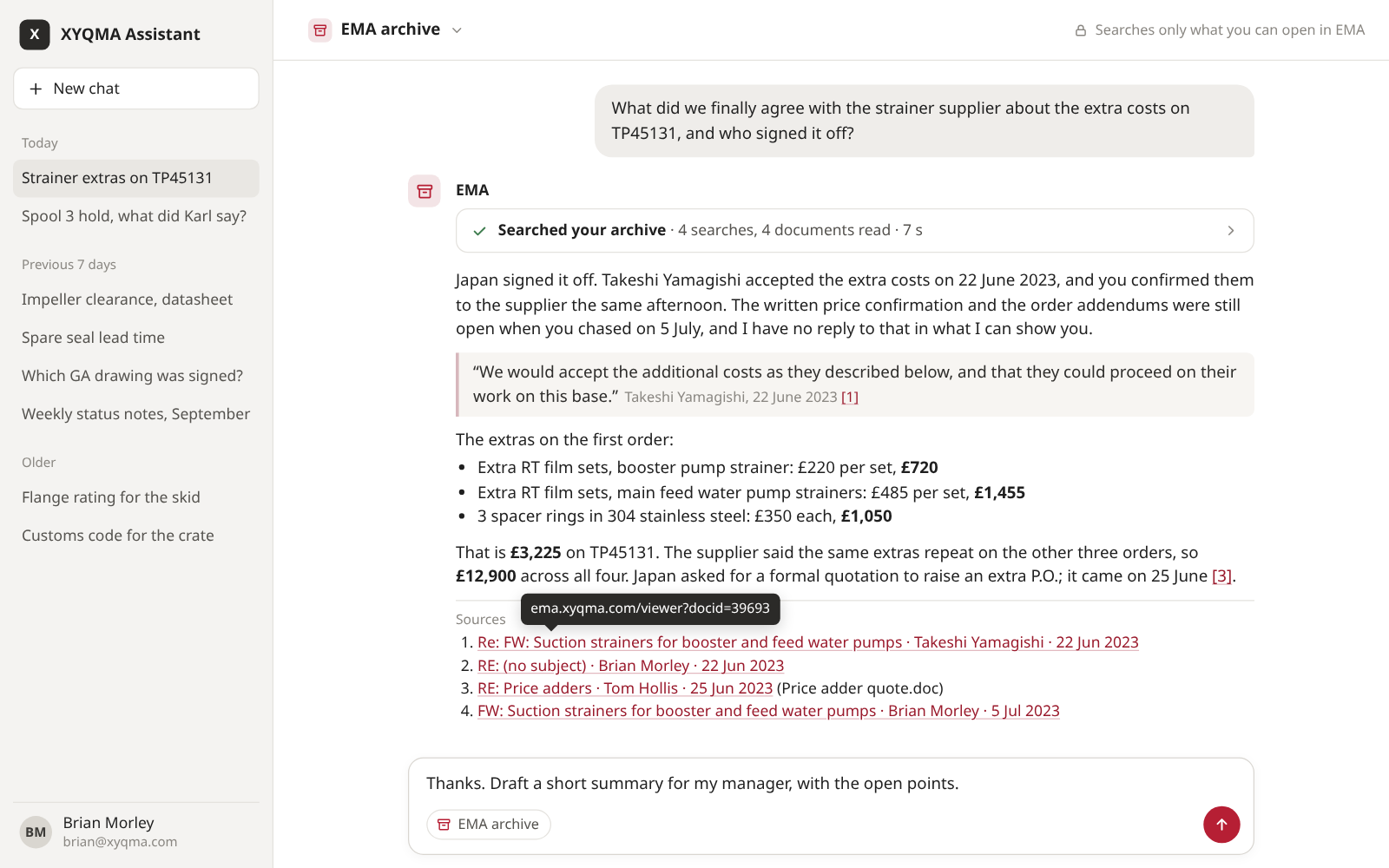
An answer with its sources
The assistant reads the best hits EMA hands it, quotes the lines that matter and links every document it relied on.
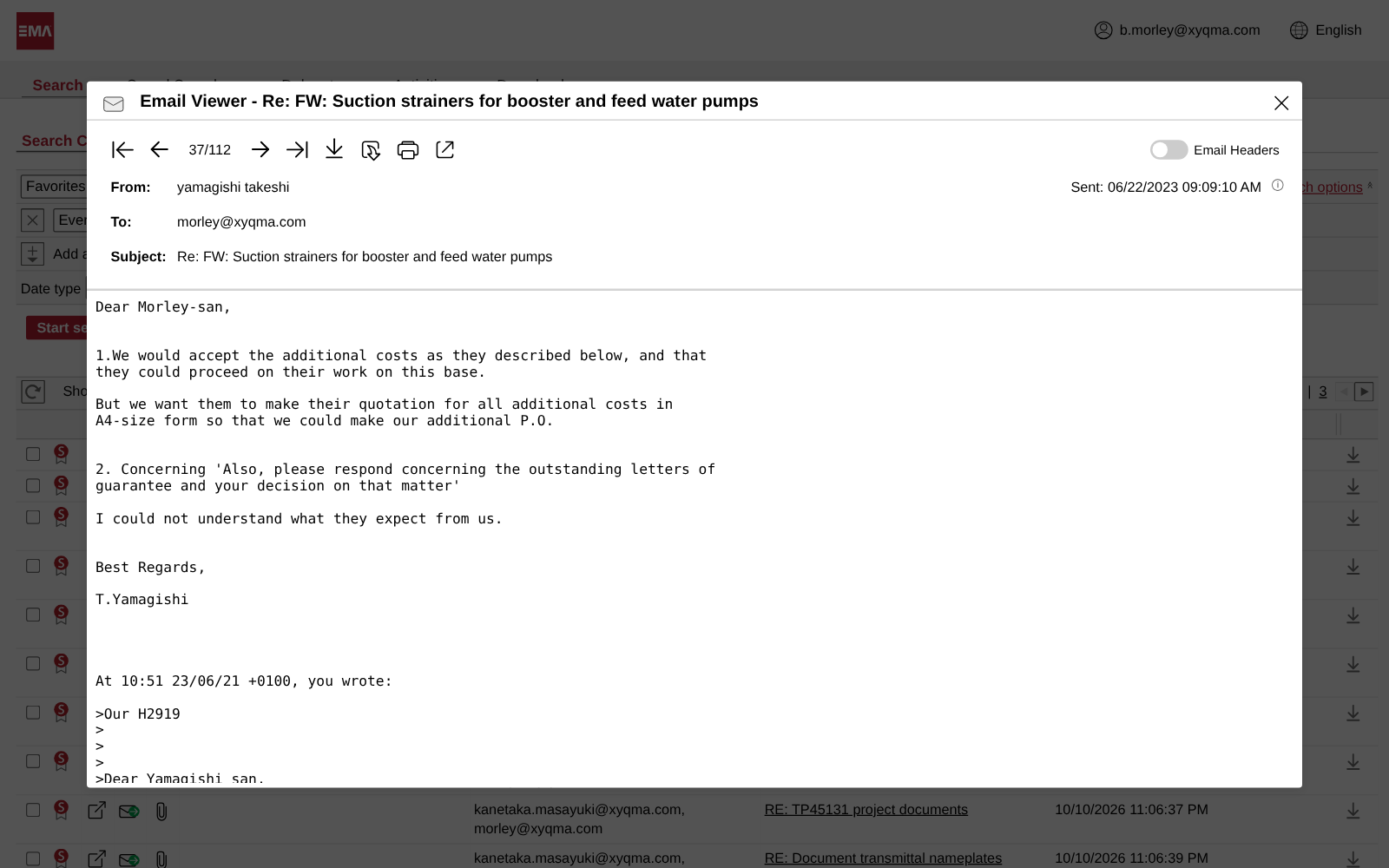
One click to the original
Each link opens the document in EMA, so anyone can check the answer against the source.
Why it works
Everything your company knows, one question away
The smartest AI knows the whole world, but nothing about your company. Your archive does, complete and unchanged. Connect the two, and you get both, without training anything.
Tries every wording
Invoice, bill, the supplier's full name and its abbreviation. The assistant runs the searches you wouldn't think of and drops the ones that miss.
Narrows like an expert
It adds a sender, a date range, a folder or one of your saved searches, the way your best power user would.
Reads before it answers
It opens the best hits and reads them, so the answer comes from what the documents say, not from their subject lines.
Spots what changed
The offer said 4 percent, the reply three weeks later said 3. It follows the thread and tells you which one stands.
Shows its sources
Every answer links to the documents behind it. One click opens the original in EMA.
Done in seconds
Dozens of searches and pages of reading, finished in the time it takes you to type the next question.
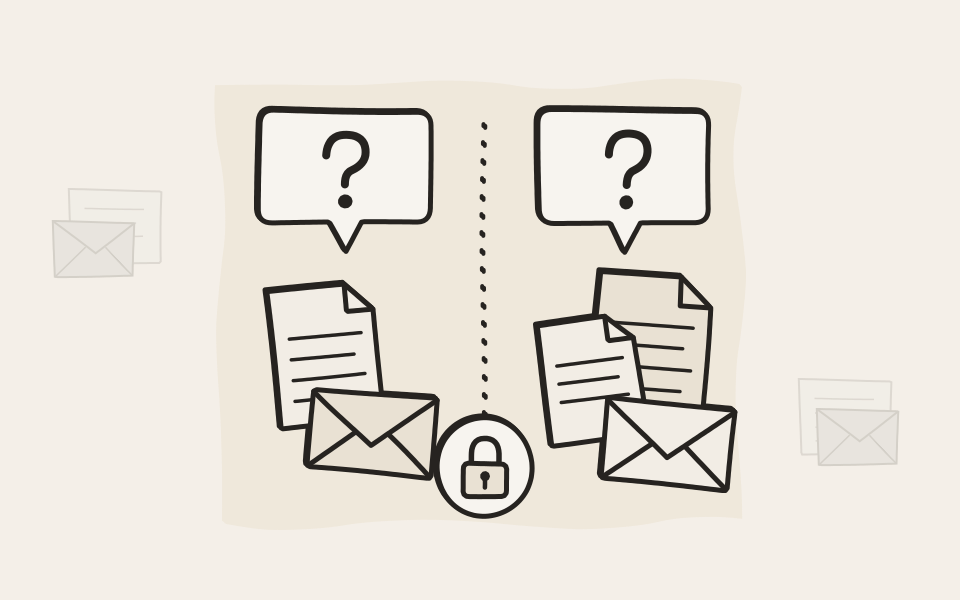
Sees only what you may see
The assistant signs in to EMA as the person asking. Delegations, private documents and every restriction apply, so a colleague asking the same question can get a different answer. It searches and reads, and that is all it can do.
Bring the AI you trust
Our connector uses the Model Context Protocol, the open standard AI assistants use to reach tools, and signs in through the User API with standard OAuth 2.0. You choose the assistant and the model. Ask us how we built ours.
Read about the User API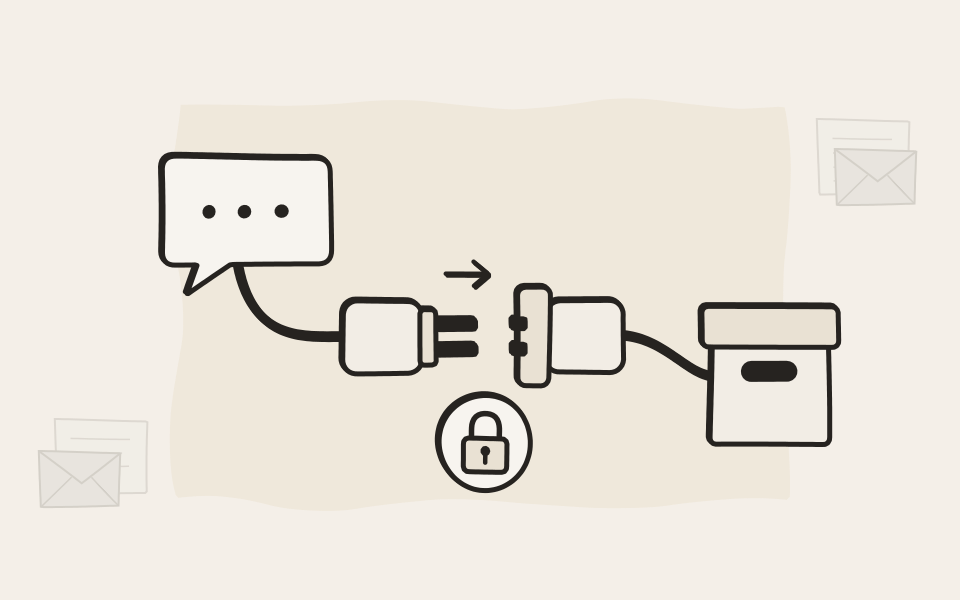
No AI inside, unless you invite one
EMA has no AI of its own and sends nothing to one. An assistant gets in only when your admin lets it, and only as the person asking. EMA brings the knowledge, and you pick the intelligence that works with it.

EMA Scan
AI where your paper comes in
EMA Scan Client reads every page and suggests what it is. The AI service is yours to choose, or to leave off.
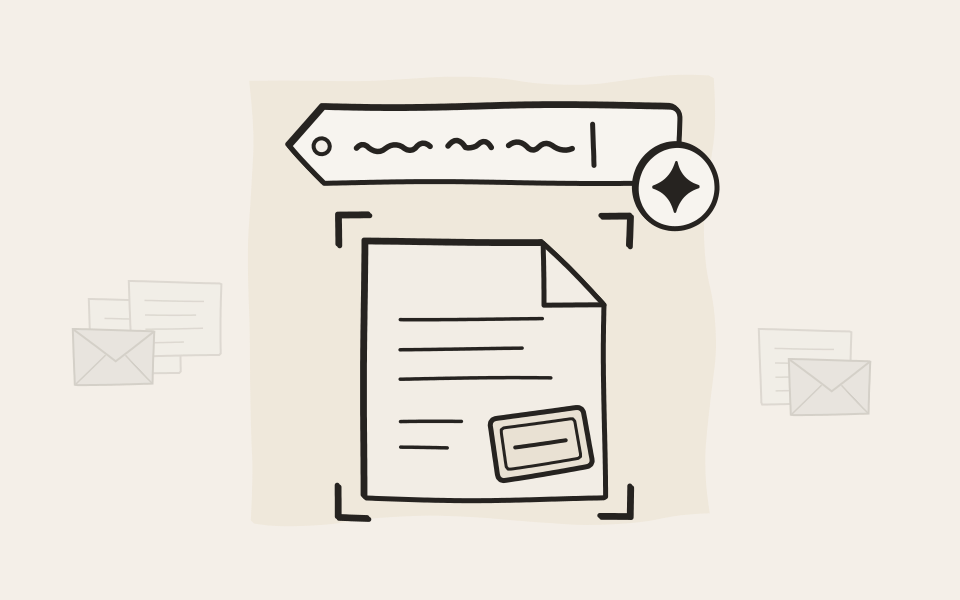
A subject before you type one
One click and the AI proposes a subject from the text of the scan. The text goes straight from the PC to the service your admin picked, never through us. Leave the feature off, and nothing leaves at all.
Reads what text recognition misses
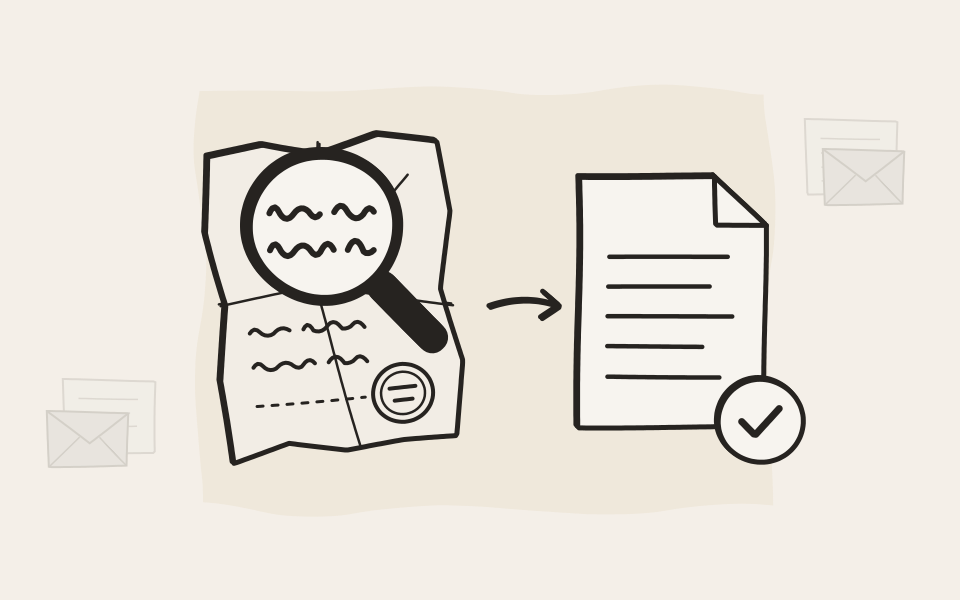
For pages that defeat on-device text recognition, such as faint copies, stamps, tables and handwriting, your admin can add a vision-capable AI model, in the cloud or on your own network. More of every page becomes searchable.
Workflows that sort with AI
A workflow's script can hand the text of a scan to the AI service your admin picked, then fill in the attributes and choose where the document goes from the answer. Invoices, packing slips and contracts sort themselves as they are scanned.
Discover EMA Scan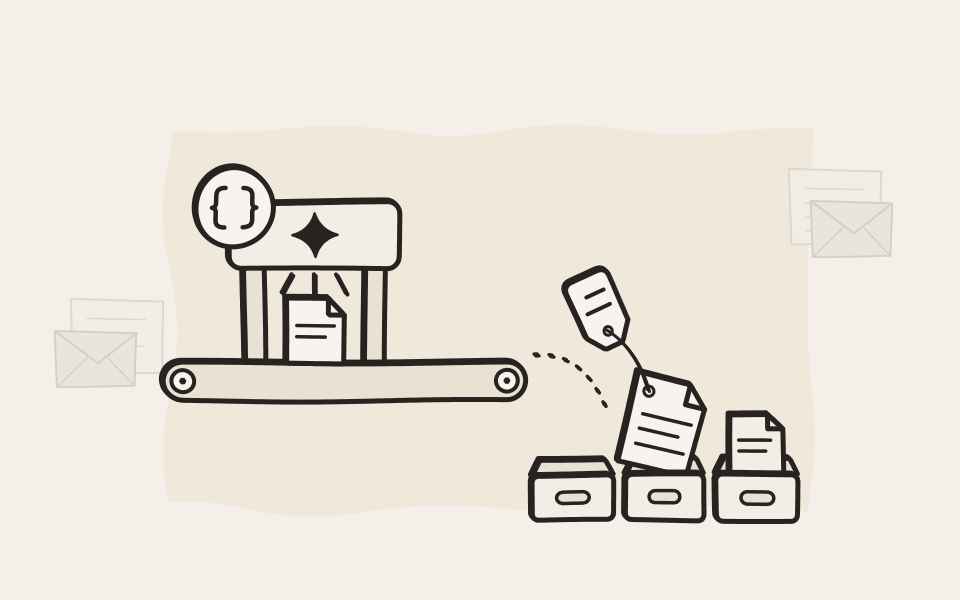
More
What else AI can do with your archive
Your archive holds years of what your company knows. These are the ideas we hear most.
Calls you can search
Speech recognition turns recorded calls and audio files into text, so a search finds the call where the price was agreed.
Documents that file themselves
Let an AI read new documents and fill in attributes such as invoice number, contract type or project.
Ready for a dispute
Collect every email, scan and call about a claim and get a timeline with sources. Nothing in the archive changes.
Answers for support
Your support team asks what was promised to a customer and gets the answer with the emails that prove it.
Handovers without gaps
When a colleague moves on, an assistant with delegate access summarizes their open threads for whoever takes over.
Any language in, yours out
The assistant reads mail in Japanese and contracts in German and answers in your language.
A check before EMA saves
Attribute changes can pass your own service first, an AI check included, before EMA saves them.
Acting as mail arrives
Scripts that act on new documents the moment they are archived are on their way.
Questions about AI and EMA
Does EMA include its own AI?
No. EMA has no AI built in and comes with no AI model. It works exactly the same whether you connect one or not. To use EMA with AI, you connect it to an existing AI that you trust.
Is ARTEC an AI provider?
No. ARTEC doesn't develop, sell or run an AI model or an AI system. You choose the AI and connect it, and EMA provides the archive it works with.
Does the AI integration cost extra?
No. The User API it uses is free on every EMA edition. You only pay for the AI service you choose, if it costs anything.
How does an AI assistant connect to EMA?
Through the Model Context Protocol (MCP), the open standard AI assistants use to call tools. A small MCP server sits between the assistant and EMA. It signs in through the User API with OAuth 2.0, as the person asking. It's how we use EMA ourselves, and we're happy to show you how we set it up.
Which AI assistants and models work with it?
Any assistant that can call tools through the Model Context Protocol (MCP). Most of today's AI chat apps can, open-source ones included. The model behind it is your choice as well, as long as it handles tool use well. Stronger models tend to search more cleverly.
Can we use a local AI model?
Yes. The model can run in the cloud or on your own network, whatever your assistant supports. EMA works the same either way.
Who decides whether AI is switched on?
Your admin. An assistant gets in only after an admin has registered it, and the admin can withdraw that at any time, with immediate effect for everyone.
Can the assistant change or delete anything in the archive?
It can never delete anything, because the User API has no delete. Whether it can change anything is up to your admin. With read-only access it searches and reads. Grant more, and it can also archive documents or change attributes. Either way it can only do what the person asking may do.
Does EMA or ARTEC send our data to an AI provider?
No. EMA provides the means, and it's off until your admin sets it up. Even then, your assistant calls into EMA, never the other way around, and nothing ever passes through ARTEC.
Is our archive used to train an AI?
No, not by EMA or ARTEC. Nothing gets trained, and nothing leaves EMA unless an assistant you connected asks for it. What happens to the text it reads is up to the terms of the AI service you choose, so pick one whose terms you trust.
What happens if we switch AI off again later?
The AI integrations you were using stop working, but nothing else changes. Archiving, search, retention, and everything else in EMA keep working as before.

Bring a question to your demo
Pick one you would normally spend an afternoon on. We'll show you how an assistant answers it from an archive, with the documents to prove it.