
VSTOR Vault models
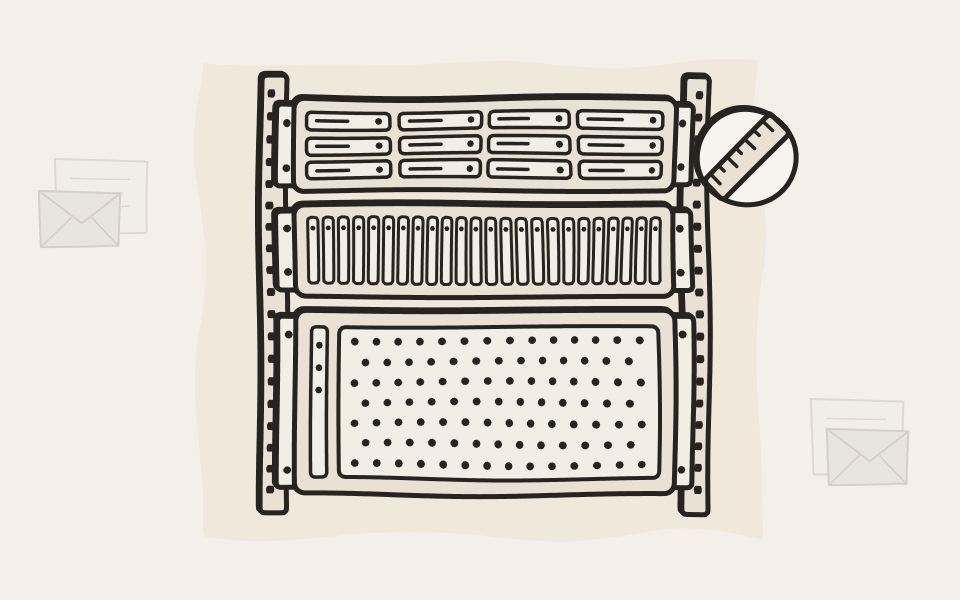
Three shelves, sized for your archive
Two 2U shelves and one 4U shelf for 60 drives. When we deploy it, we set up the RAID and the hot spare the way you want them.
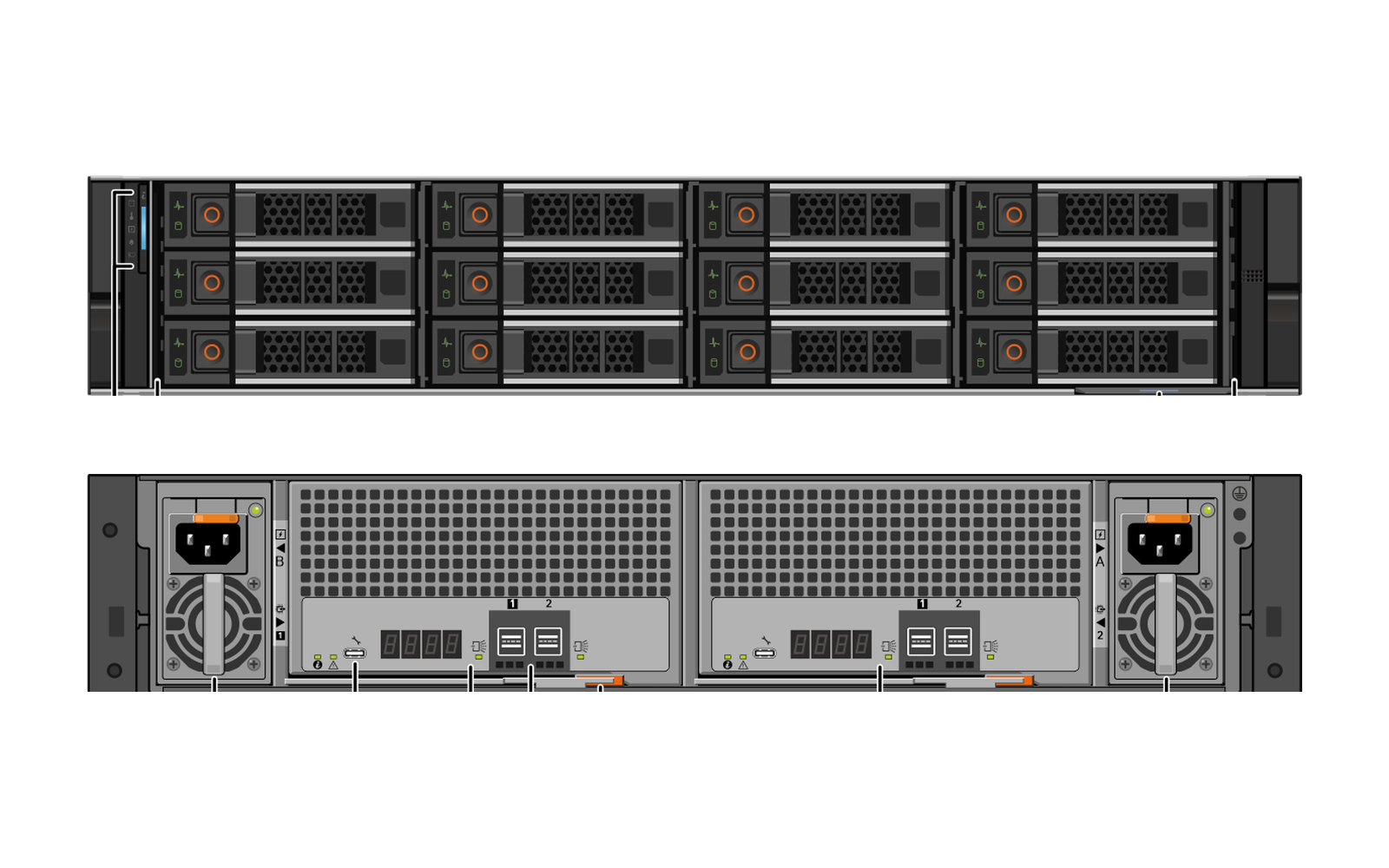
VS 2412-D
Twelve big drives in 2U
Up to 12 hot-plug 3.5-inch nearline SAS drives in two rack units. The shelf for most archives: all ten standard configurations fit in it.
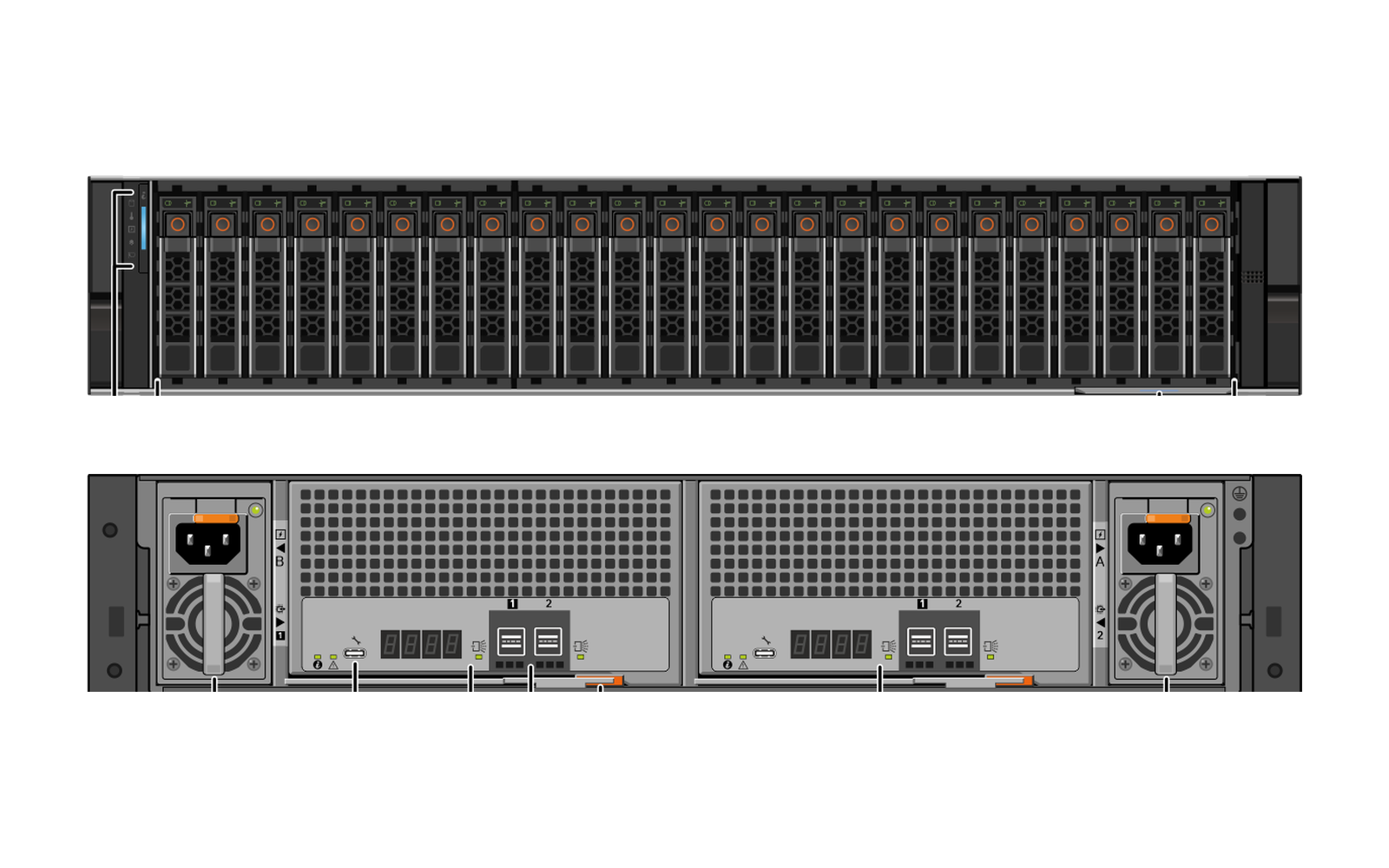
VS 2424-D
Twenty-four small drives in 2U
Up to 24 hot-plug 2.5-inch drives, side by side, in two rack units. For archives that need speed more than size.
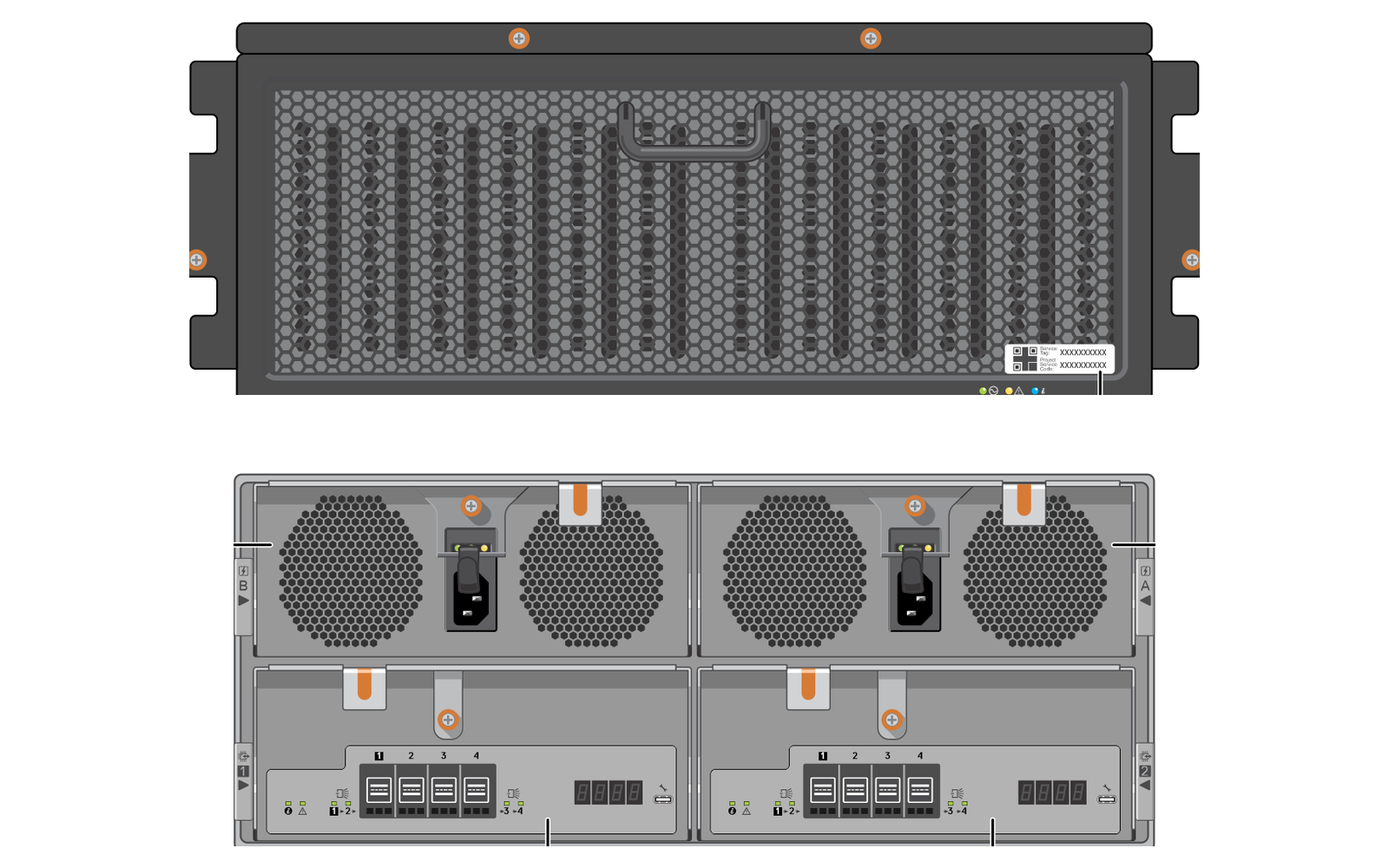
VS 2460-D
Sixty drives in 4U
Up to 60 hot-plug 3.5-inch nearline SAS drives, loaded from the top. The densest of the three, for archives measured in hundreds of terabytes.
Two of everything
Two controller modules and two power supplies in every shelf. If one fails, the shelf runs on.
Hot-swap parts
Drives, power supplies and controller modules can be swapped while the shelf keeps running.
A hot spare, always
Every configuration has a spare drive that takes over by itself and starts the rebuild.
Its own controller
A dedicated RAID controller card sits in the EMA archiver, linked to the shelf by 12 Gb/s SAS cables.
Ten standard configurations
Swipe sideways to see the whole table.
| Drives in the shelf |
4 TB drives
|
8 TB drives
|
16 TB drives
|
20 TB drives
|
|---|---|---|---|---|
| Raw capacity | ||||
| 4 drives | 12 TB | 24 TB | ||
| 5 drives | 16 TB | 32 TB | ||
| 6 drives | 20 TB | 40 TB | ||
| 7 drives | 48 TB | |||
| 12 drives | 88 TB | 176 TB | 220 TB | |
| Get a quote | Get a quote | Get a quote | Get a quote | |
Specifications
The VSTOR Vault shelves are custom versions of Dell PowerVault hardware, matched to EMA and carrying our name.
| Specification |
VS 2412-D
|
VS 2424-D
|
VS 2460-D
|
|---|---|---|---|
| Build | |||
| Height | 2U | 2U | 4U |
| Drive bays | 12 × 3.5-inch | 24 × 2.5-inch | 60 × 3.5-inch, top-loading |
| Drive types | Nearline SAS, 7,200 rpm | 2.5-inch SAS | Nearline SAS, 7,200 rpm |
| Connection | |||
| To the EMA archiver | SAS, 12 Gb/s | SAS, 12 Gb/s | SAS, 12 Gb/s |
| Controller | Dedicated RAID card in the archiver | Dedicated RAID card in the archiver | Dedicated RAID card in the archiver |
| Network ports | None | None | None |
| Redundancy | |||
| Controller modules | 2, hot-swap | 2, hot-swap | 2, hot-swap |
| Power supplies | 2 × 800 W, hot-swap | 2 × 800 W, hot-swap | 2 × 1,500 W, hot-swap |
| Power | 100–240 V AC | 100–240 V AC | 200–240 V AC |
| Size and weight | |||
| Height × width × depth | 8.7 × 44.4 × 54.5 cm | 8.7 × 44.4 × 49.7 cm | 17.4 × 42.3 × 87.5 cm |
| Weight, full | 25.6 kg | 21.8 kg | 90.7 kg |
| Operating temperature | 5–40 °C | 5–40 °C | 5–40 °C |
Subject to change and availability.
Rent it or buy it
With your EMA, the way you run it
With EMA On-Premise Flex
- Part of your monthly rental
- The shelf stays ours, like the archiver
- A broken shelf or drive is replaced
With EMA On-Premise Classic
- You buy it with your archiver
- One year of hardware warranty, extendable to five
- Available from EMA Business Advanced
How it works
From sizing to running
- Step 1
Size
Tell us how much you archive today and how fast it grows.
- Step 2
Quote
Your partner adds the VSTOR Vault configuration and its controller card to your EMA quote.
- Step 3
Order
With the order, we ask how you want the RAID and the hot spare set up. We configure the shelf at the factory and ship it ready to go.
- Step 4
Connect
You or your partner cable it to the EMA archiver, and it is ready. Changed your mind about the RAID? You can reconfigure it in EMA.
- Step 5
Run
EMA writes the archive to VSTOR Vault and monitors the health of the shelf.
Questions about the models
Which shelf is right for me?
For most archives, the VS 2412-D: all ten standard configurations fit in it. The VS 2424-D suits archives that need speed, and the VS 2460-D archives that run to hundreds of terabytes. Tell us your size and how fast it grows, and we'll recommend one.
How much of it can I use?
Less than the raw capacity, because RAID keeps parity to survive failed drives. With RAID 5, one drive's worth goes to parity; with RAID 6, two. Need more, or something else? Talk to us and we'll put together a custom quote.
Can I start small and grow later?
Yes. Start with what you need today. When your archive grows, add drives or a second shelf, and EMA adds the new space to the storage your archive already uses. Your partner puts the extension into a quote.
A drive fails. Now what?
Nothing dramatic. The hot spare steps in and the rebuild starts by itself. EMA sends you an email and an SNMP trap, and the failed drive is replaced under your rental or your warranty.
What if a drive walks out of the building?
Then whoever has it holds nothing they can read. Every file on VSTOR Vault is encrypted, so a pulled, failed or stolen drive gives nothing away.
Can I connect my own storage instead?
Yes, though not as direct-attached storage: that is a set-up we don't support. Fibre Channel works, and so do iSCSI and USB. You can build something close to VSTOR Vault that way, with caveats. iSCSI storage has an IP address, so it can be found on your network. USB disks have no address, but enterprise-grade USB disks hardly exist. And in every case, EMA only sees the volumes. Nobody watches the physical disks for you, there are no drive alerts, and warranty and support for the storage come from someone else. You manage it yourself, and we are out of the picture for that part.
Which size do you need?
Tell us your archive size and how fast it grows. We'll recommend a configuration for your EMA quote.