
Migration
Your data, free to move
Mail platforms, cloud suites, file servers, archives and phone systems come and go. Keep their mail, documents and chats in EMA, in standard formats, and choose the next system on its merits, not on how hard it is to leave the last one.
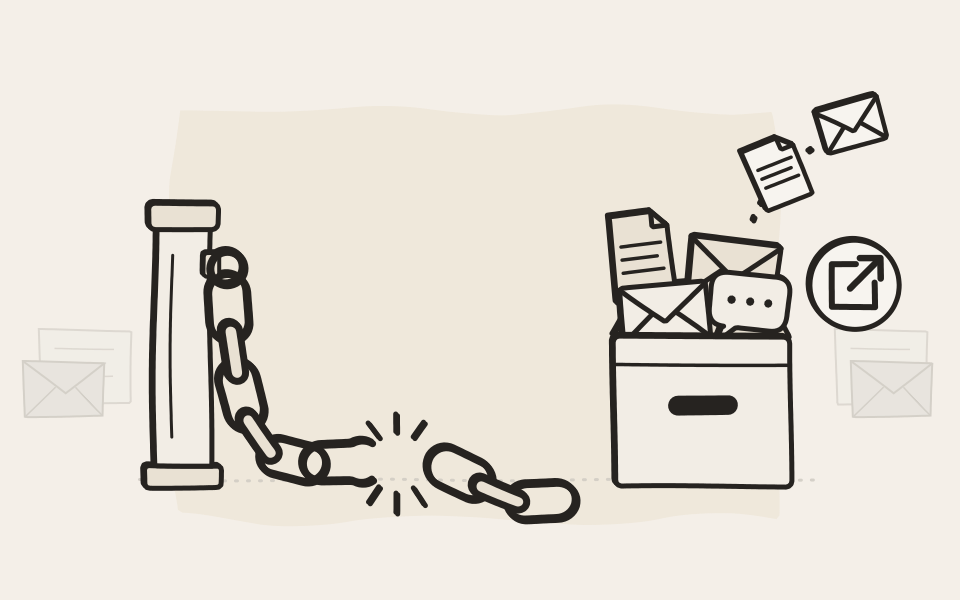
The one system you never migrate
Your systems change around EMA, and the archive stays where it is. Mail from Exchange, Microsoft 365, Google Workspace, HCL Domino or Postfix, documents from file servers, SharePoint, OneDrive or Google Drive, chats from Teams or Google Chat: EMA archives them side by side, even several at once. Connect the new system, and everything from the old one stays where your people already search for it.
What EMA archives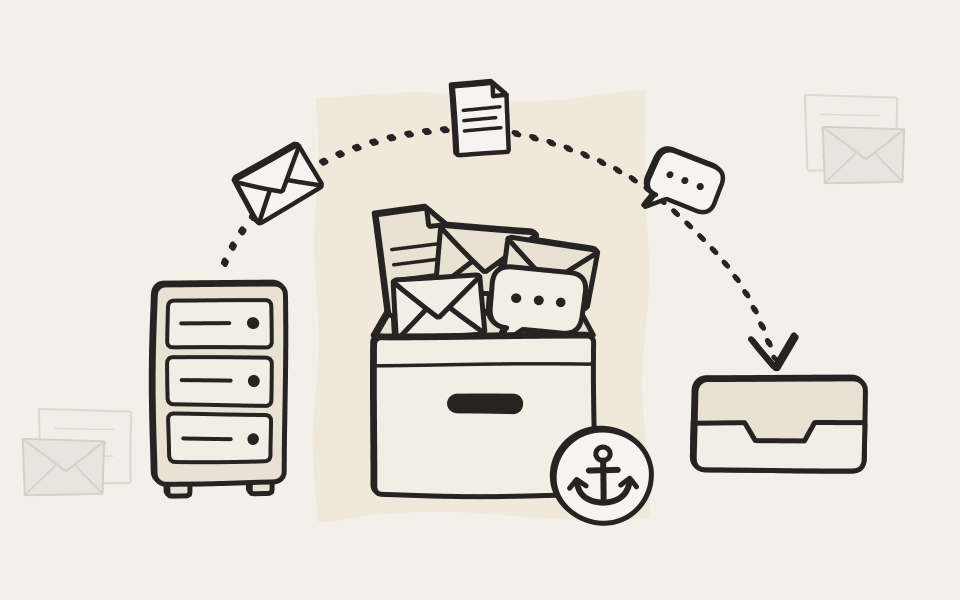
What are you moving?
Whatever you change, the history stays
Four kinds of move, and what EMA does for each.
Switch cloud suites, keep the history
Moving from Microsoft 365 to Google Workspace? Your SharePoint libraries and Teams chats stay searchable in EMA. Going the other way? EMA has already turned your Google Docs, Sheets and Slides into standard files and kept your Google Chat history. Either way, you don't keep paying for the old suite just to keep its history alive.
Microsoft 365 and EMA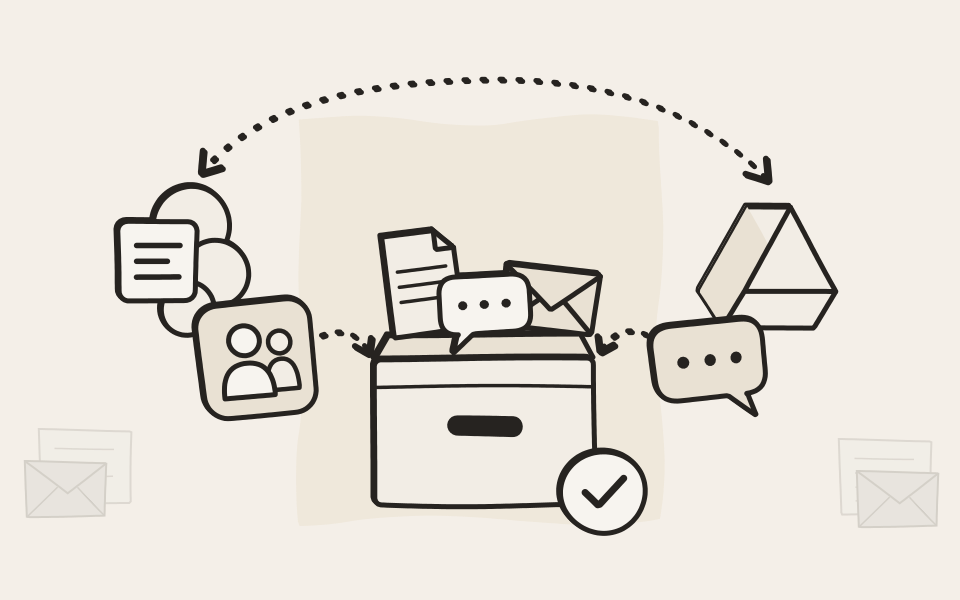
Change the mail platform, move only what you need
From your own servers to the cloud, from one cloud to another, or back again: archive the old mail in EMA first, then move only the last few months. The migration gets smaller, quicker and less risky, and anything older is one search away in EMA.
EMA Mail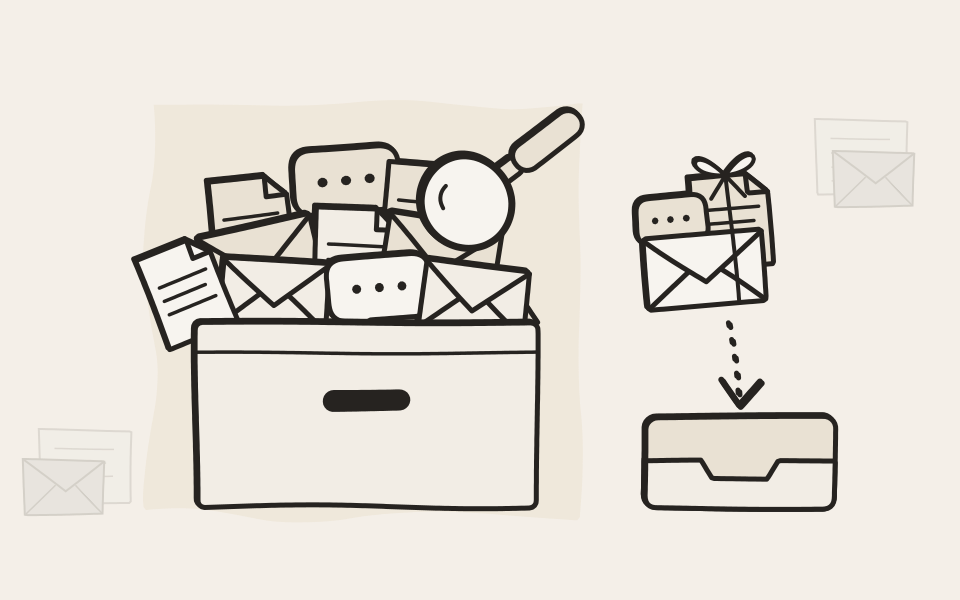
Retire an old archive or document management system
Most archive products can export your mail and documents in common formats. The EMA Mail Import Tools take the mail, PST files included, and EMA File takes the folders of exported documents. For a document management system, a partner can connect it to EMA's System API, which takes in files and mail with their attributes. Some vendors charge for assisted or bulk exports, so check the exit terms of your current system early.
Play with the EMA Mail Import Tools in your browser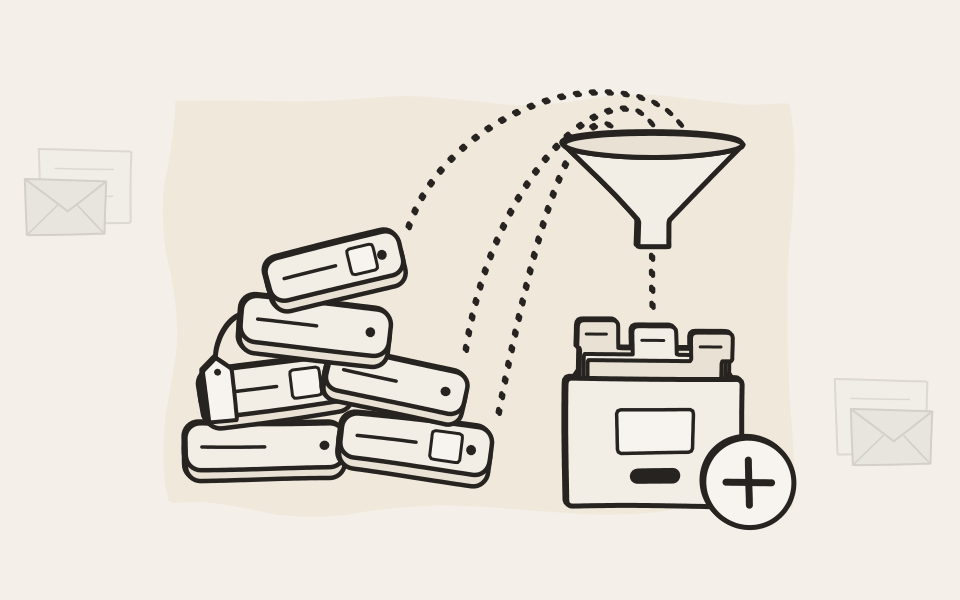
In the end, everything is a file
Printouts and scans are PDFs, phone calls are audio files. EMA Print, Scan and Voice archive them as they are made, so they don't depend on the printer, scanner or phone system that made them: replace one, and nothing changes in the archive. Scans and call recordings from an old system come in through EMA File, like any other folder of files.
The EMA modules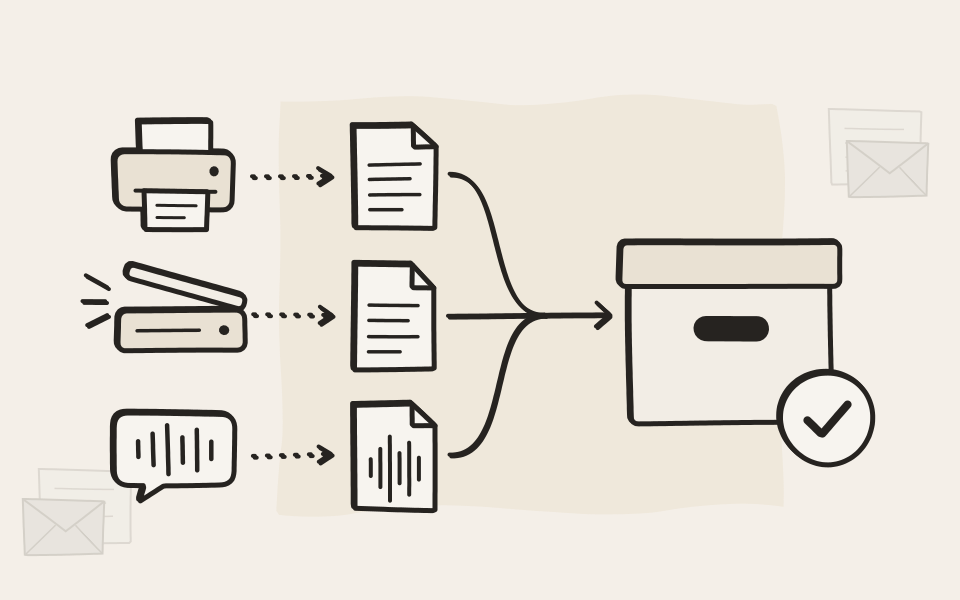
EMA itself
No lock-in with us either
The same freedom applies to EMA. Your archive belongs to you, and we don't keep your data hostage.
Your data leaves in a format anyone can read
EMA keeps your mail as standard messages, mostly EML, and your documents in their original formats. Export any search result as a ZIP of the originals, with their attributes, whenever you like and free of charge. Every export is written to the audit log.
APIs and SDK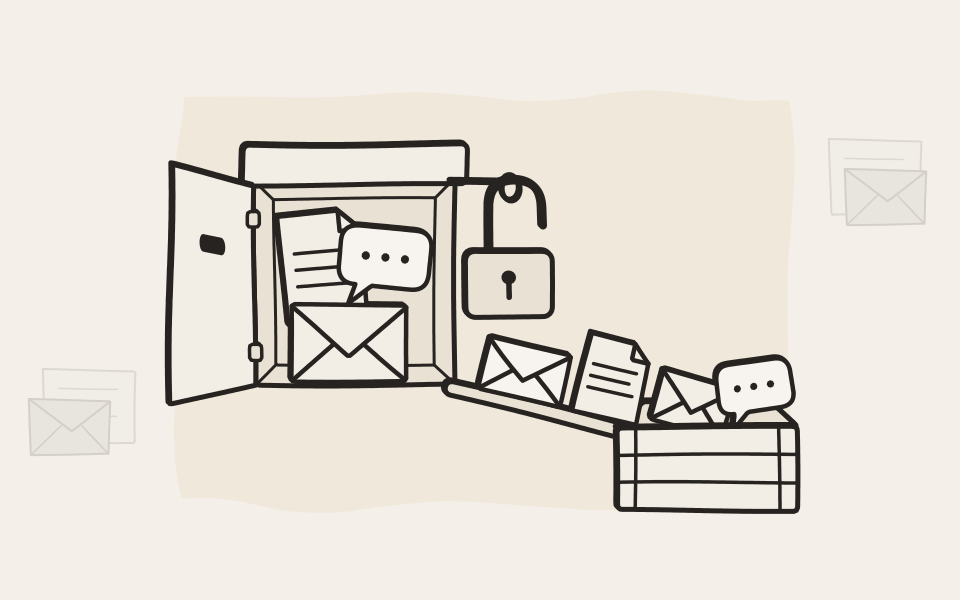
Your own storage
All EMA does is write files, to a Windows or NFS share, USB disks, iSCSI, direct-attached or Fibre Channel storage.
Cloud and back
Cancel EMA Cloud at the end of any month, or bring the whole archive back to your own server room.
APIs for your own tools
Search, download and attribute APIs with no artificial rate limits, and an SDK, for your own processes and reports.
Search from anywhere
People search the archive from Outlook, a web browser or the EMA app, whichever systems you run next.
How a move goes
Four steps, whatever you move
A migration partner can plan and run them with you.
Connect the new system
From day one, EMA archives the new mail platform, file storage or chats, next to the old ones.
Bring in the old data
The EMA Mail Import Tools take old mail, EMA File takes folders of documents, and the System API takes anything else.
Switch off the old system
Once its data is in EMA, retire it, and stop paying for its licences and its storage.
Search in one place
Old and new turn up in the same search, signed and under the same retention rules.
EMA helped us save on duplicate maintenance and licensing costs and minimise administrative effort. Thanks to the Mail Import feature, moving large volumes of data was simple, trouble-free and done in a surprisingly short time.


Questions about moving with EMA
We are moving from Microsoft 365 to Google Workspace. What happens to SharePoint and Teams?
Their history stays in EMA. Documents from SharePoint and OneDrive, with every version, and chats from Teams remain searchable as before, and from the day you switch, EMA archives Gmail, Google Drive and Google Chat next to them.
And from Google Workspace to Microsoft 365?
The same, the other way round. EMA converts Google Docs, Sheets, Slides, Drawings and Forms into standard file formats when it archives them, so they stay readable without Google. Google Chat spaces, group chats and direct messages stay in the archive too.
Do we have to keep the old suite running to read its history?
No. Once its mail, documents and chats are in EMA, you can cancel the old subscriptions. Your people find the old history in the same search as the new.
Do we have to move all our old data to the new system?
No. Archive the old mail, files and chats in EMA and move only what people still work on. Everything older stays in EMA, searchable as before, so the migration gets much smaller.
Our current archive is another product. Can we move to EMA?
Yes, if it can give your mail and documents out in common formats such as EML, PST, Mbox or plain files, and most can. The EMA Mail Import Tools read the mail formats, and EMA File takes the documents. Ask your current provider what an export costs: some charge for assisted or bulk exports. A partner can test a sample with you before you commit.
We have a document management system. Can its documents come to EMA?
Yes. If it can export its documents to a folder, EMA File archives them from there. If not, a partner can connect it through EMA's System API, which takes in files and mail with their attributes, so a document keeps its metadata and stays searchable by it.
Can old scans and call recordings come along?
Yes. They are files: PDFs and audio recordings. Point an EMA File task at the folder where your old scanning or recording system kept them, and EMA archives them with the rest.
Who does the work, we or a partner?
Either. The EMA Mail Import Tools come with every edition, and EMA File archives folders of documents as it would any other, so an admin can do it. A migration partner brings the experience and does the work for you, and for mail never needs access to your archive: the partner reads the old mail into a file, and you send it to EMA yourself.
What if an import stops halfway, or runs twice?
Nothing is lost and nothing is doubled. EMA records the result for every message as it arrives, a rerun sends only what is still missing, and EMA skips any message it already holds. EMA File tasks can start from a date, so files already moved are not archived twice.
Can we move from EMA Cloud to our own server room, or the other way?
Yes, in both directions. EMA Cloud has no minimum term. To come back on premises, the On-Premise Access Connector opens a tunnel to your network and your new archiver syncs the whole archive down.
And if we want to leave EMA one day?
Then your data comes with you. Export every document in its original format, with its attributes, free of charge, through the web interface or the export APIs. Every export is recorded in the audit log.

Plan your move with a partner
Tell us what you are moving from and to, and we'll put you in touch with a partner who does migrations.