
VSTOR Vault Direct Attached Storage
Archive storage an attacker can't reach
VSTOR Vault is cabled straight to your EMA archiver, not plugged into your network. It has no IP address, so ransomware moving through your network has nothing to aim at.
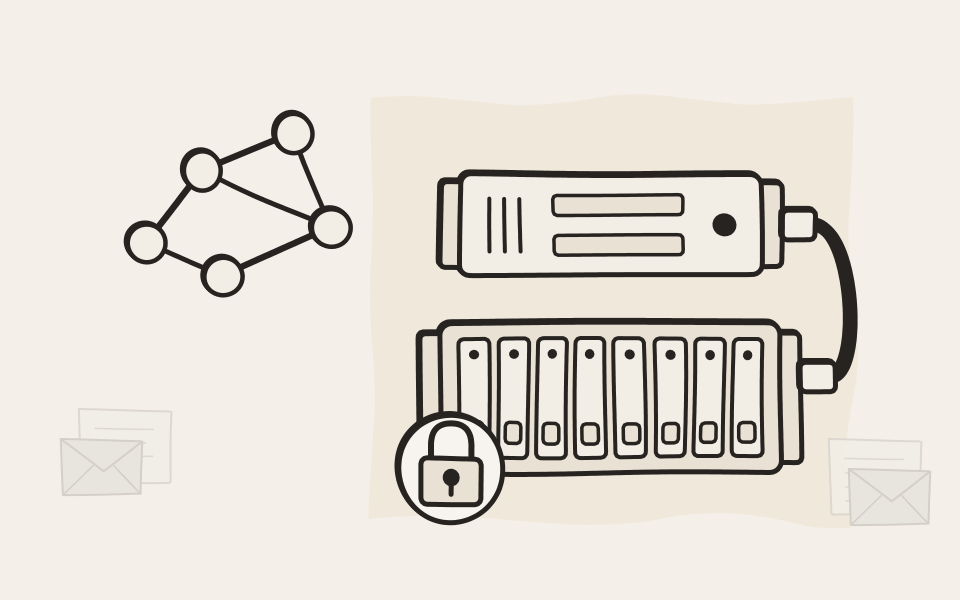
Your network has no route to it
Network storage has an address and a login, so whoever takes over your network can find it, encrypt it or wipe it. VSTOR Vault sits behind an EMA archiver. There is nothing on the network to scan for, and nothing to log in to.
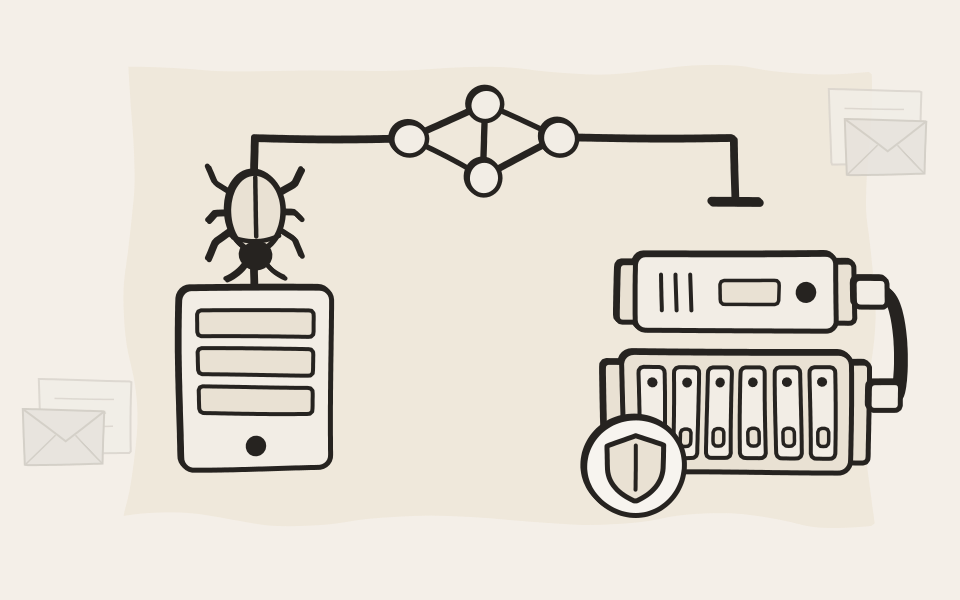
Managed in EMA, not in yet another console
You set up VSTOR Vault in EMA, in the same place as your archive. From then on EMA manages it, watches every drive and alerts you when something needs attention. One less system to look after, and one less login for an attacker to steal.
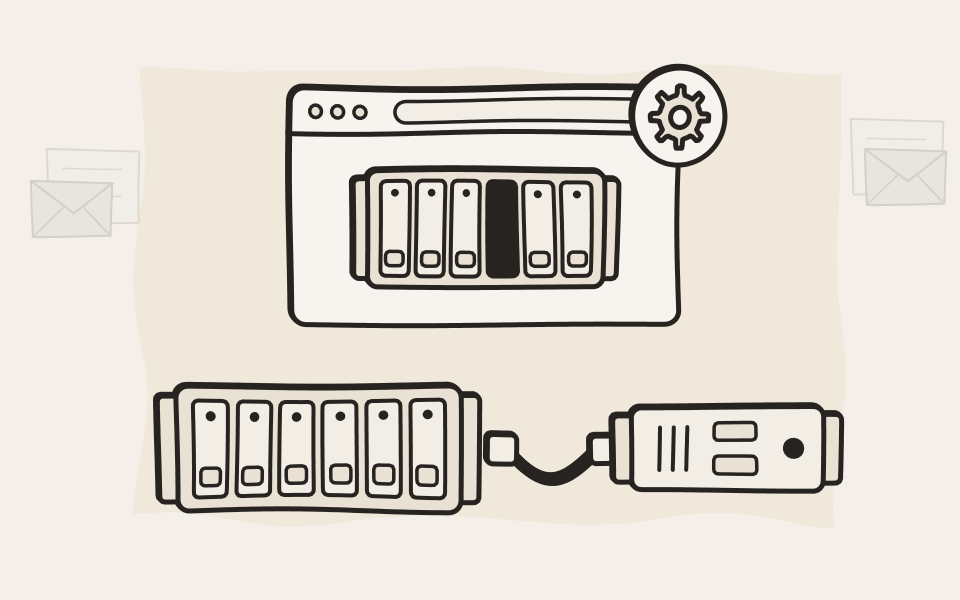
From one supplier
The archiver, the shelf, the drives, the warranty and the support all come from us. The shelves are OEM versions of Dell PowerVault hardware, built for EMA and carrying our name. When something needs attention, you deal with a single vendor.
See the models
EMA plays a crucial role in our cyber defense strategy. The VSTOR Vault storage solutions are incredibly reliable and require minimal administrative overhead.
VSTOR Vault
Find out more

How it works
What EMA does with the shelf, and what happens on the day ransomware hits.
How it worksModels
Three shelves, ten configurations from 12 to 220 TB, for EMA On-Premise Flex and Classic.
See the models
Designed for EMA
The archive for email, files, print, scans and calls that writes to VSTOR Vault.
Explore EMAQuestions about VSTOR Vault
Do I need VSTOR Vault to run EMA?
Not necessarily. EMA works with a broad range of storage: Windows and NFS shares, USB disks, iSCSI and Fibre Channel storage. Only VSTOR Vault adds storage that ransomware and attackers on your network can't find, managed by EMA itself.
Can I use VSTOR Vault for other servers?
Technically yes, in practice no. You could open a read-write network share on it via EMA, but that would give up the very thing that protects it. If you have other data you want on VSTOR Vault, put it into EMA through our APIs instead: you hand in a file with its metadata and get an ID back, much like object storage. It then gets the same protection as your archive.
Can I connect my own storage instead?
Yes, though not as direct-attached storage: that is a set-up we don't support. Fibre Channel works, and so do iSCSI and USB. You can build something close to VSTOR Vault that way, with caveats. iSCSI storage has an IP address, so it can be found on your network. USB disks have no address, but enterprise-grade USB disks hardly exist. And in every case, EMA only sees the volumes. Nobody watches the physical disks for you, there are no drive alerts, and warranty and support for the storage come from someone else. You manage it yourself, and we are out of the picture for that part.
What about EMA Cloud?
EMA Cloud brings its own storage. Each customer gets a virtual instance of EMA and virtual block storage of their own, both encrypted per customer, so there is no shared storage for ransomware to spread through. VSTOR Vault is the option for EMA On-Premise Flex and EMA On-Premise Classic.
Does this also protect EMA itself?
EMA protects itself. It runs a hardened, digitally signed Unix-based firmware, with a Trusted Platform Module and a chain of trust that covers the whole boot path, from pressing the power button until the system is ready. There is no root access and no way to install other software. Together with VSTOR Vault, that makes the whole archive very hard to reach for ransomware and other attacks.
Find the right size for your archive
Tell us how much you archive today and how fast it grows. We'll suggest a VSTOR Vault configuration for your EMA.