
EMA Voice
Record the call. Keep the consent.
EMA asks the caller before it records, and keeps the answer. Calls over SIP go into the same signed, searchable archive as your email and documents.
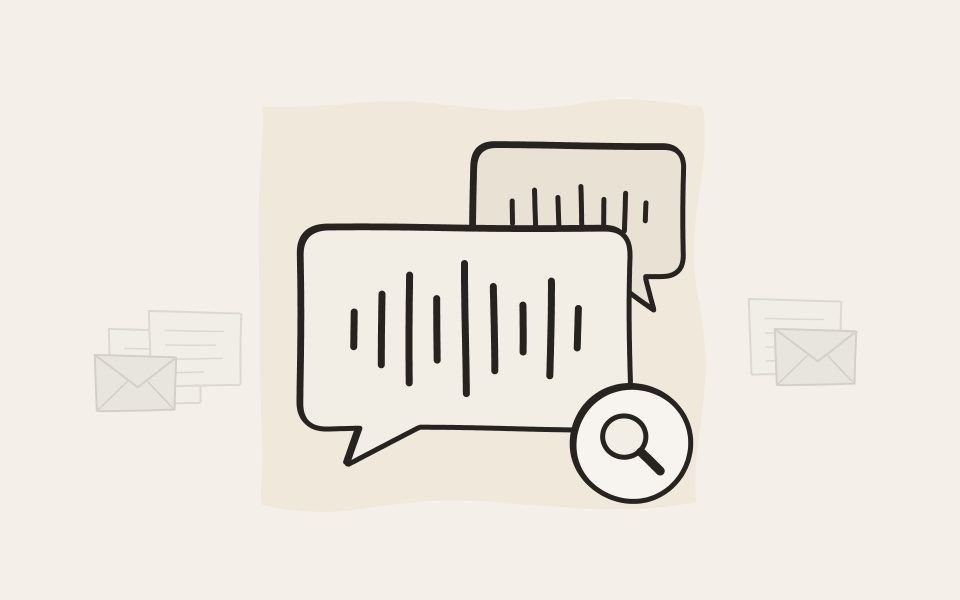
Consent, asked for you
EMA asks the caller before it records.
The answer is kept
A yes can be heard later, and so can a no.
Signed like your email
Calls are signed, encrypted and time-stamped.
Found with the rest
One search covers calls, email and documents.
Why EMA Voice
A phone system records calls. EMA archives them.
Call recording on your phone system
- Recordings stay on the phone system, away from your other records
- No signature, so no proof that a call was never changed
- Features are usually limited, and differ from one vendor to the next
- A separate recording system is one more thing to buy and run
Call recording with EMA Voice
- Calls land in the archive you already have, next to email and documents
- Every call is signed, encrypted and kept for the retention period you set
- Consent is asked, and the answer can be on the recording
- It plugs into your phone system or SIP provider, with nothing else to run
Use cases
Why record calls
Contracts agreed by phone
A customer changes a contract or accepts an offer on the phone. The recording is the record of what was agreed, and of the customer saying yes to being recorded.
Customer support
Every call to the support number is recorded after the caller agrees, then passed on to your phone system as usual. A dispute or a quality check is settled from the recording.
Banks and finance
In regulated industries, phone orders and advice often have to be kept. Record them, keep them for the retention period you set, and show later that nothing was changed.
Only the calls that matter
Few people want every call on tape. A colleague adds EMA to the conversation when something important is about to be agreed, and the recording starts from that moment.
Connect
Give EMA a SIP account on your phone system, and pick a scenario.
Ask
EMA plays your announcement and waits for a key.
Record
The call is recorded, with pause and delete on the keypad.
Find
Search by caller or callee, then play the call.
Consent
Ask first, and keep the answer
Before it records, EMA plays your announcement and waits for a key press. If the caller says no, the call goes on unrecorded, or ends, as you decide. The question and the answer can be on the recording too, so a yes can be heard later, and so can a no. Use your own recordings, or type the text and EMA reads it aloud.
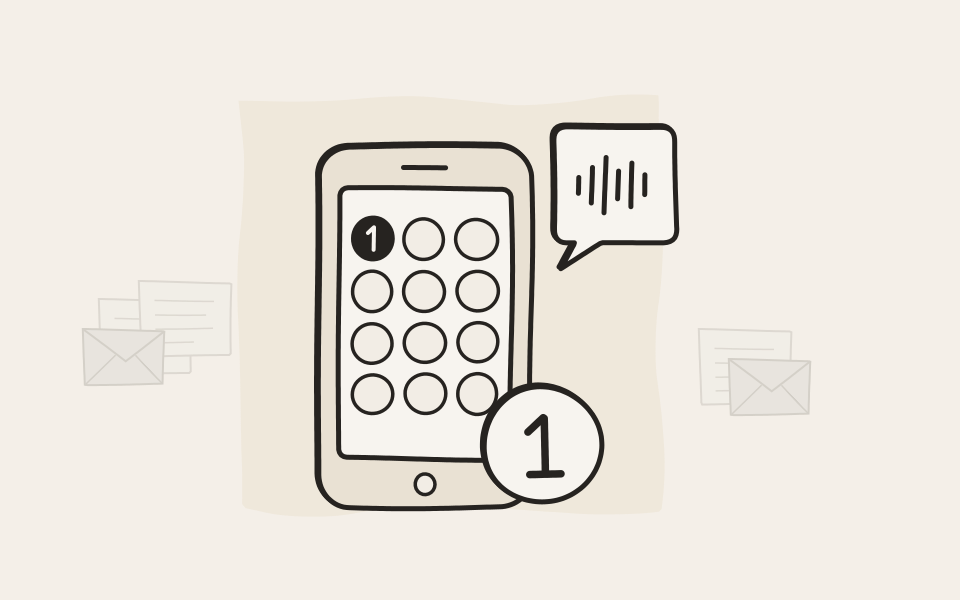
During the call
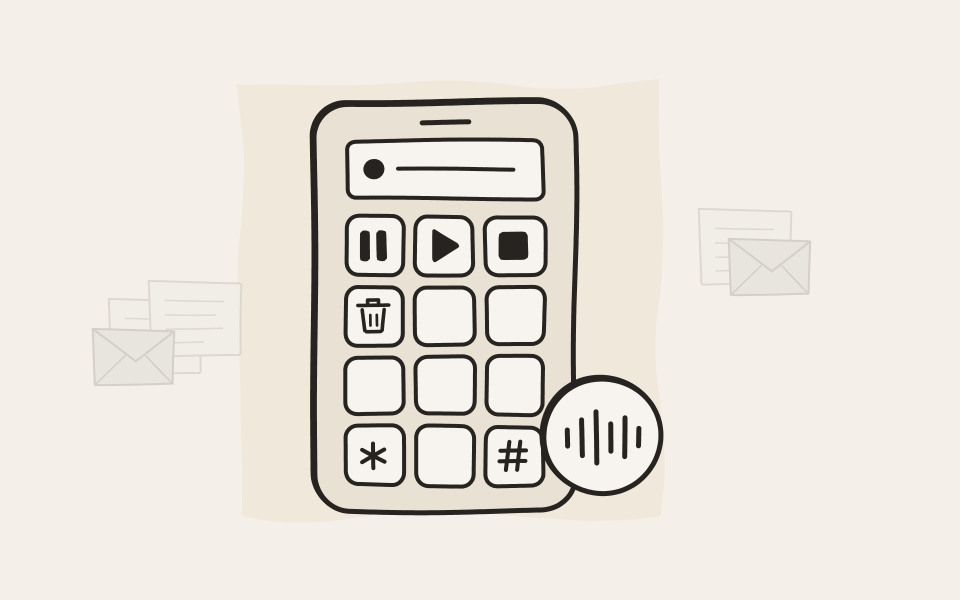
Pause, resume or delete from the phone
Switch on recording control and the people on the call can steer the recording from the keypad: pause it for a private moment, continue it, delete it or start over. You pick the features and map them to keys.
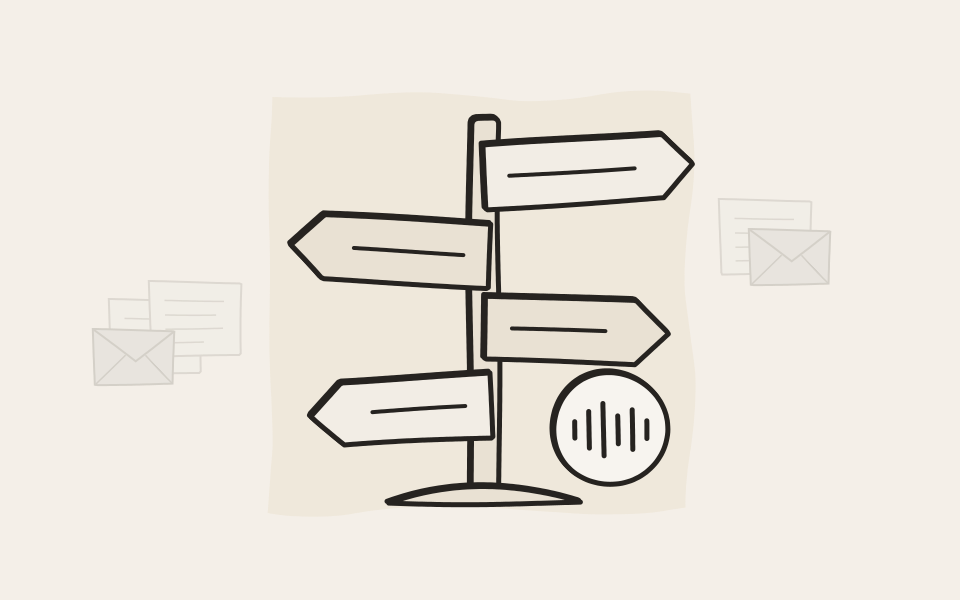
Scenarios
Four ways to bring a call to EMA
Pick the one that fits how your calls flow. Forward catches every call to a number, for example your support line. Gateway lets people dial out through EMA. With Conference and callback, a colleague brings EMA into a call that is already going. Phone number rules decide which scenario applies to which number.
They pressed 1 to agree. You press play to prove it.
Choose how the call is handled
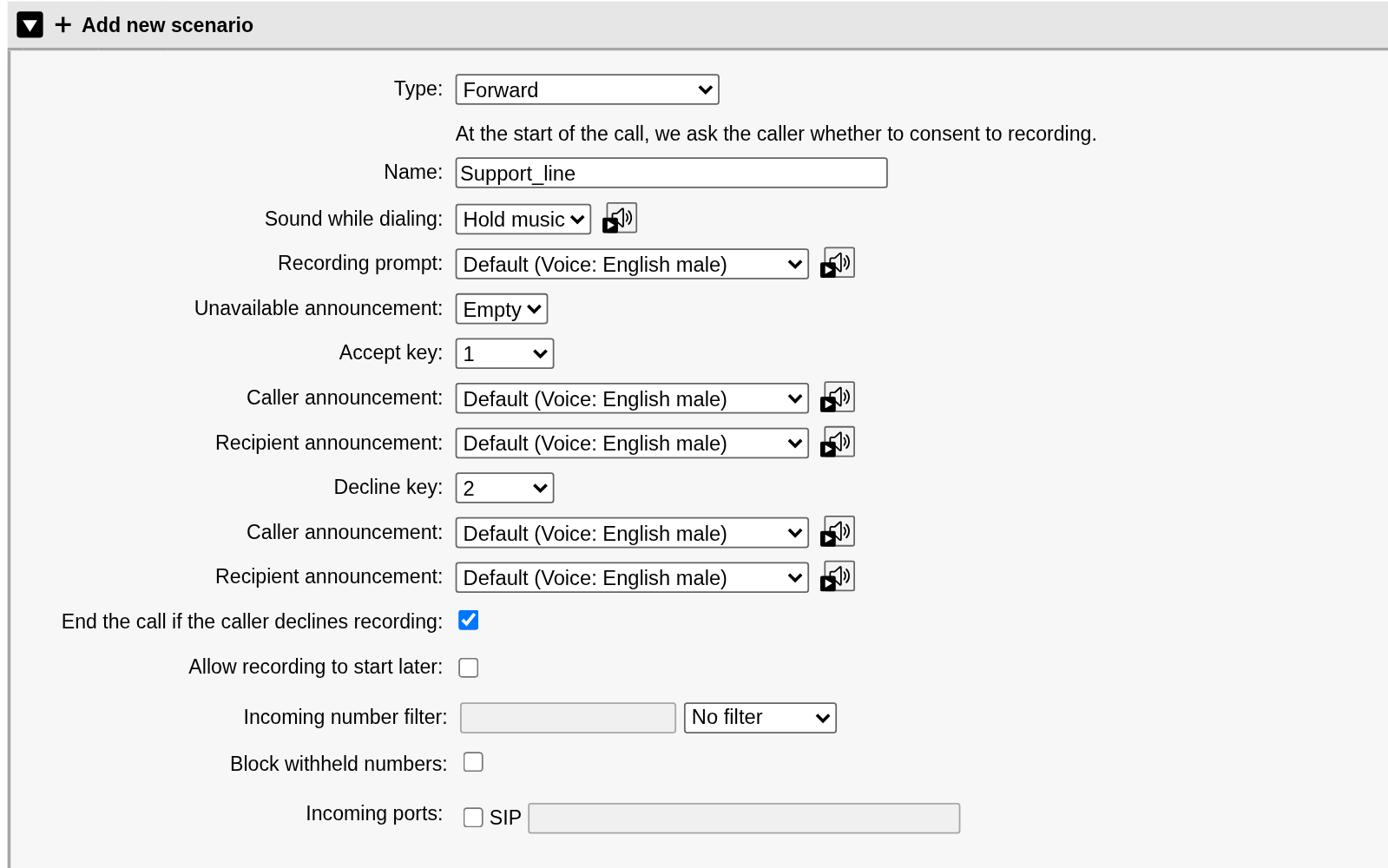
A Forward scenario for a support line. EMA plays the recording prompt, waits for key 1 or key 2, and passes the call on to your phone system. The caller and the person called can each hear their own announcement, and the prompts come ready-made in German, English, Spanish and Portuguese. One tick ends the call when the caller declines.
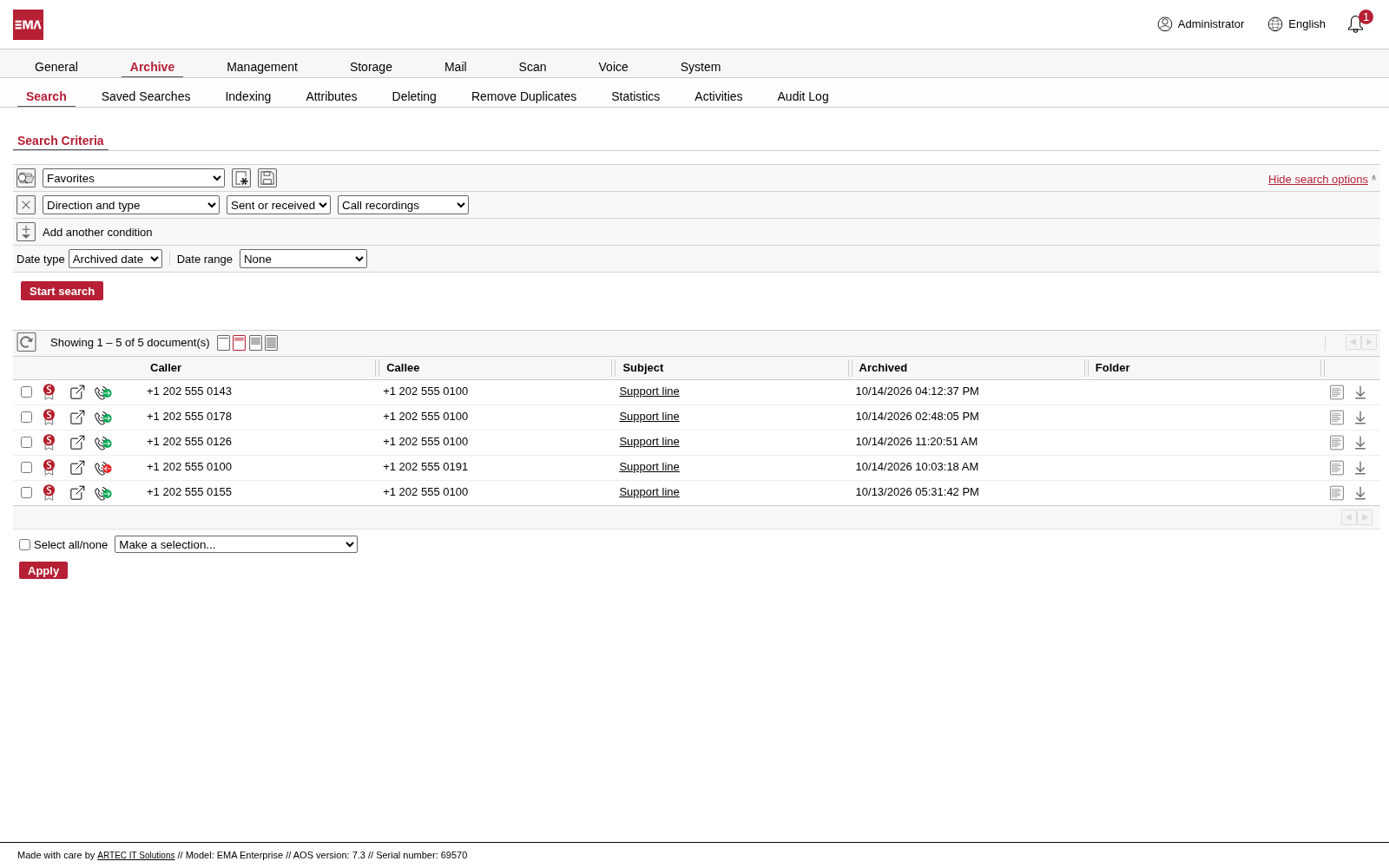
Find the call
Filter by call recordings and see who called, who was called and when the call was archived. Calls sit in the same search as your email, files and printouts, and a recording can be filed in an archive of its own for each phone number.
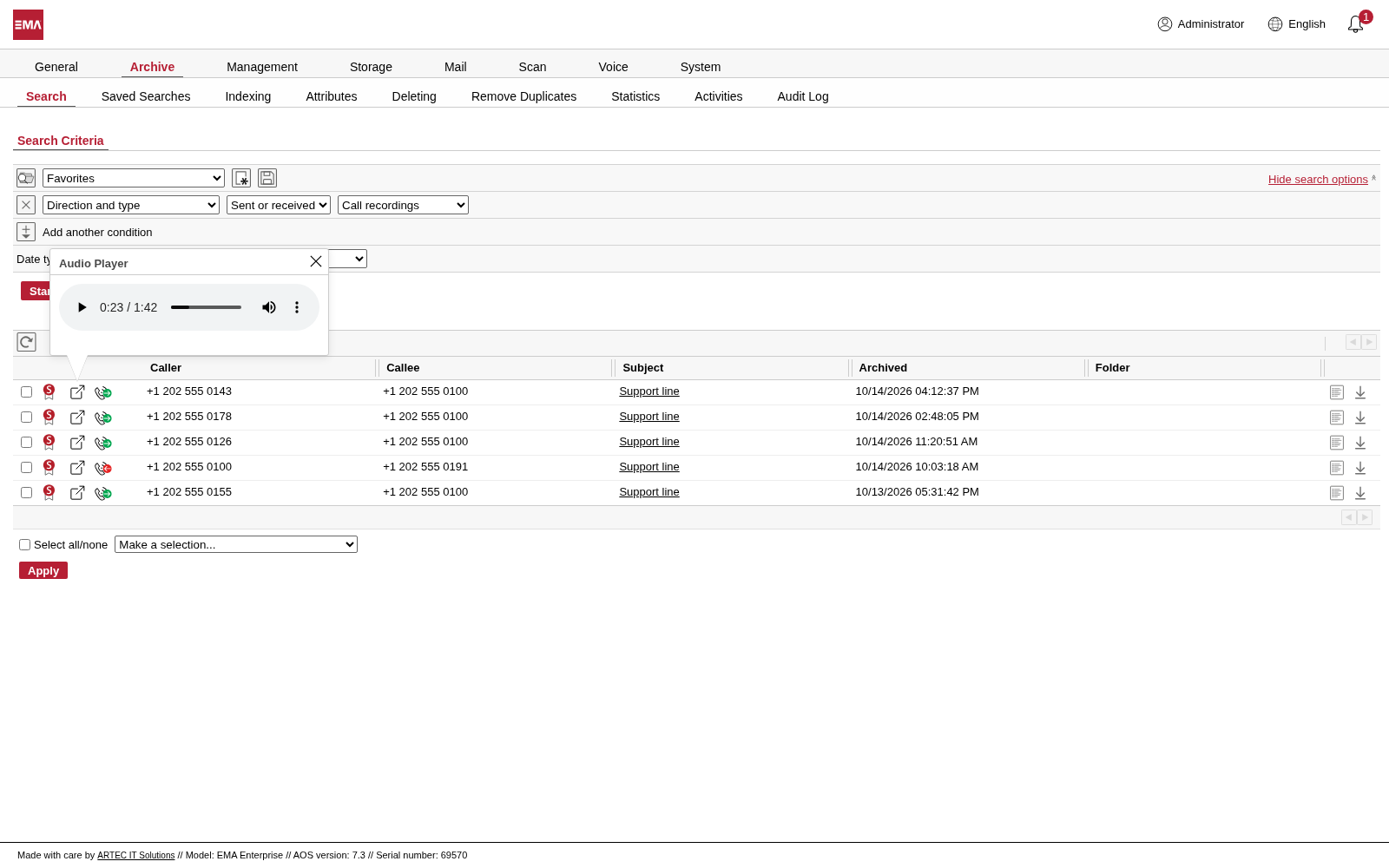
Play it back
Select the play icon and the call plays in the browser. The signature beside each call shows it was never changed.
Questions about EMA Voice
Which phone systems does EMA Voice work with?
Any phone system or provider that speaks SIP. EMA connects with a SIP account, or with a trunk that covers a whole range of numbers, and registering with the provider is optional. Outbound proxies, NAT and the usual ways of sending keypad tones are all covered in the settings.
In what format are calls kept, and can we download them?
Calls are kept lossless, as WAV files, and play in the browser. Users with the permission download a call or export a selection as a ZIP file, and the APIs return the original recording to your own systems.
Who can listen to a recorded call?
You decide for each scenario. Recordings go into an archive for each phone number, or into one archive for the scenario, and you make colleagues its delegates: the support team lead for the support line, for example.
Can we choose which calls are recorded?
Yes. Each scenario has a list of numbers to include or exclude, with wildcards, and can block withheld numbers. Phone number rules decide which scenario handles which number, so only the lines that matter are recorded.
Can we record outgoing calls?
Yes, with the Gateway scenario. The caller dials EMA and enters the number, EMA dials it with hold music, and the person called decides on consent. You choose which number they see: the caller's, the scenario's or a fixed one.
How long are recordings kept?
As long as you set. A call is a document in your archive like any email, so your minimum retention periods and deletion policies apply to it, and every deletion is written to the Audit Log.
How does a recording end when EMA joins a conference?
When someone presses the key you chose for it, or when the line has been silent for as long as you set. That is a minute by default.
Can we use our own announcements and hold music?
Yes. Upload your own announcements and hold music, or type a text and EMA reads it aloud in German, English, Spanish or Portuguese, with a male or a female voice. You can listen to each announcement in the browser and see which scenarios use it.

In 10 minutes you know if we fit.
Book a demo. We start with the honest version: what EMA does, what it does not, and whether it suits your company. If it does, we spend another twenty minutes on the details.