
SMART Link
Everything about this customer, right here
SMART Link puts everything your archive holds about a customer, order or ticket into the application your team already works in: emails, scans, printouts, files and calls. One click on the record, and the history is there.
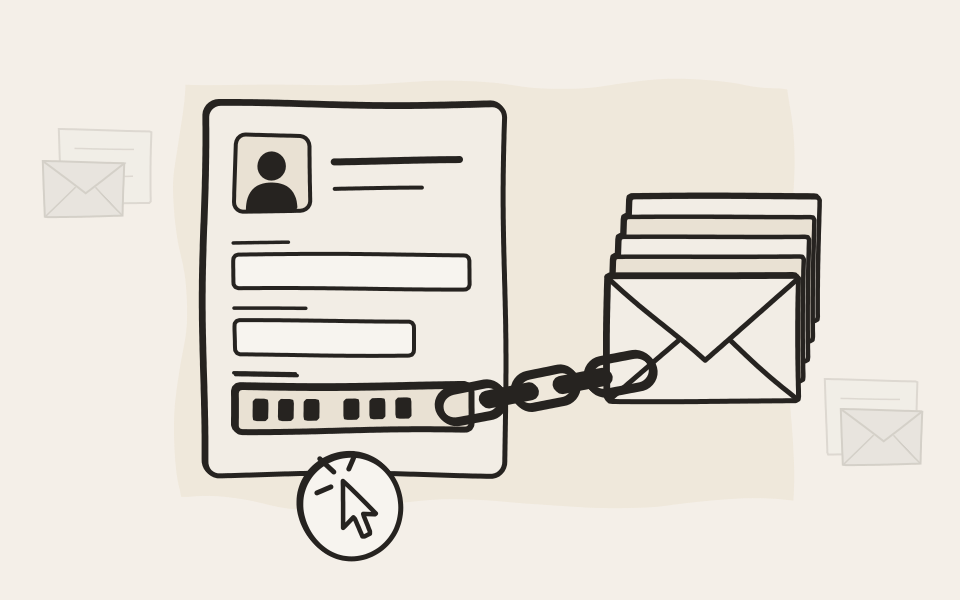
How it works
A saved search with a blank to fill
Your application fills in the customer number. EMA does the rest.
Three steps, no code on the archive side
Save a search
Build the search once in EMA, for example everything that mentions a customer number, and share it with the team.
Add the link
Put the link into your application, with the record's customer, order or ticket number at the end.
Open the record
Everything that matches appears next to it, emails and documents alike, with preview and download.
From the order to the document in one click
What your team sees in the application they already use.
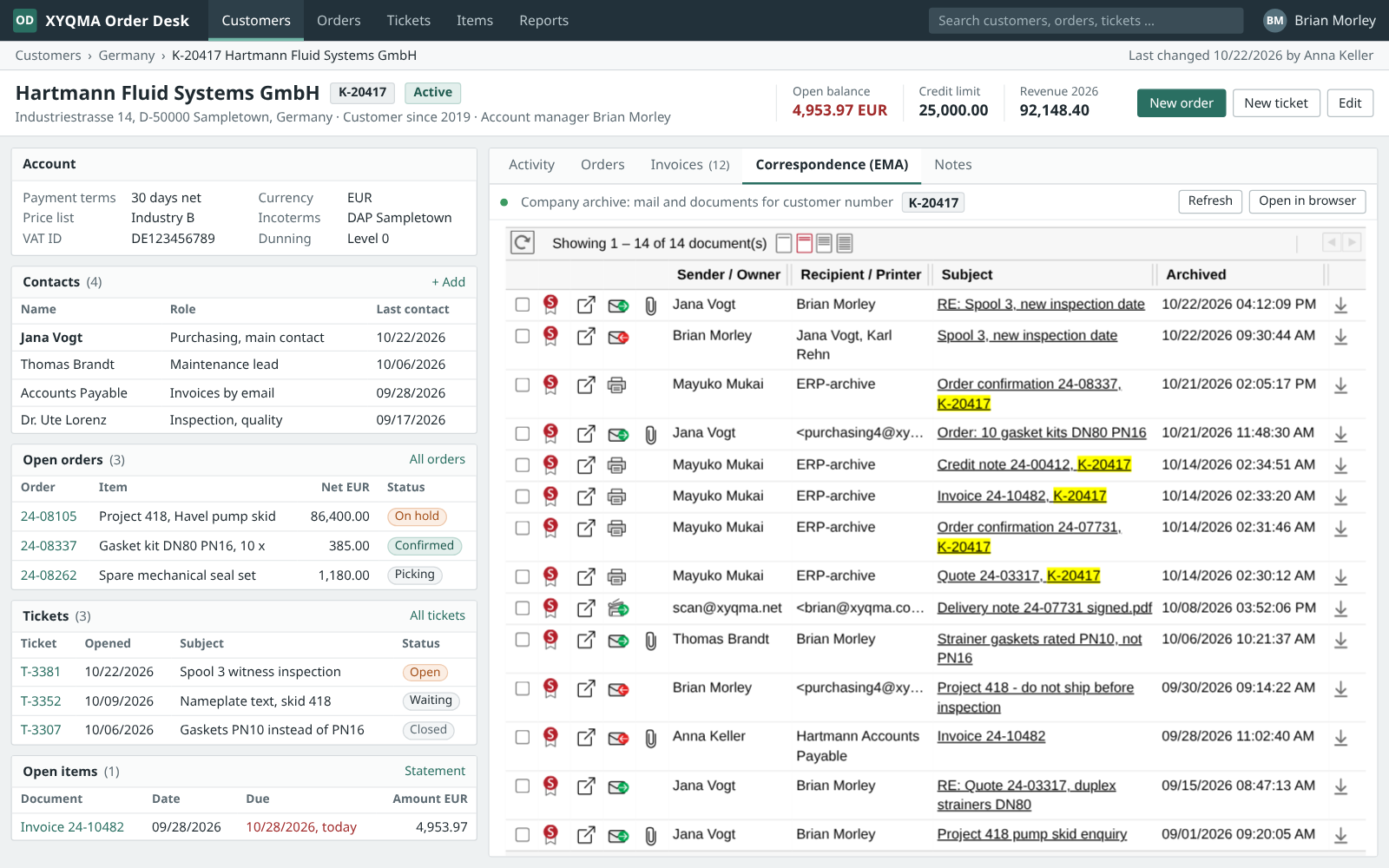
The history beside the record
Open a customer and every archived email, printout and scan about them is listed beside the record, found by the customer number.
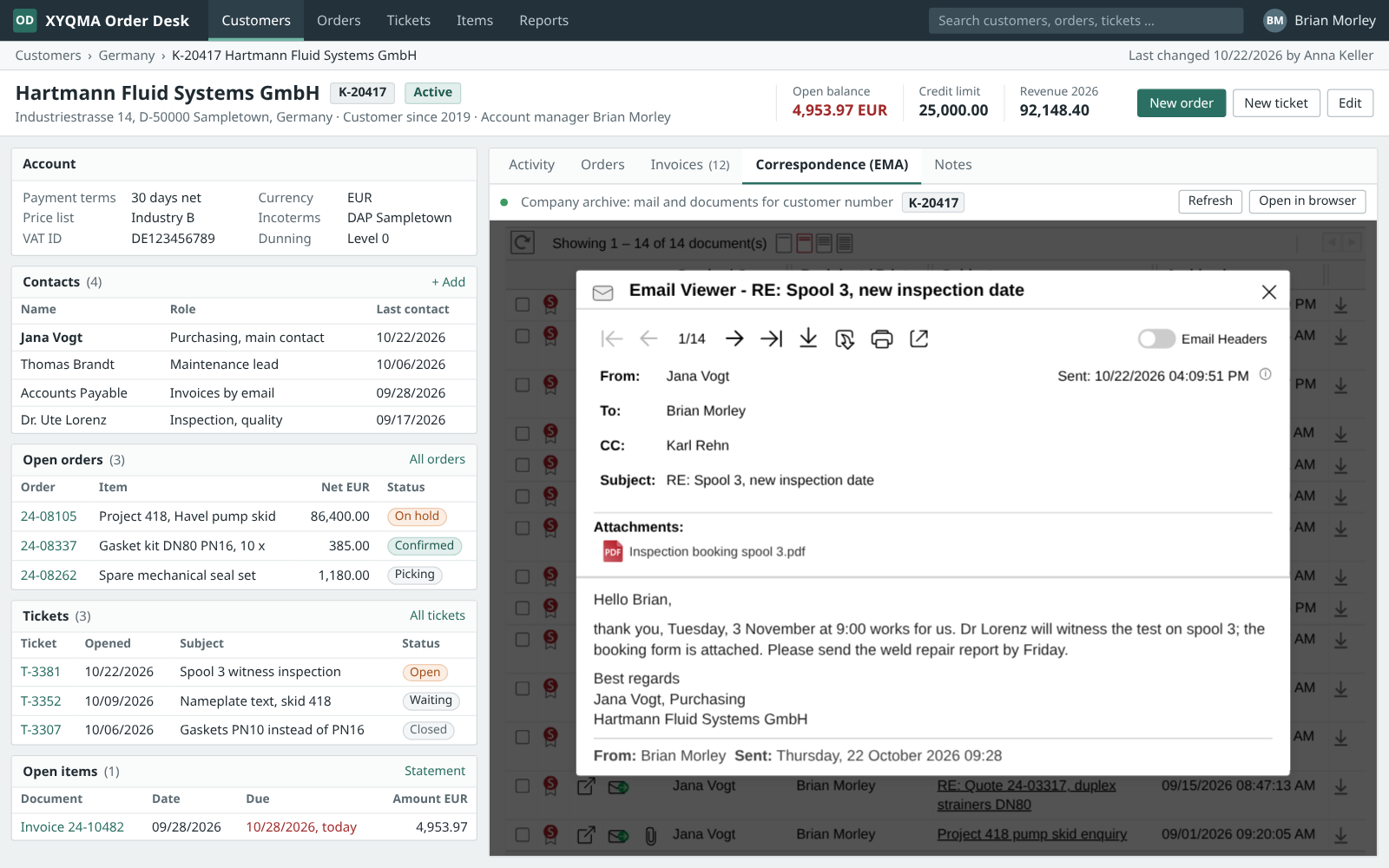
Read it without leaving
An email, a scan or a PDF opens in EMA's own viewer, right inside the application.
Where it fits
At home in your own applications
SMART Link shines inside the business software you build or run yourself.
Inside your application
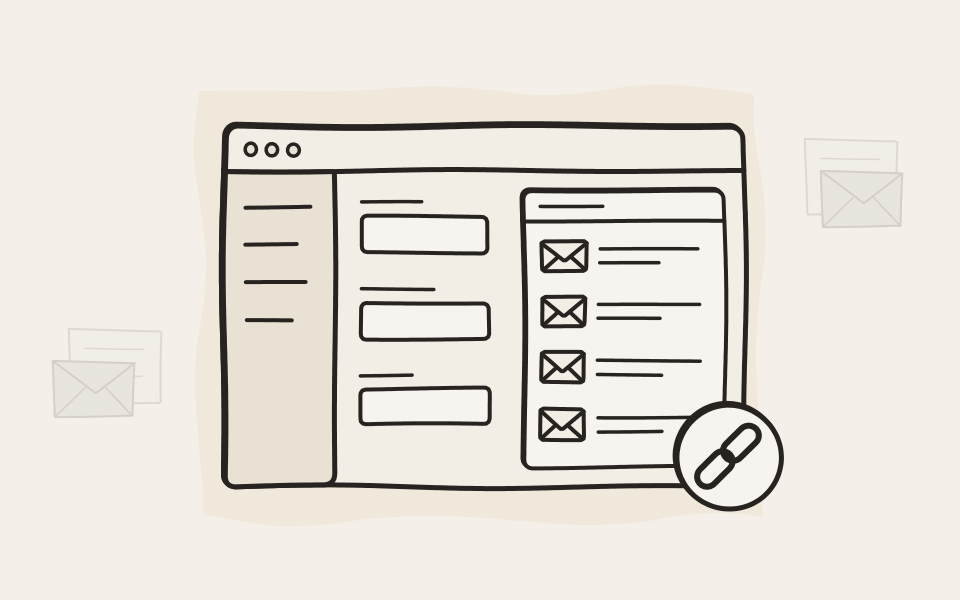
Put it in a browser control inside your own application, such as WebView2 in a .NET program or the browser control in Microsoft Access, and the archive becomes part of the screen. Anywhere else, from Excel to your ticket system, it opens as a link.
Single sign-on, the user's own view
People sign in with the single sign-on they already use, so there is no extra password. Everyone sees only what their own permissions allow, the same as in EMA itself.
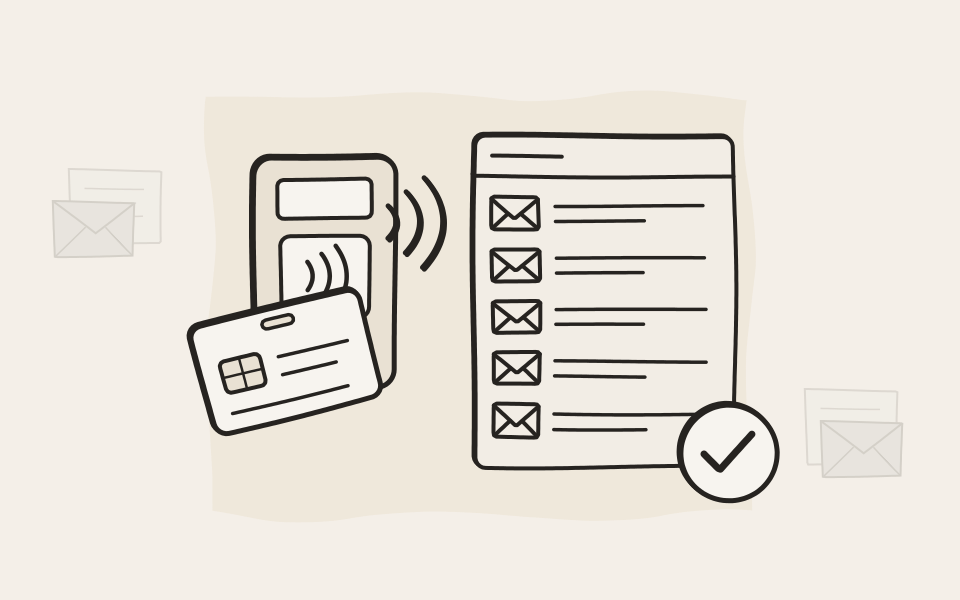
Show as much of EMA as you like
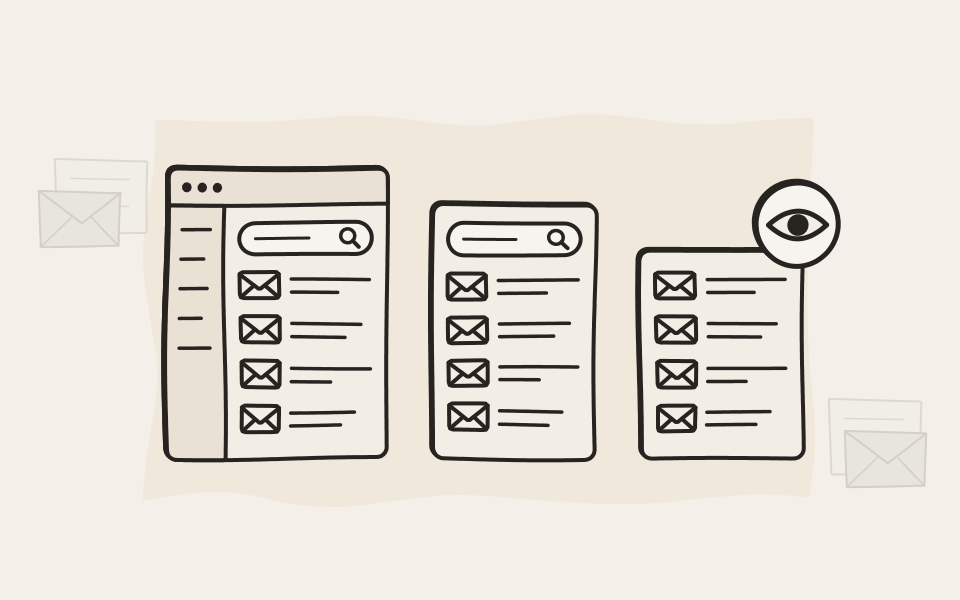
Show EMA with its menus, with the search fields folded away, or the results alone, so the archive blends into your screen.
Ideas
Where teams put it
Customer service
Everything about a ticket right next to it, so nobody asks the customer twice.
Sales
The offer, the negotiation and the order confirmation, right on the customer record.
Accounting
The invoice, the reminder and the reply, found by the invoice number.
Projects
Plans, approvals and change requests, listed by project number.

See your own application with the archive in it
Tell us which application your team lives in. We'll show you how SMART Link fits.