
EMA Print
If you can print it, you can archive it.
Add an EMA archive printer and print to it from any program. EMA keeps a signed, searchable PDF of everything that goes through it. It can even pass the print on to a real printer.
Nothing to change
If a program can print, it can archive. Nothing needs to be installed in it, and nothing needs to be rewritten.
A searchable PDF
The print is turned into a PDF, and the words inside it can be searched.
Search by document number
Programs name their print jobs, often with the document number. That name is what the search results show.
Filed under who printed
EMA files each printout under the account of the person who printed it, or under an archive account of the printer itself.
Use cases
Why print to the archive
Software nobody maintains anymore
A custom program, perhaps written in Visual Basic 6, that nobody maintains anymore. It still has a Print button. Print to the archive printer and its output is kept.
Retiring an ERP system
Quotes, invoices, order confirmations and credit memos have to stay available long after the system is gone. Print them all in one batch run into an archive of their own, and the old system can be switched off.
A copy of every letter you send
Business letters that are printed and mailed are records. Print them through the archive printer and the copy is kept, without scanning anything.
Plans and project papers
A construction company prints its plotter drawings and the letters of every project to the archive. Years later, a complaint is answered from the archive, not from paper folders, and nobody digitizes those folders afterwards.
Add a printer
Add an archive printer in the EMA web interface, then install it like any network printer on the computers that print.
Print from the program as usual, one document or a batch run of thousands.
Keep
The document is signed, encrypted and time-stamped, and kept in the archive.
Find
The job title and the text of the PDF go into the index. Search for a number or a word on the page.
Pass-through
Archive while you print
When you add the archive printer, name your real printer as its destination: a Windows shared printer, or one that speaks IPP, LPD or JetDirect. Staff then print to the EMA printer instead of the real one. The paper comes out as before, and the archive holds the same document, signed and searchable. For the people printing, only the choice of printer changes.
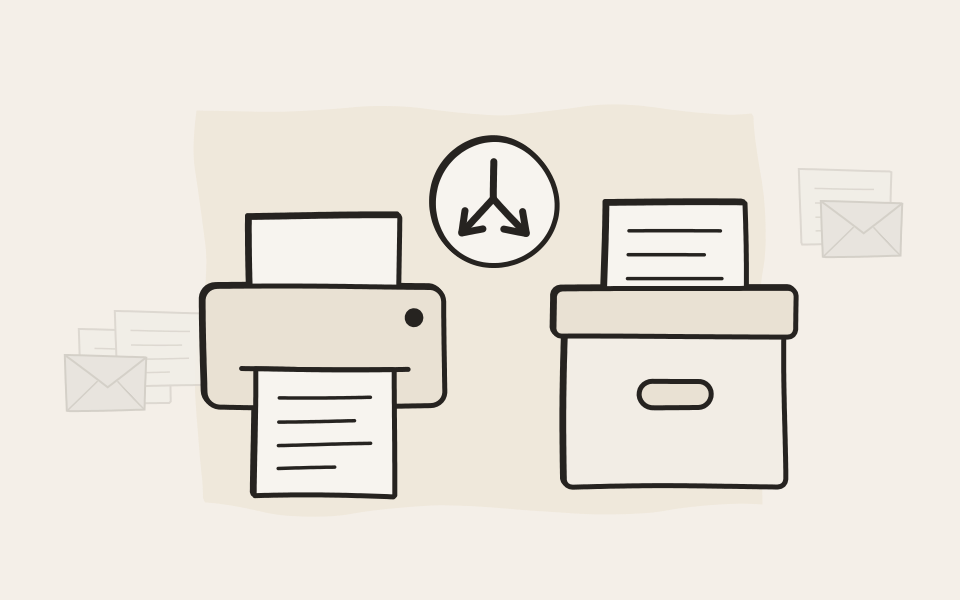
Print it once, find it by what is on it
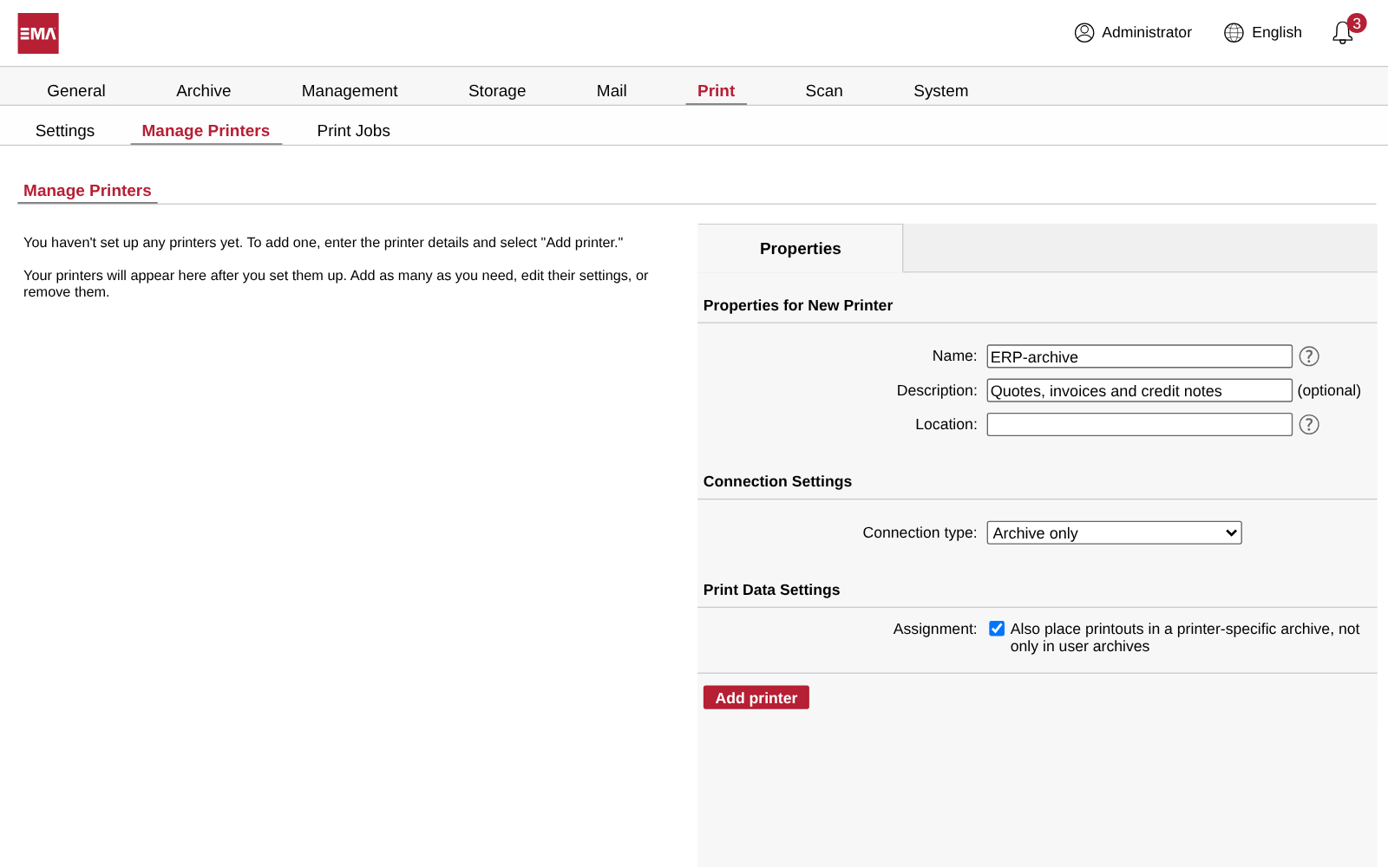
Add the archive printer
In the web interface an administrator gives the printer a name and chooses Archive only. One more check box files every printout in an archive of the printer too.
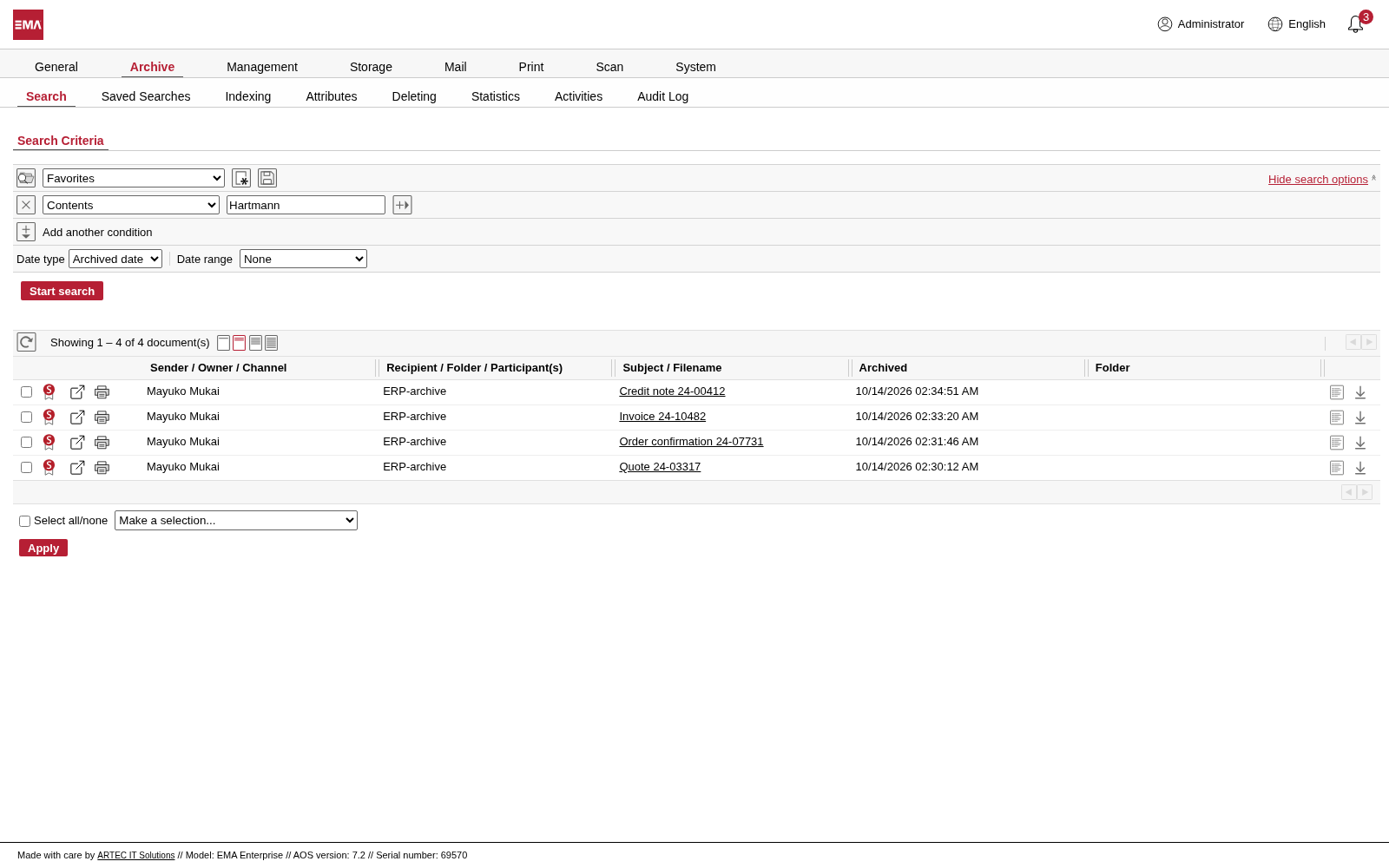
Search for a customer
One search finds the quote, the order confirmation, the invoice and the credit memo. The subject is the title the program gave each print job.
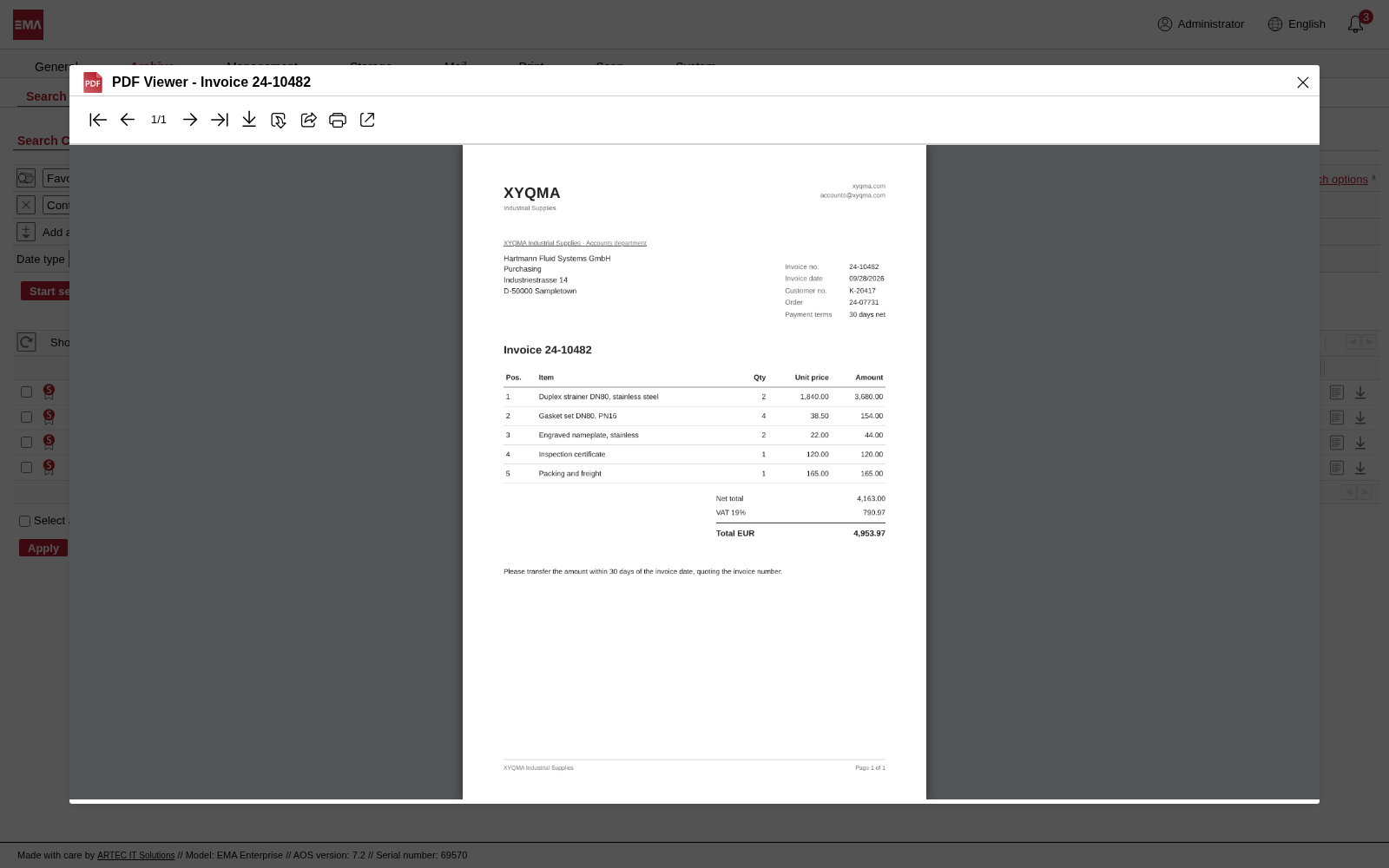
Open the document
The invoice opens as the PDF it was printed to, exactly as it was archived.
Questions about EMA Print
Which computers can print to EMA?
Windows, Mac, Linux and Unix machines, and older hosts that send to a network printer. EMA shares its printers through Windows printer sharing, IPP, LPD and HP JetDirect, and you switch on the ones you need. On Windows the driver installs itself when the printer is added.
Does EMA Print work with EMA Cloud?
Yes, with the On-Premise Access Connector. It opens a tunnel between your network and your EMA Cloud, and the computers in your office print to EMA Cloud as if the archive printer stood next to them.
Is the paper copy the same as the one in the archive?
If you want it to be. One setting per printer sends the real printer the document EMA archived, instead of the print job as the program sent it. What lands on paper and what sits in the archive are then the same document.
What is kept, and in which format?
Printouts are kept as PDF, and the words on the page can be searched. Plain-text output and HP-GL plotter files are archived too, and one setting per printer keeps them in their original form instead of converting them to PDF.
Our old system prints plain text in an odd character set. Does that work?
Yes. Each printer has its own code page for plain text, chosen from more than 100, including the EBCDIC code pages of IBM hosts and the old DOS and Windows sets. The text arrives in the archive the way it was meant to read.
How does EMA know who printed a document?
Every print job carries the user name of the person who sent it. EMA looks that name up in Active Directory or your LDAP directory and files the printout in that person's archive. Check one more box and it goes into the printer's own archive as well.
Can the accounting team see every invoice that was printed?
Yes. Make the team delegates of the printer's archive, and they search all its printouts, whoever printed them. Everyone else still sees only their own.
How many archive printers can we set up?
As many as you need, one for each program, each department or each real printer. The Active Print Jobs page shows every job with its printer, user, size and status, so you can see at once that a print run has arrived.
Can we search only printouts?
Yes. The document type filter narrows any search to printouts, or to only PDF, plain-text or plotter printouts. Combine it with a customer name or a document number, and you have the invoice in seconds.

In 10 minutes, you'll know if we're a fit.
Request a demo. We start with the honest version of what EMA does and doesn't do, and whether it suits your company. If it does, we spend another twenty minutes on the details.